
Most businesses don’t start with a custom website.
They pick a theme, install a few plugins, tweak some colors… and that’s it. Done.
And honestly, in the beginning, that works.
But after a while, things start feeling off. The site slows down a bit. You add another plugin. Then another. Something breaks. Fix it. Move on.
And somewhere in between all that, leads just… stop improving.
That’s usually when people start looking into custom WordPress development services. Not because they want something fancy — but because the current setup just isn’t doing the job anymore.
If you’ve reached that point, even slightly, it might be worth checking what proper WordPress development services can actually change behind the scenes.
Because it’s not always obvious at first.
Why Custom WordPress Development Even Matters
Templates aren’t bad. They’re just… general.
They’re made for everyone, which means they’re not really built for anyone specific. That’s where the gap starts.
You get features you don’t need, and sometimes miss the ones you actually do.
And over time, all those extra layers — plugins, builders, add-ons — start affecting performance.
Custom development flips that.
Instead of adjusting your business to fit the website, the website is built around how your business already works.
It sounds simple, but the difference shows up in speed, usability, and even how people interact with your site.
1. Speed Improves — And You Notice It Immediately
You don’t always notice speed when it’s good.
But you definitely notice it when it’s bad.
A slow-loading page doesn’t just “feel annoying.” People actually leave. Quietly. No warning.
And most of the time, it’s not one big issue. It’s small things stacking up:
- heavy themes
- too many plugins
- unoptimized images
- messy code
Custom WordPress builds remove a lot of that.
Cleaner code. Fewer dependencies. Less clutter.
And suddenly, the site just… works better.
If your website already feels a bit slow, even occasionally, looking into WordPress speed optimization can uncover things you probably didn’t even realize were affecting it.
2. You Get Features That Actually Make Sense
Here’s the thing.
Most templates give you “features.” But not necessarily the right ones.
Let’s say you run a service business. Do you really need 15 layout options? Probably not.
What you do need is:
- a clean way for users to contact you
- maybe a booking system
- something that guides them to take action
That’s where custom work helps.
Instead of adjusting your process to fit the theme, you build features around how your business already operates.
And small changes here can make a big difference. A simpler checkout. A clearer form. A smoother flow.
If conversions feel stuck, it’s often not traffic — it’s experience. And improving that through better UI/UX design usually fixes more than people expect.
3. Mobile Stops Feeling Like an Afterthought
Open your website on your phone.
Not quickly. Actually use it.
Scroll. Tap things. Try filling a form.
If anything feels slightly off, that’s already a problem.
Most themes are “responsive,” but that doesn’t always mean comfortable to use.
Custom WordPress sites are usually built mobile-first now. Which means:
- layouts make sense on smaller screens
- buttons are easy to tap
- pages don’t feel cramped
And that matters more than ever, since most users aren’t even on desktop anymore.
If your mobile experience feels clunky, it’s often a structural issue — something that better mobile-friendly development can fix properly.
4. SEO Becomes Easier (Not Just Possible)
A lot of people think WordPress is automatically good for SEO.
It can be. But not always.
Themes sometimes come with messy structures. Extra code. Poor heading usage. Things you don’t really see — but Google does.
With custom WordPress development, you control that structure.
Cleaner code. Better page hierarchy. Faster load times.
All of that feeds into how your site performs in search.
If you’re not showing up where you should be, or traffic feels inconsistent, improving things through proper SEO services alongside development can make a noticeable difference over time.
5. Your Website Actually Grows With You
This is where most template sites struggle.
They’re fine… until they’re not.
You add more pages. More features. More traffic. And suddenly things start slowing down or breaking in weird ways.
Custom-built sites are different.
They’re usually designed with growth in mind from the start.
Which means:
- fewer conflicts
- better stability
- easier scaling
And honestly, fewer headaches later on.
Custom vs Templates (Quick Reality Check)
Not everything needs to be custom from day one.
But there is a difference:
| Feature | Custom | Template |
|---|---|---|
| Speed | Consistent | Varies |
| Flexibility | High | Limited |
| Growth | Easier | Restrictive |
| Maintenance | Cleaner | Plugin-heavy |
Templates are a starting point.
Custom is what you move to when things start mattering more.
When It Probably Makes Sense to Switch
You don’t need to overthink this.
If your website:
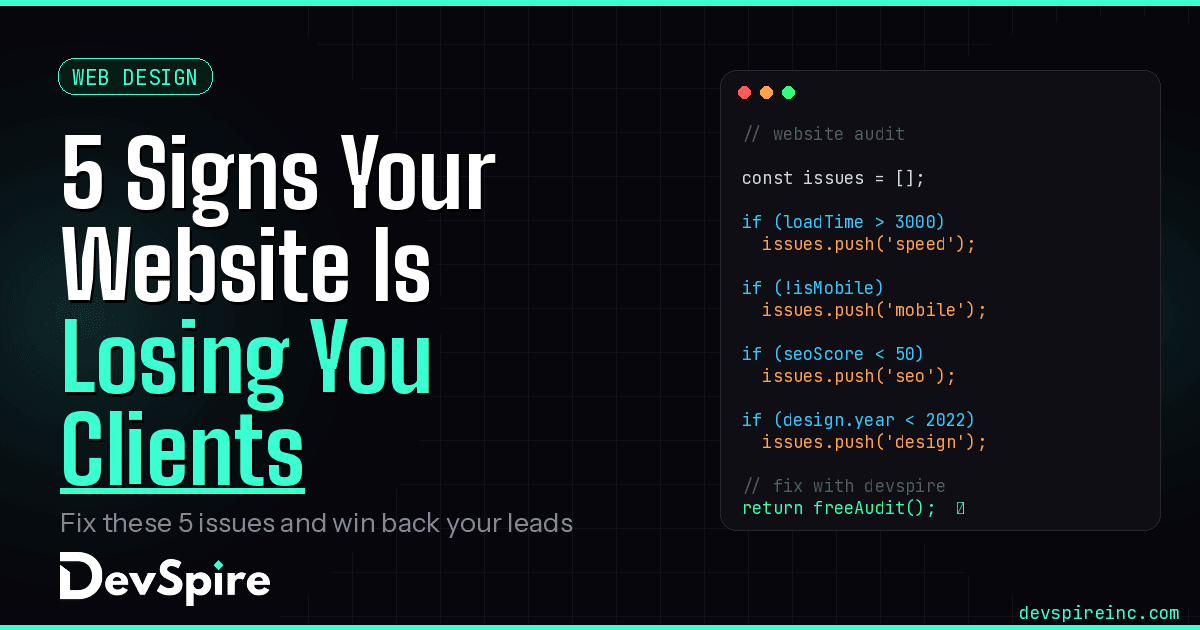
- feels slow
- looks fine but doesn’t convert
- breaks when you add things
- or just feels hard to manage
…that’s usually your sign.
Common Mistakes
A lot of issues come from small habits:
- installing too many plugins
- ignoring performance
- not testing mobile properly
- leaving SEO half-done
None of these feel serious individually. But together, they add up.
Quick Check (Be Honest With This One)
- Does your site load fast every time?
- Is it easy to use on mobile?
- Do people actually take action on it?
- Are you showing up on Google?
If a couple of these feel “off,” that’s probably where the problem is.
Final Thoughts
A website doesn’t need to be perfect.
But it should at least work properly.
If it’s slow, hard to use, or just not bringing results, it’s probably not doing what it’s supposed to.
Custom WordPress development isn’t about making things look better.
It’s about making them work better.
And if you’re not sure where your site stands right now, you can always check in through the contact page and get a clearer idea of what’s actually holding it back.