
Most SEO advice online is written for blogs, ecommerce stores, or single-product sites. Service businesses get a mention here and there, but rarely does anyone walk through the full picture: how to structure a site with 10, 20, or 50 service pages, how to make Google understand which page does what, and how to actually rank when every page starts to blur into the next.
This guide is for agencies, consultants, and in-house teams running projects at the complexity level of a Custom Web Development Company, where the site has real moving parts: multiple services, location pages, blog content, and a sales funnel that doesn’t fit neatly into one box.
If your service pages aren’t getting indexed, if Google is surfacing the wrong URLs, or if your traffic stopped moving despite months of content publishing, the sections below will tell you why and give you something concrete to fix.
What Makes Service Websites Harder to Rank Than Simple Sites
A personal blog has one job: publish content, earn links, rank for long-tail keywords. A service website has to do something harder. It has to convince Google that each service page deserves its own ranking position, that the blog supports the services rather than competes with them, and that the overall site structure makes semantic sense.
Here is where most service sites get into trouble.
Too many similar pages competing for the same terms. A web design company that has separate pages for “web design,” “website design,” and “website development” often finds that none of them rank well because Google can’t figure out which page is the primary one. This is content cannibalization, and it’s more common than most site owners realize.
Pages that are technically crawlable but semantically orphaned. If a service page has no internal links pointing to it, Google can still find it through the sitemap. But without links, Google has very little signal about how important that page is relative to everything else on the site.
Blog content that accidentally competes with service pages. Writing a blog post titled “How Much Does SEO Cost?” might seem like a great traffic idea. But if you also have a services page that answers that exact question, you’ve just created a situation where Google has to pick one. It doesn’t always pick the right one.
Poor crawl depth management. If a service page is buried three or four clicks from the homepage, Google’s crawl budget (the number of pages it’s willing to crawl per session) may not reach it regularly. For large service websites with dozens of pages, this becomes a real indexability problem.
These issues don’t happen because someone made an obvious mistake. They happen because service websites grow organically, one page at a time, without anyone mapping the full architecture upfront.
The 5 Most Common SEO Issues on Complex Service Websites
After auditing dozens of service business websites, the same problems show up again and again.
- No clear page hierarchy. The site treats all service pages as equal when they’re not. A “Services” overview page, a category page for “Digital Marketing,” and a specific page for “Email Marketing” serve different purposes and should rank for different query types. Without hierarchy, they blur together.
- Missing or weak title tags and meta descriptions on service pages. Blog posts get all the SEO love. Service pages get templated titles that nobody ever reviewed. “Services | Company Name” is still one of the most common title tags on service websites, and it’s almost useless.
- Thin content on specific service pages. A 200-word service page that names the service and adds a contact form is not enough for Google to understand what the page is about, who it’s for, or why it’s different from a competitor’s page. Google needs substance to rank.
- Zero schema markup. Service businesses have access to rich structured data types (Service schema, Local Business schema, FAQ schema) that many sites simply never implement. This is a missed opportunity to communicate directly with Google in a format it can parse instantly.
- No logical internal linking pattern. Links go everywhere and nowhere. The homepage links to the blog. The blog links to other blog posts. Service pages barely link to anything. There’s no deliberate architecture moving authority and context where it needs to go.
How to Structure Services, Sub-Services, and Blog Content
The cleanest structure for a multi-service website follows a three-tier model.
Tier 1: The homepage. This is your broadest page. It signals what the business does overall and distributes link equity to the most important service category pages.
Tier 2: Category/pillar service pages. These are pages like “SEO Services,” “Web Design Services,” or “Content Marketing.” They target broader commercial keywords and link down to the specific service pages below them.
Tier 3: Specific service pages. These are pages like “Local SEO,” “Technical SEO,” or “Landing Page Design.” They target more specific, often higher-converting keywords.
Tier 4: Supporting blog content. Blog posts sit outside the core service hierarchy but connect to it through internal links. They target informational queries and pass context and authority back to the service pages they support.
Here is a concrete example. Say you run a digital marketing agency. Your homepage links to a category page for SEO Services. That category page links to WordPress SEO services, Local SEO Services, technical SEO, and link building. Each of those specific service pages is then supported by two or three blog posts that address related informational queries.
The blog post about “how to fix crawl errors in WordPress” links back to the WordPress SEO service page. The post about “how to rank in Google Maps” links back to the local SEO page. This is the architecture Google needs to understand what each page does and how they relate to each other.
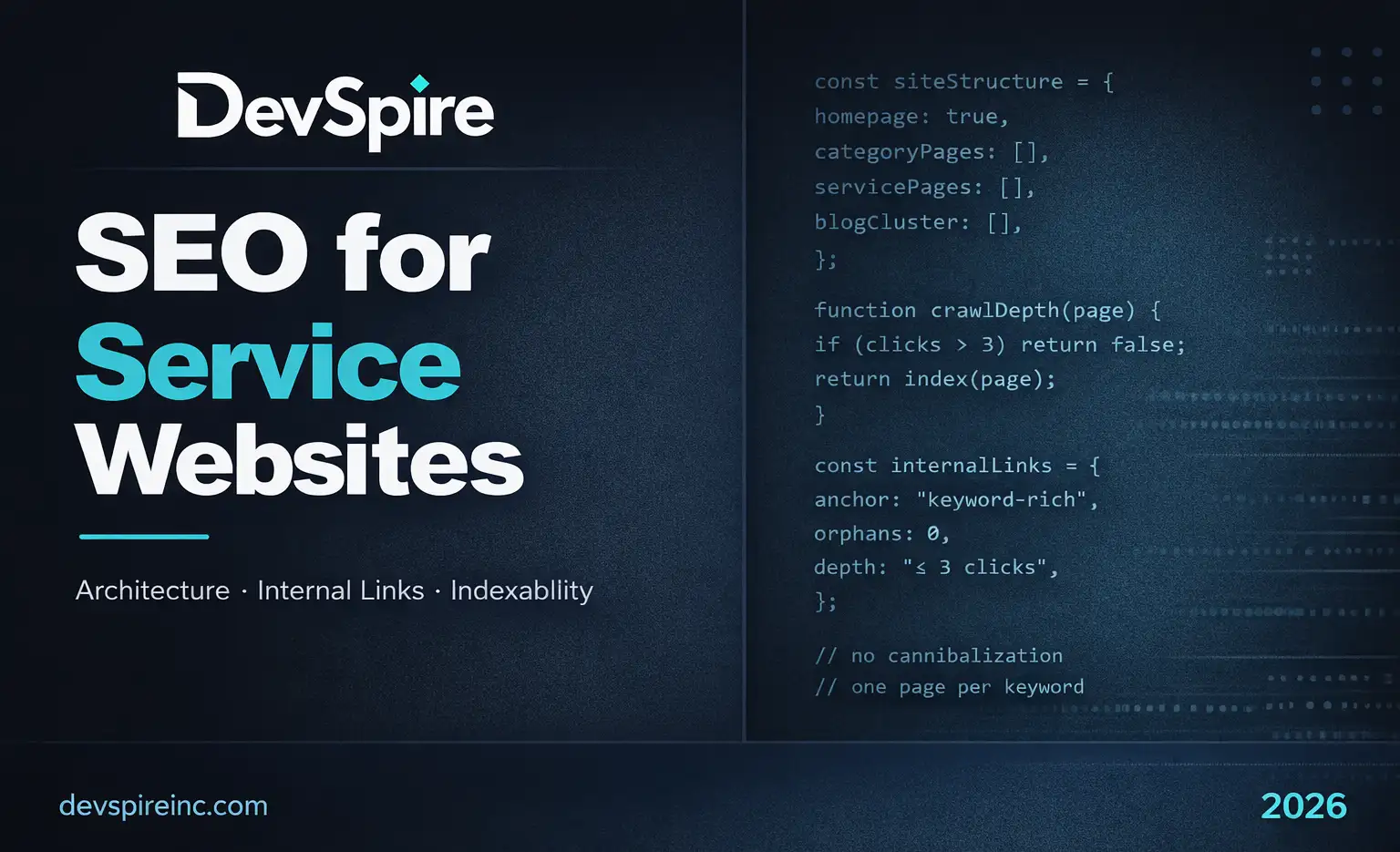
A note on crawl depth: Every page that matters should be reachable within three clicks from the homepage. If a service page takes five or six clicks to reach, Google may crawl it infrequently, which means ranking updates are slower and the page carries less crawl-based authority.
How to Map Search Intent Across Service Pages and Supporting Articles
Not every page on your site should target the same type of query. This sounds obvious but the execution is where most sites fall apart.
Service pages should target commercial intent queries: keywords where someone is evaluating their options before making a purchase or contact decision. Examples: “SEO agency for small businesses,” “WordPress website design services,” “local SEO for contractors.”
Blog content should target informational intent queries: keywords where someone is learning, researching, or troubleshooting. Examples: “why is my website not showing on Google,” “how to improve local SEO rankings,” “what is crawl budget.”
The mistake most service websites make is writing blog posts that target commercial intent keywords. A post titled “Best SEO Services for Small Businesses” is competing directly with your own service page. That’s not a blog post, that’s a second service page, and it’s going to confuse Google about which URL to rank.
Search intent mapping process:
Start with your service pages and confirm each one targets a clearly commercial query. Then look at your blog content and ask: is this post answering a question a potential client would Google before hiring someone, or is it answering a question they’d Google while trying to do something themselves? The first type should be on a service page. The second belongs on the blog.
Topical relevance matters here too. Google’s understanding of a website is partly based on the overall topical cluster it represents. A site that covers SEO, web design, content marketing, and social media management needs enough depth in each cluster to signal genuine expertise. That means multiple supporting posts per service, not just one.
Internal Linking Framework for Service Websites
Internal links do two things: they tell Google which pages are important, and they tell Google what each page is about. The anchor text you use in a link is a relevance signal. A link that says “click here” tells Google nothing. A link that says “WordPress SEO optimization” tells Google exactly what the destination page covers. If you want to go deeper on building this out properly, here’s our full guide on internal linking structure for service websites.
Here’s a practical framework.
Homepage links: Point to your main category service pages using keyword-relevant anchor text. Don’t link to every page from the homepage; focus on the top five or six most important pages.
Category page links: Point down to all specific service pages in that category, and point to two or three of the most authoritative blog posts covering related topics.
Specific service page links: Point back up to the category page and point to one or two blog posts that address common questions your target client would have. Optionally, link to related service pages where the connection is genuine (not forced).
Blog post links: Every blog post should link to at least one service page that’s contextually relevant. This is the most underused internal linking opportunity on most service websites. Blog posts accumulate links from other sites, and that authority needs a path back to the pages you actually want to rank.
Avoiding orphan pages. An orphan page is any page with zero internal links pointing to it. Run a crawl audit (Screaming Frog, Sitebulb, or Ahrefs Site Audit all do this) and find every page that isn’t getting linked to internally. Either add links to those pages or decide they shouldn’t exist.
How to Avoid Cannibalization Between Blog Posts and Service Pages
Cannibalization happens when two pages on your site compete for the same keyword. Google has to pick one to rank and it doesn’t always pick the one you want.
This usually happens because the site has no clear separation between category pages and service pages to begin with. We break down the category pages vs service pages SEO difference in detail, because getting that wrong is usually the root cause of cannibalization.
How to find cannibalization issues:
Search Google for site:yourdomain.com “keyword you care about” and see how many pages show up. If more than one page appears for a commercial keyword, you have a problem.
Also check Google Search Console. Look at which URLs Google is showing for your target keywords. If a blog post is getting impressions for a term you want your service page to rank for, that’s a cannibalization signal.
How to fix it:
Option 1: Merge the blog post into the service page. If the post covers information that belongs on the service page anyway, consolidate it. Redirect the old URL to the service page.
Option 2: Rewrite the blog post to target a clearly informational intent query that doesn’t overlap with the service page’s commercial focus.
Option 3: Add a canonical tag pointing from the blog post to the service page if the content is legitimately similar and you want to keep both URLs.
The goal is for every commercial keyword to have exactly one page competing for it: the right page.
What Google Needs to Understand Your Site Better
Beyond structure and links, there are a few technical and content signals that help Google index and rank service websites more accurately. One of the most common questions we get is why service pages are not indexed despite being in the sitemap.
Schema markup. Use Service schema on your service pages. This lets you explicitly define the service name, description, area served, and provider. For local service businesses, Local Business schema adds another layer of clarity. FAQ schema on service pages can also earn rich results for question-based queries.
Clear on-page signals. Each service page should have: an H1 that names the service directly, a clear first paragraph that states who the service is for and what problem it solves, headers (H2, H3) that address the specific questions a buyer would have, and a call to action that makes the commercial intent of the page obvious.
Crawl accessibility. Make sure your robots.txt isn’t accidentally blocking important pages. Use Google Search Console’s URL Inspection tool to check whether specific service pages are indexed and what Google’s last crawl looked like. If a page is submitted in your sitemap but not indexed, the inspection tool will usually tell you why.
Page speed and Core Web Vitals. Service pages with slow load times, especially on mobile, lose rankings. Google’s own data shows that pages taking more than three seconds to load see significantly higher bounce rates. This matters more for service websites than blog sites because the user landing on a service page is often ready to make a decision, and a slow page kills that moment.
Thin content remediation. Any service page under 400 words should be reviewed. That doesn’t mean every page needs 1,500 words, but it does mean every page needs enough content to answer the questions a potential client brings to that URL.
A Simple Action Plan for Improving Indexing and Rankings
This doesn’t have to be a six-month project. Here’s how to prioritize.
Week 1: Audit what you have. Run a crawl with Screaming Frog or a similar tool. Export a list of every page on the site. Flag pages that are thin (under 300 words), orphaned (no internal links pointing in), or duplicating another page’s focus keyword.
Week 2: Fix the structure. Map your site hierarchy on a spreadsheet. Define which page is your primary page for each service. Identify where category pages are missing. Create them if needed, and redirect any overlapping pages into the correct hierarchy.
Week 3: Fix internal links. Add internal links from blog posts to their corresponding service pages. Make sure every service page links to its category page. Make sure the homepage links to your top-priority category pages.
Week 4: Improve service page content. Pick your three most important service pages and expand the content. Add FAQs, address objections, explain the process, and include specific details that demonstrate expertise. This is the EEAT work that matters most for service pages: experience, expertise, authoritativeness, trust.
Week 5 onward: Ongoing content with clear intent targeting. Publish blog posts that target informational queries related to each service cluster. Always include at least one contextual internal link back to the relevant service page. Track rankings monthly in Search Console or Ahrefs.
Final Checklist for Service Websites
Use this before publishing any new service page or doing a full site audit review.
Site architecture:
- Each service has one primary page
- Category pages exist for each service group
- No page is more than 3 clicks from the homepage
- All important pages appear in the XML sitemap
Content:
- Each service page has a unique, keyword-relevant H1
- Each service page has at least 400 words of substantive content
- No two pages target the same primary keyword
- Blog posts target informational intent, service pages target commercial intent
Internal linking:
- Every service page has at least 3 internal links pointing to it
- No orphan pages exist (confirmed by crawl audit)
- Blog posts link to their corresponding service pages
- Anchor text is descriptive, not generic
Technical:
- Service schema implemented on all service pages
- Title tags are unique and include the target keyword
- Meta descriptions are unique and written for click-through
- Core Web Vitals pass for mobile
- [ ] Google Search Console shows no indexing errors for key service pages
Cannibalization check:
- No two pages compete for the same keyword
- Google Search Console confirms the right URL ranks for each target term
One More Thing Worth Saying Directly
SEO for service websites is not a publishing volume game. I’ve seen agencies crank out 60 blog posts in a year and watch rankings go nowhere, because the underlying architecture was broken the whole time. The posts had nowhere useful to point. The service pages were thin. The internal links were random.
Structure first. Content second. That order matters.
If your site has more than five or six service pages, the architecture is the product. Every page should have a defined job, every internal link should serve a purpose, and every blog post should connect back to something you actually want to rank.
When that’s in place, Google doesn’t have to guess what your site is about. It just knows. And when Google knows, the right clients find the right pages.