
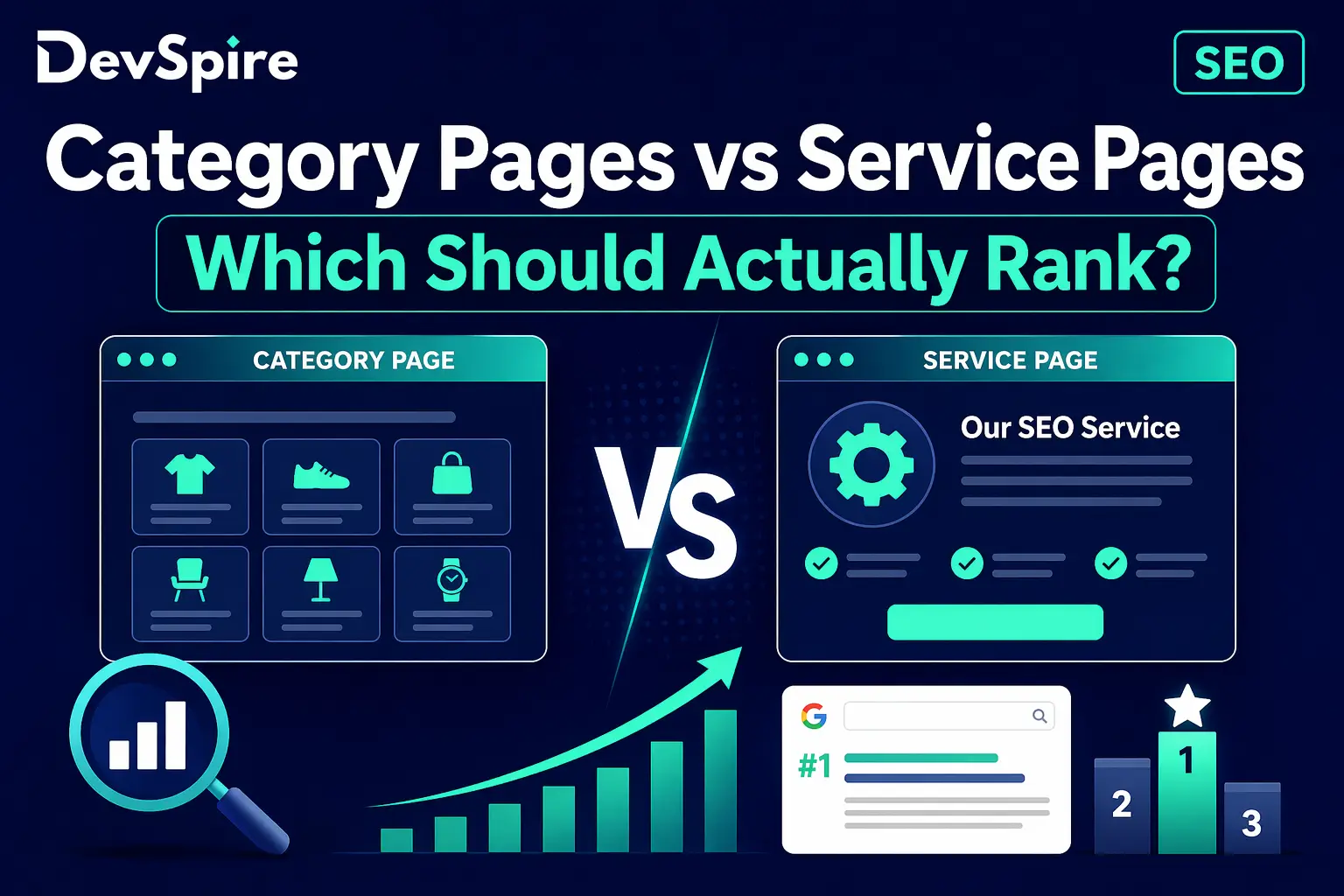
Most service websites have both category pages and service pages. Very few have a clear plan for which one does what.
The result is predictable. Google ends up choosing between two pages that seem to be about the same thing. It picks one, often the wrong one, and the page you actually built to convert visitors sits ignored while a thin category archive or a poorly structured hub takes the ranking spot you wanted.
This is not a content problem. It is a page purpose problem. Two pages serving the same intent is a signal conflict, and Google resolves signal conflicts by guessing. You do not want Google guessing.
This article explains what separates a category page from a service page in SEO terms, which one Google should rank for which type of query, and what to do when they are fighting each other.
For the full architecture picture first, our SEO strategy guide for service websites covers site structure, intent mapping, and content hierarchy in one place. Come back here when you are ready to go deeper on page type conflicts.
What a Category Page Actually Is
A category page groups related services or content together under one umbrella. On a service website it looks like “SEO Services,” “Web Design Services,” or “Digital Marketing.” Its job is to organize and distribute, not to convert.
It signals to Google which service pages belong together, passes authority down to the specific pages below it, and captures broader queries from users who are still evaluating options rather than ready to hire.
The category pages worth building are hand-crafted hub pages with real content: a clear description of the service group, links to every specific service page in that group, and enough depth to tell Google this page owns the topic at a category level.
What category pages are not is conversion pages. A visitor landing on a category page is still in research mode. They want to understand scope, not sign a contract. If your category page is written to close a sale, it is doing the wrong job for the wrong audience.
The weakest version of a category page is an auto-generated archive or taxonomy page. These get created automatically by most CMS platforms and add no original content. They often get indexed, sometimes rank for broad terms, and regularly compete with the real hub pages you actually built. In audits we run, this is one of the most common structural problems we find on service websites: auto-generated archives eating into the rankings of hand-crafted hub pages.
What a Service Page Actually Is
A service page is a commercial landing page. It has one job: convert a qualified visitor into a lead.
It targets a specific high-intent keyword. “Local SEO for contractors.” “WordPress website redesign.” “Technical SEO audit for SaaS companies.” The person landing on this page knows what they want. They are not browsing. They are evaluating whether you are the right fit.
A service page needs depth. It names the service clearly, explains who it is for, describes the process, addresses the objections a buyer brings to the conversation, and ends with a clear call to action. A 200-word page with a headline and a contact form is not a service page. It is a placeholder.
Service pages sit at Tier 3 in the site hierarchy, below category pages, above nothing. They do not need to group or organize anything. They need to rank for specific queries and convert the traffic they get.
If your service pages are not doing that, the problem is usually one of two things: either the page targets a keyword that is too broad for a conversion page, or the page does not have enough content for Google to understand what makes it different from every other page targeting the same term.
The Intent Gap That Decides Which Page Ranks
Google ranks pages based on how well they match the intent behind a query. Intent is the deciding variable, not page type.
Broad commercial investigation queries match category page intent. “SEO services for small businesses.” “Web design agency options.” The user is still comparing, not deciding. A category hub page that covers the full scope of what you offer is the right match.
Specific high-intent queries match service page intent. “Local SEO for plumbers in Manchester.” “WordPress redesign agency for law firms.” The user knows what they want. A focused service page that addresses that exact need is the right match.
Informational queries belong on blog posts. “What is technical SEO.” “How do category pages work.” These should never be on service or category pages.
The mistake most service websites make is building service pages that target broad category-level queries. A service page at /seo-services/local-seo/ should be targeting “local SEO for contractors,” not “SEO services.” If it is targeting “SEO services,” it is competing with its own parent category page, and Google has to choose between them.
That is a fight neither page wins cleanly.
When Google Picks the Wrong Page
Google picks the wrong page when two pages have overlapping intent and no clear hierarchy signal telling it which one is primary.
Three patterns show up in almost every service website audit we run.
The first is the authority mismatch. A category hub page has more internal links pointing to it and ends up outranking a stronger service page for a specific keyword. The service page has better content but less authority because it is not linked to properly. If you are dealing with this, the fix starts with internal link structure, which we cover in full in our guide to internal linking for service websites.
The second is the blog post conflict. A blog post targeting a commercial query outranks the service page for that term. The post is doing the service page’s job. This is a content intent mismatch and it needs to be fixed by either rewriting the post to target a clearly informational query or redirecting it into the service page.
The third is the archive conflict. An auto-generated category or tag archive gets indexed and competes with the hub page because they share similar keyword signals. The fix is either no-indexing the archive or building it out into a real hub page with original content.
How to check which problem you have: open Google Search Console, go to Search Results, filter by a commercial keyword you care about, and look at which URL Google is actually showing. If it is not the URL you intended, you have a ranking page selection conflict.
Four Fixes That Stop the Conflict
- Fix 1: Give each page a different keyword target. Category pages take the broad commercial investigation keyword. Service pages take the specific high-intent keyword. If both pages are targeting the same term or close variants, one needs to change its focus before anything else will work.
- Fix 2: Make the content purpose obvious. A category page should introduce the service group, explain what the sub-services cover, and link down to each specific page. A service page should go deep on one service, address buyer objections, and push toward a clear action. If your category page reads like a service page or your service page reads like an overview, Google cannot distinguish them.
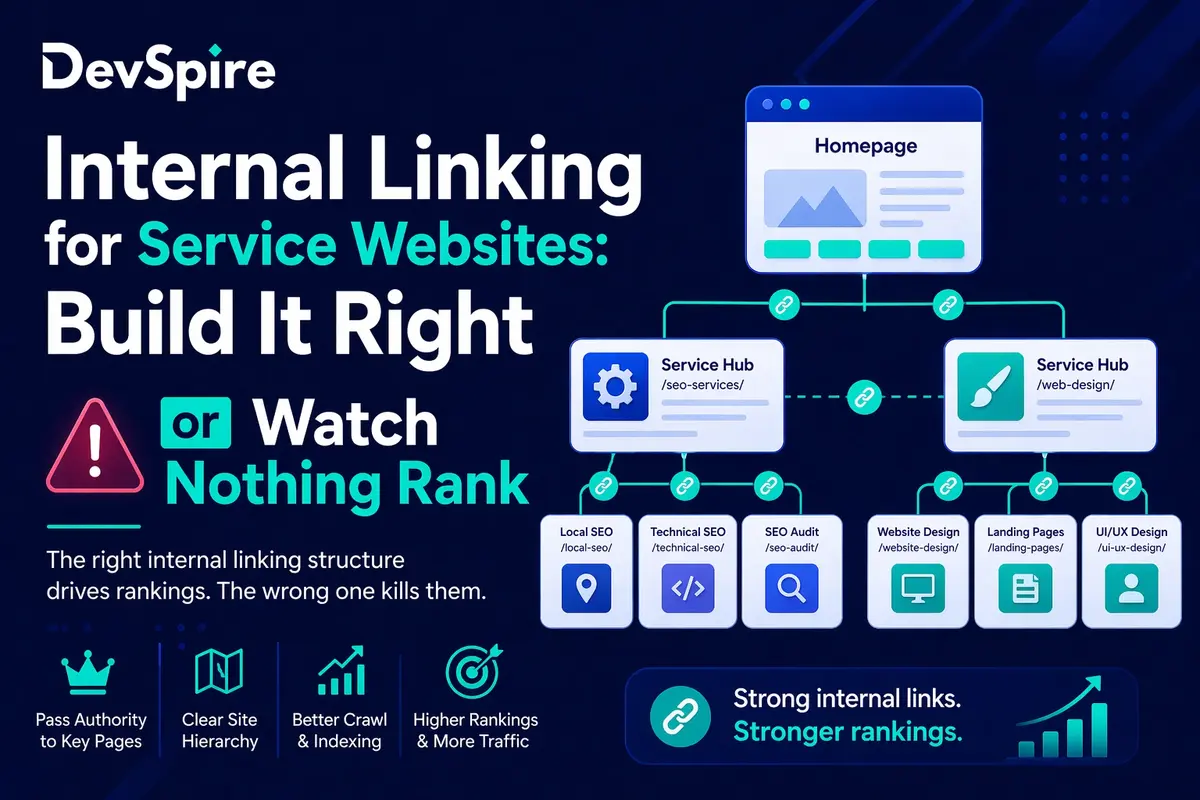
- Fix 3: Use internal links to reinforce the hierarchy. The homepage links to category pages. Category pages link down to service pages. Service pages link back up to their category page. This chain tells Google which page is primary at each level. Without it, authority pools in random places and the wrong pages win.
- Fix 4: Noindex thin archive pages. If your CMS generates tag or taxonomy archives automatically, check whether they are indexed and competing with your hub pages. Either noindex them via the robots meta tag or build them into real hub pages with original content. Leaving them as auto-generated archives is a slow leak on your category page rankings.
Quick Audit: Are Your Pages Fighting Each Other
Four checks, no paid tools required.
First, open Google Search Console. Filter Search Results by a commercial keyword. Check which URL Google is ranking. If it is not the URL you intended, you have a conflict.
Second, run a site:yourdomain.com search in Google for your target keyword. More than one result for a commercial keyword means Google is choosing between pages you did not intend to compete.
Third, in Screaming Frog, check for pages that share H1 text or title tag patterns with your intended ranking pages. Near-duplicate titles are a direct cannibalization signal.
Fourth, compare the inlink count for your category pages versus your service pages in Ahrefs or Search Console. If service pages have fewer inlinks than their parent category pages by a wide margin, authority is stacking at the category level and not flowing down. That means your service pages are underpowered for the keywords they are supposed to win.
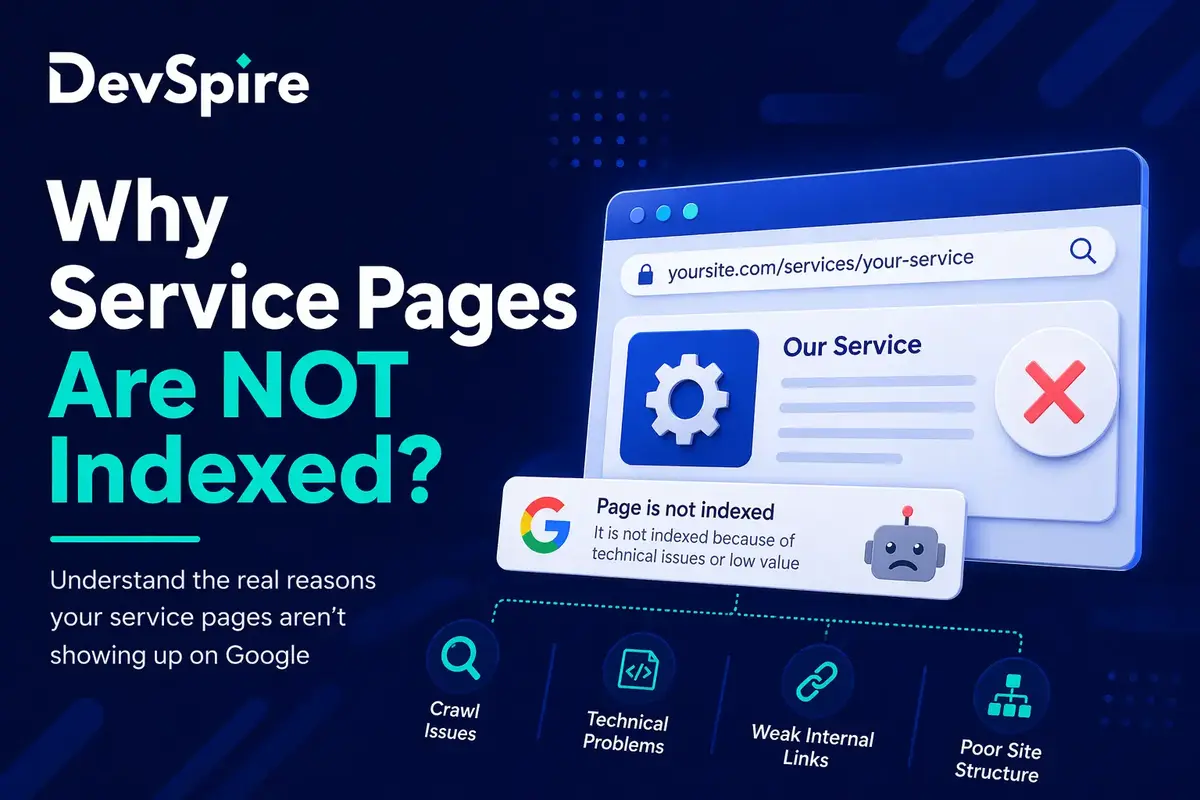
If your service pages are not getting indexed at all before you can even worry about which one ranks, that is a separate diagnostic. We cover it in detail in our article on why service pages are not indexed.
When Google stops guessing between your pages, the right URLs start ranking. Traffic that was already there starts landing where it should. The conversions that were getting lost to the wrong page start coming through.
It is not always a volume problem. Often it is a structure problem. Fix the structure and the numbers move without publishing a single new piece of content.