
Most businesses choose WordPress and never think twice about it. It works, it’s familiar, and there are a million tutorials for it. Fair enough.
But here’s what most people don’t realize: there are actually two very different ways to run a WordPress site. If you’re considering headless WordPress development for your next project, this post breaks down both approaches plainly, no jargon, no upselling. By the end you’ll know exactly which one fits your situation.
What Is Traditional WordPress?
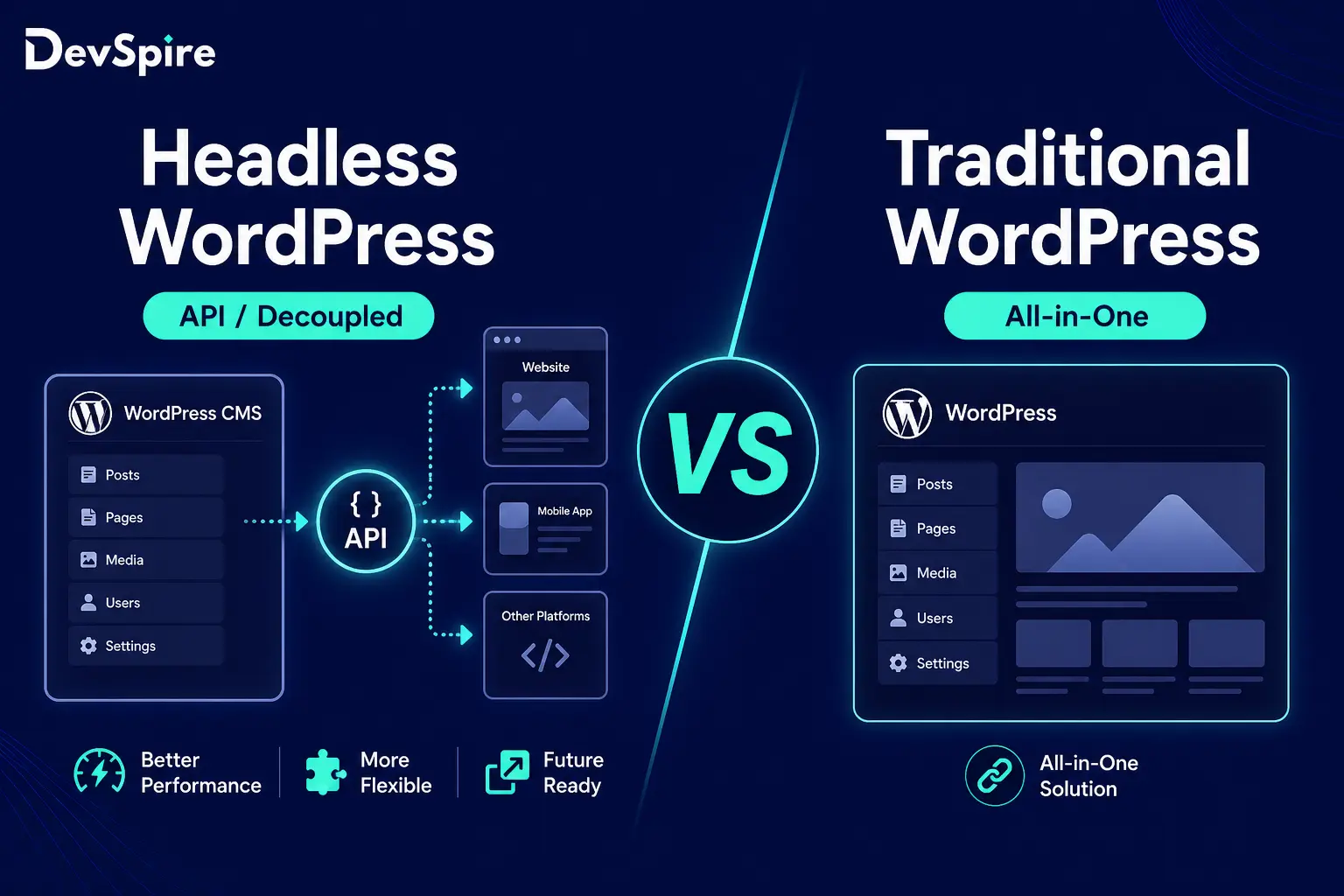
Traditional WordPress is what most people picture when they hear “WordPress site.” The backend, where you write content and manage pages, and the frontend, what visitors actually see, live together in one system. WordPress handles everything: storing your content, applying your theme, and serving pages to users.
It’s how the vast majority of websites on the internet run. And honestly, for a lot of businesses, it works fine. A local service company, a law firm’s website, a portfolio, a blog. These don’t need anything fancy. Traditional WordPress gets them live fast and keeps them manageable.
The limitation shows up when you need serious speed, a custom frontend experience, or the ability to push content to multiple platforms at once. That’s where traditional WordPress starts to show a ceiling.
What Is Headless WordPress?
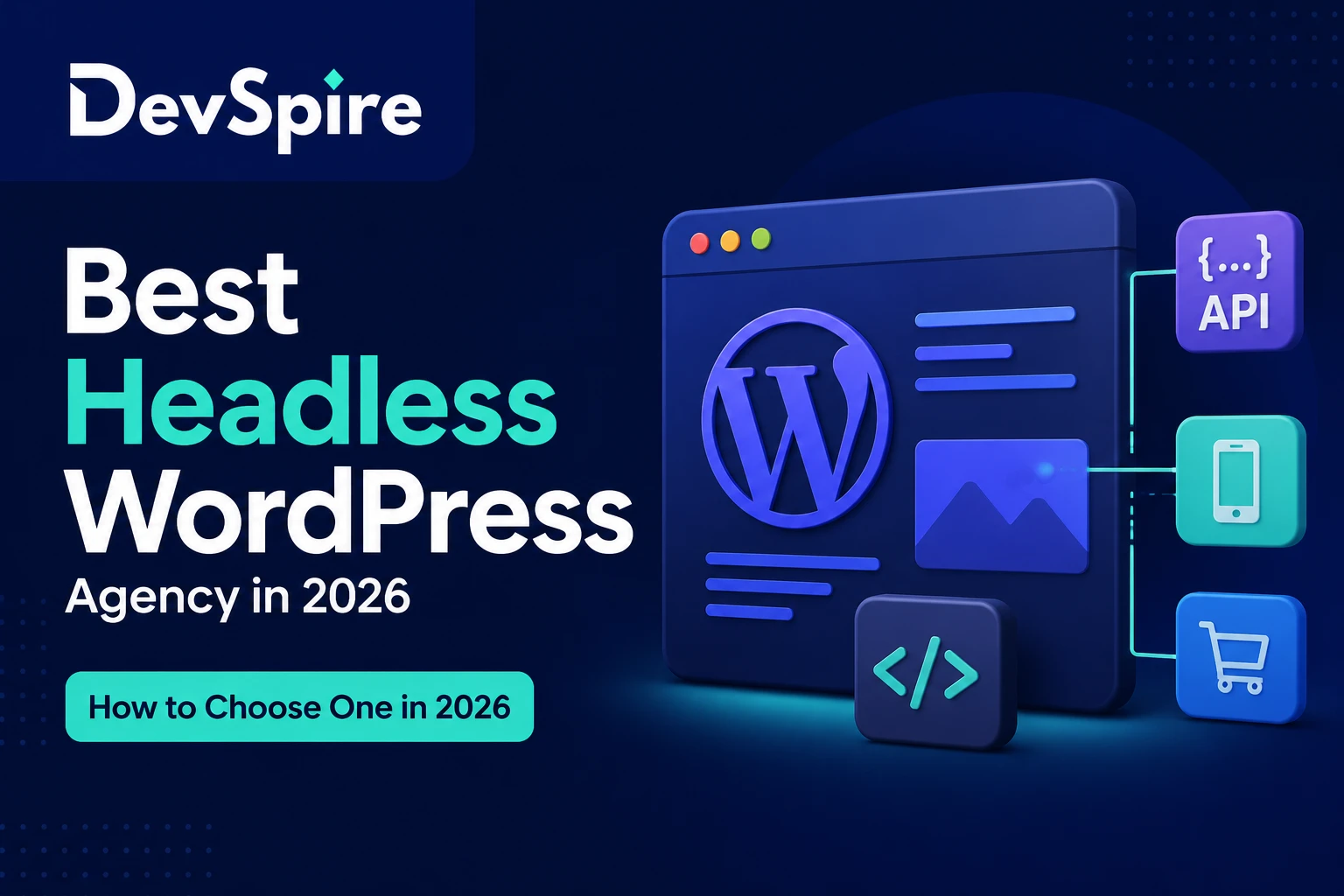
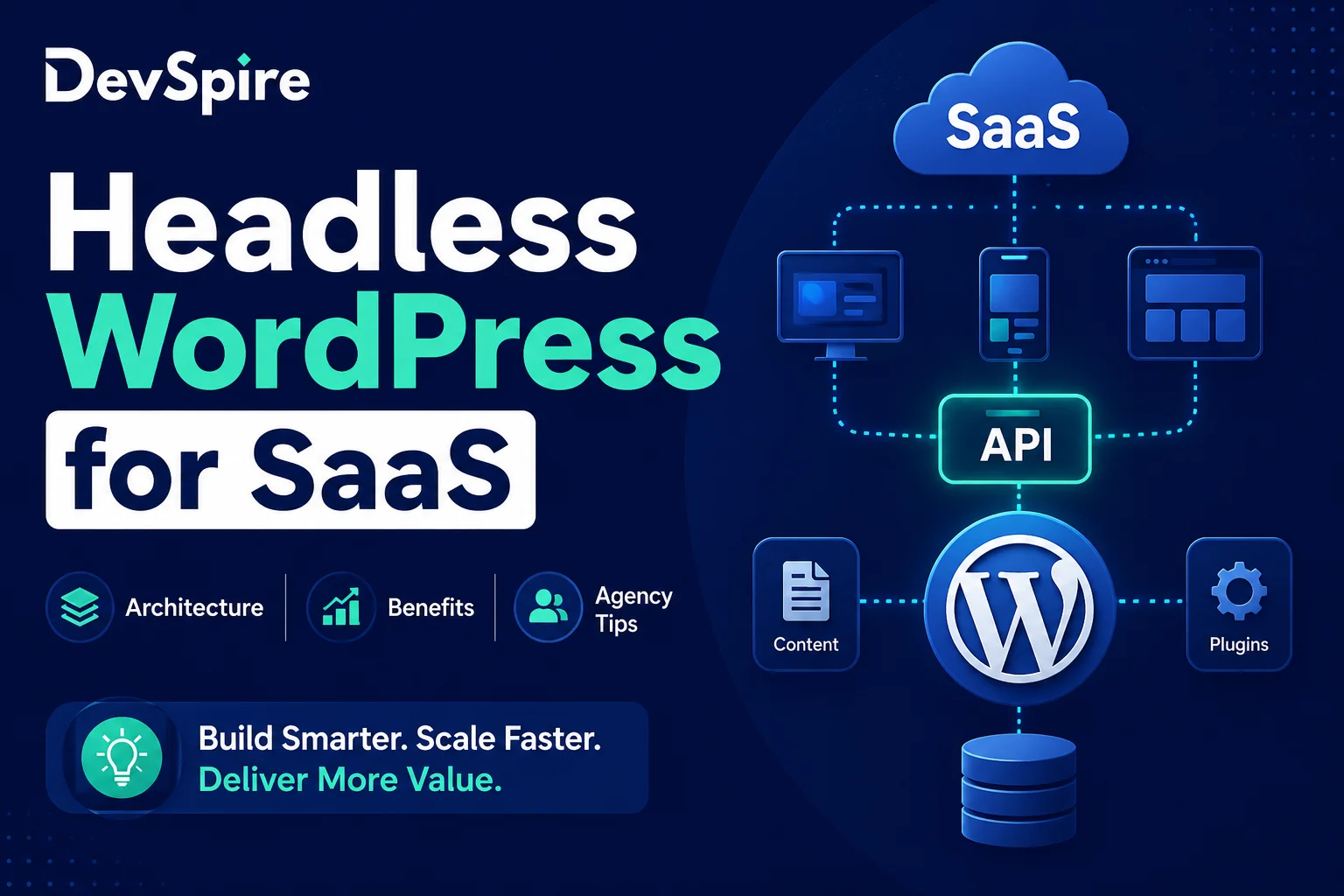
Headless WordPress splits that system in two. WordPress still runs in the background, storing your content, managing your pages, handling your editorial workflow. But the frontend is completely separate, usually built in React or Next.js, and it pulls content from WordPress through an API.
Think of it this way: WordPress is the kitchen. The frontend is the restaurant floor. Customers only ever see the floor. The kitchen just keeps sending out the food.
This separation gives developers complete control over what users see and how fast they see it. There’s no theme engine slowing things down, no bloated PHP rendering on every page load. The frontend can be as lean and fast as the team builds it.
When a client came to us needing a platform that loaded in under a second across multiple regions, traditional WordPress wasn’t on the table. The architecture simply doesn’t allow for that level of performance without serious compromise. That’s the kind of situation where headless WordPress makes sense.
Key Differences at a Glance
| Traditional WordPress | Headless WordPress | |
|---|---|---|
| Setup complexity | Low | High |
| Speed potential | Moderate | Very high |
| Frontend flexibility | Limited by theme | Complete control |
| Cost to build | Lower | Higher |
| Content management | Same | Same |
| Developer requirement | Optional | Required |
| Best for | Blogs, business sites | SaaS, eCommerce, media |
When Traditional WordPress Is the Right Call
Be honest with yourself here. Most businesses do not need headless WordPress.
If you’re running a service business, a company blog, a small eCommerce store, or any site where a clean design and decent speed are enough, traditional WordPress will serve you well. It’s easier to manage, cheaper to build, and your marketing team can update it without touching any code.
The cases where traditional WordPress is clearly the right choice:
Your budget is under $8,000 for the build. Your team will be managing content without developer help. You need the site live in weeks, not months. You’re not delivering content to a mobile app or any other platform simultaneously. You don’t have sub-second load time as a hard requirement.
If most of those apply to you, stop reading about headless and focus on getting a well-built traditional WordPress site with good performance optimization. That’s genuinely the better investment.
When You Actually Need Headless WordPress
There are specific situations where headless stops being optional and starts being the obvious answer.
High-traffic platforms where page speed directly affects revenue. eCommerce stores that process thousands of transactions and can’t afford a slow checkout experience. SaaS products that need WordPress as a content backend but have a fully custom application frontend. Media sites pushing content to web, mobile apps, and third-party platforms at the same time.
The other scenario is when your frontend team works in React or Next.js and forcing them into a WordPress theme would slow them down and limit what they can build. Developers who know modern JavaScript frameworks can build genuinely exceptional user experiences with headless. Asking them to work within a WordPress theme is like asking a chef to cook in a hotel kitchenette.
If your project has two or more of these requirements, headless WordPress is worth the investment. If it has none of them, it probably isn’t. DevSpire builds both, and we’ll tell you honestly which one your project actually needs.
What Does Headless WordPress Actually Cost?
This is where a lot of agencies get vague. We’ll be direct.
A well-built traditional WordPress site runs anywhere from $3,000 to $10,000 depending on complexity, custom features, and design requirements.
A headless WordPress build starts around $10,000 and can go well past $25,000 for larger platforms. The extra cost comes from the frontend development work, which is more technically demanding than theme customization, and from the ongoing maintenance of two separate systems instead of one.
There’s also the hosting consideration. Headless setups often use separate hosting for the frontend, services like Vercel or Netlify, alongside your WordPress backend host. Not expensive, but an extra line item.
The honest answer is: headless costs more because it requires more skilled work. If your project genuinely needs what headless delivers, that cost is worth it. If it doesn’t, you’re spending money on complexity you don’t need.
So Which One Does Your Business Need?
Ask yourself three questions.
Does your site need to load in under a second, consistently, across different devices and regions? Do you need to push the same content to a website, a mobile app, or any other platform at the same time? Does your development team work in React or Next.js and would a WordPress theme slow them down significantly?
If you answered yes to two or three of these, headless WordPress is the right direction. If you answered yes to one or none, a well-optimized traditional WordPress site is the smarter choice for now.
Either way, the goal is the same: a site that performs well, is easy to manage, and actually supports your business.
If you’re still weighing the decision, our team at DevSpire has built both. We’ll give you a straight answer on which one fits your project, without pushing you toward the more expensive option if you don’t need it. Take a look at how we approach headless WordPress development and reach out if you want to talk it through.