
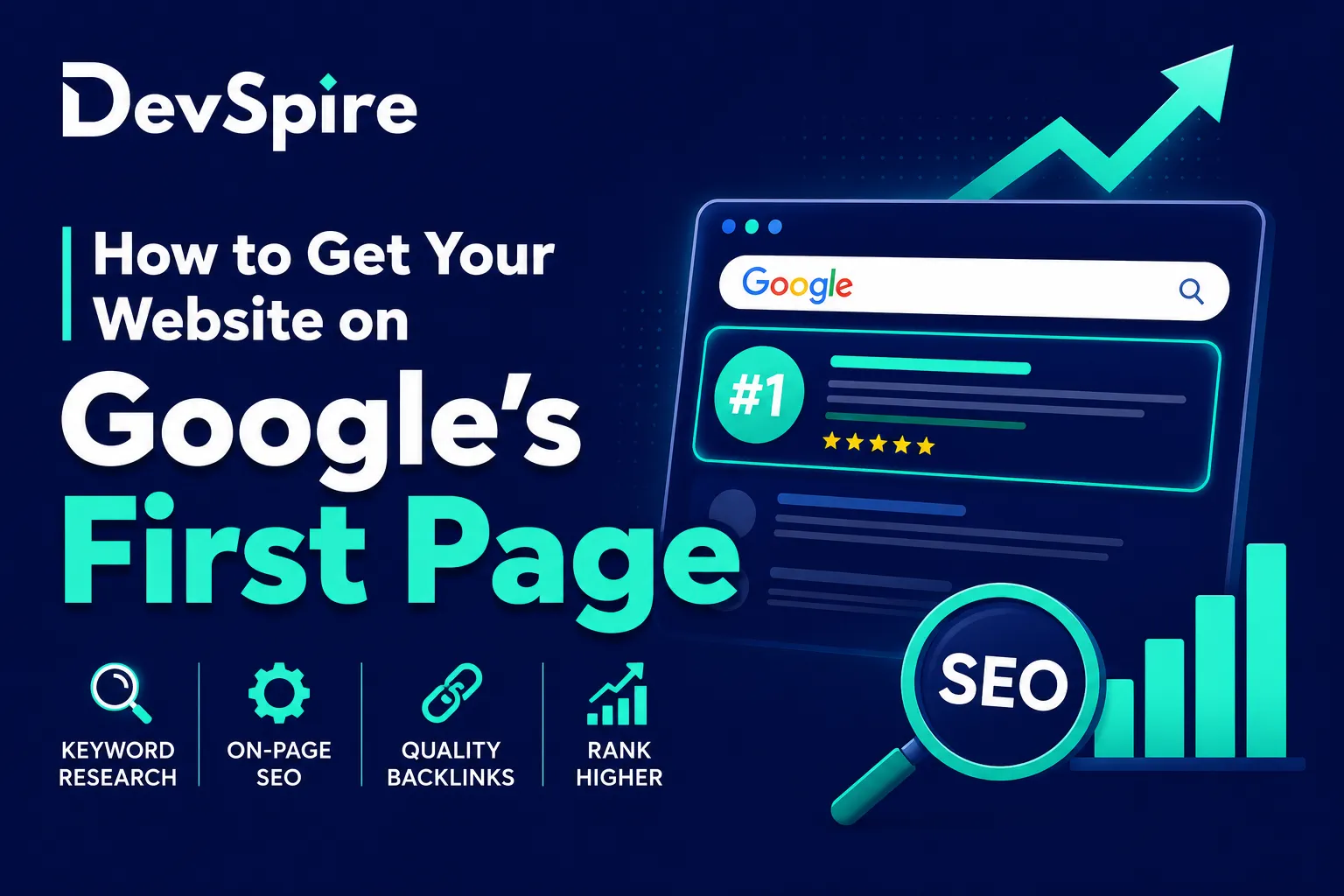
Most people don’t scroll past the first page of Google results. A few do, but they’re the exception. The overwhelming majority of clicks go to the top few results, and if your site isn’t there, it’s mostly invisible.
That’s the real reason page one matters. Not vanity, just math.
Getting there isn’t fast, and anyone who tells you there’s a shortcut is usually selling something. What you can do is work on the right things in the right order, stay consistent, and let the results compound over time. This guide walks through that process step by step.
If you’d rather have a team handle it, the best technical SEO agency in US can audit your site and build a strategy around your specific situation.
The main areas we’ll cover:
- Keyword research
- Helpful, people-first content
- On-page SEO
- Technical SEO
- Backlinks
- Local SEO
- Tracking and improvement
Let’s get into it.
Can You Really Get on Google’s First Page for Free?
Yes, But It Takes Time and Consistency
Organic SEO and paid Google Ads are two different things. With paid ads, you can show up at the top of results almost immediately. With organic SEO, you earn your position through relevance, quality, and trust, and that takes longer. The good news is that organic rankings don’t disappear the moment you stop paying.
Google provides free tools that give you a real head start:
- Google Search Console: tracks how your site appears in search, what queries trigger it, and what pages have indexing issues
- Google Business Profile: for local businesses, this is often the fastest path to visibility
- Google Analytics: shows where your traffic comes from and how people behave on your site
- Google Keyword Planner: helps you find what people are actually searching for
- Google Trends: useful for spotting seasonal patterns and rising topics
SEO Is Free, But Not Effortless
Free doesn’t mean easy. Writing content that genuinely helps people takes real time. Technical fixes, like improving page speed or resolving crawl errors, sometimes require developer support. Building backlinks means reaching out to other sites and earning their trust.
None of this is impossible. It just requires consistent effort over months, not days.
How Google Decides Which Websites Appear on Page 1
Relevance to Search Intent
Google’s job is to show results that match what a user actually wants. Two people can type similar queries and want completely different things, so Google looks at intent, not just words.
There are four main intent types Google considers:
- Informational: the user wants to learn something (“how to get on google first page for free”)
- Commercial: the user is comparing options (“best SEO agency for small business”)
- Navigational: the user wants a specific website (“Google Search Console login”)
- Transactional: the user is ready to act (“hire SEO expert”)
Getting this wrong is one of the most common reasons pages don’t rank. Writing a blog post when Google wants a product page, or publishing a product page when Google wants a guide, will hold you back no matter how good the content is.
Content Quality and Helpfulness
Google’s documentation says its ranking systems are designed to reward content made for people, not content created just to manipulate search rankings. That’s not corporate speak. Google has invested heavily in identifying content that was clearly written to game the algorithm, and it actively devalues it.
What actually works: covering a topic completely, answering real questions, and providing information that the user couldn’t find more easily elsewhere.
Website Trust and Authority
Google considers whether your site is a trustworthy source. The signals it uses include:
- Links from other credible websites
- Brand mentions across the web
- Customer reviews, especially on Google
- Clear information about who runs the site and how to contact them
- Author credentials on editorial content
A brand-new site with no backlinks and no track record will always struggle against an established site, even with identical content. This is why building authority over time matters.
Technical SEO and User Experience
Even excellent content can underperform if Google can’t properly access it. Technical factors that affect rankings include:
- Whether Google can crawl and index your pages
- Mobile friendliness
- Page load speed
- HTTPS security
- Internal linking structure
We’ll cover these in detail below.
Step 1: Choose the Right Keywords
Find Keywords Your Audience Is Actually Searching
Keyword research is where most SEO campaigns either start strong or go wrong from the beginning. The goal is to find phrases that real people type into Google, not the phrases you think they should use.
There are four main types to target:
- Short-tail keywords: broad and high-volume (“SEO”), very difficult to rank for
- Long-tail keywords: more specific (“how to get on google first page for free”), lower competition and often higher conversion
- Question-based keywords: match what people actually ask (“why is my website not showing on Google”)
- Local keywords: location-specific phrases (“SEO company in Austin”)
Focus on Low-Competition Keywords First
A brand-new or low-authority site has almost no chance ranking for “SEO.” The competition is brutal, and the established players have years of authority behind them.
The smarter move is to go specific. Instead of targeting “SEO,” try:
- how to get on google first page for free
- how can i get my website on google first page
- how to make website first on google search
These phrases are more specific, face less competition, and are often closer to what someone actually wants when they search. Ranking for ten long-tail keywords you can actually compete for beats chasing one short-tail keyword you can’t.
Our SEO Services in US has more detail on how we approach keyword strategy for businesses at different stages.
Match Keywords With Search Intent
| Search Intent | Example Keyword | Best Content Type |
|---|---|---|
| Informational | how to get on google first page for free | Blog guide |
| Commercial | best SEO agency for small business | Service page |
| Local | SEO company in Islamabad | Local landing page |
| Transactional | hire SEO expert | Service/contact page |
Getting the content type right is just as important as getting the keyword right.
Step 2: Create Helpful, People-First Content
Write Content That Fully Answers the Search Query
Thin content is a real problem. If someone searches “how to do on-page SEO” and your article covers four bullet points in 300 words, Google has no reason to rank it over a thorough guide that actually explains the topic.
The bar for helpful content is: does this fully answer what the user came to learn? That means covering the topic completely, including examples where useful, adding FAQs for common follow-up questions, and building in checklists where they make sense.
Add Original Value
This is the part that separates forgettable content from content that actually earns links and repeat visits. Original value can come from:
- Real examples from your own work
- Screenshots from Google Search Console showing actual results
- Before-and-after comparisons of SEO improvements
- Case studies with specific numbers
- Quotes or insights from experts with credentials
- Data you’ve gathered yourself
If your content is just a polished version of what’s already on the first page, there’s no reason for Google to rank it above what’s already there.
Update Old Content Regularly
Content doesn’t age gracefully on its own. Statistics go stale. Ranking pages slip when newer, better articles enter the space. FAQs become outdated as the topic evolves.
A regular content audit should include:
- Refreshing statistics and data
- Adding new FAQs based on what people search
- Improving internal links to newer related content
- Updating screenshots and examples
- Re-optimizing the title and meta description
Pages that rank on page 2 are often strong candidates for this kind of refresh. More on that in Step 10.
Step 3: Optimize Your Page for On-Page SEO
Use the Main Keyword in Important Places
On-page SEO is about making sure Google understands what your page is about. The keyword needs to appear in the right places:
- SEO title (the title that appears in search results)
- H1 heading (the main title on the page)
- First 100 words of the content
- At least one H2 subheading
- URL slug
- Meta description
- Alt text for at least one image
Don’t stuff the keyword unnaturally. These placements just help Google connect your page to the query.
Write a Strong SEO Title
The title is the first thing a user sees in search results. It needs to tell them exactly what the page covers and give them a reason to click.
Example: How to Get Your Website on Google’s First Page: 10 Proven SEO Steps
Be specific. Generic titles like “SEO Guide” won’t draw clicks, even if you rank.
Write a Click-Worthy Meta Description
Google says meta descriptions can be used to generate the snippet shown under your title in search results, when they accurately summarize the page. Keep it under 160 characters, include the target keyword naturally, and write it like an invitation: tell the user what they’ll get if they click.
Use Proper Heading Structure
Clear heading structure helps both Google and readers navigate the page. The general rule:
- One H1 only (the page title)
- H2s for main sections
- H3s for supporting points within each section
- FAQs near the end, using H3s for each question
Optimize Images
Images slow pages down when they’re not handled properly. For each image:
- Use a descriptive file name (not “IMG_4923.jpg”)
- Add alt text that describes what the image shows
- Compress the file size before uploading
- Use WebP format where your platform supports it
Step 4: Make Sure Google Can Crawl and Index Your Website
Submit Your Website to Google Search Console
If you haven’t done this yet, it’s the first technical step. Search Console shows you how Google sees your site, what’s indexed, and what’s broken.
Setup steps:
- Add your property (your domain)
- Verify ownership via DNS or HTML file
- Submit your XML sitemap
- Check indexing status
Create and Submit an XML Sitemap
A sitemap tells Google what pages exist on your site and helps it discover them faster. Pages that should be in your sitemap:
- Home page
- Service pages
- Blog posts
- Location pages
- Product pages
Most CMS platforms (WordPress, Webflow, Shopify) generate sitemaps automatically. If you’re on WordPress, the WordPress seo optimization service we provide handles this along with all other technical configuration.
Check Robots.txt
The robots.txt file tells crawlers which pages they can and can’t access. It’s easy to accidentally block important pages here, especially after migrations or theme changes.
Check that your robots.txt is not blocking:
- /blog/
- /services/
- /products/
- Any page you want indexed
Fix Indexing Errors
Search Console will show you indexing issues. Common ones include:
- Crawled but not indexed (Google visited the page but decided not to include it)
- Discovered but not indexed (Google found it but hasn’t visited it yet)
- Duplicate without canonical tag
- Redirect errors
- 404 pages
Each of these has a different fix. The important thing is to review them regularly, not just once.
Step 5: Improve Technical SEO
Make Your Website Mobile-Friendly
Most searches happen on mobile. Google uses mobile-first indexing, which means it primarily uses the mobile version of your site to determine rankings. If your site is hard to use on a phone, it will rank lower, regardless of how good the desktop version is.
Responsive design is the standard. If your site uses a theme or template that doesn’t adapt to different screen sizes, this needs fixing.
Improve Page Speed
Slow sites lose visitors before the page even loads, and Google factors speed into rankings. Areas to address:
- Compress images before uploading
- Enable browser caching
- Minify CSS and JavaScript files
- Use a lightweight theme (avoid bloated page builders where possible)
- Remove unnecessary plugins
Tools like Google PageSpeed Insights and GTmetrix give you specific recommendations for your site.
Use HTTPS
If your site still runs on HTTP, switch to HTTPS. SSL certificates are widely available, often free through hosting providers, and Google has used HTTPS as a ranking signal since 2014. Beyond rankings, users see a security warning on HTTP sites, and that affects trust.
Fix Broken Links and Redirects
Broken links (404 errors) create a poor user experience and waste crawl budget. A regular audit should:
- Remove or update internal links pointing to deleted pages
- Set up 301 redirects where pages have moved permanently
- Check for redirect chains (A redirects to B which redirects to C) and simplify them
Step 6: Build Topical Authority
Create Content Clusters
Topical authority means Google recognizes your site as a reliable source on a specific subject. You don’t build this with one article. You build it by covering a topic from multiple angles, with content that links together.
For an SEO agency, a content cluster might look like this:
Main topic page: SEO Services
Supporting blog posts:
- What is SEO?
- How to get on Google’s first page
- On-page SEO checklist
- Technical SEO guide
- Local SEO guide
- SEO vs Google Ads
- How long does SEO take?
Each blog post links back to the main service page and to other related posts. Google sees the whole cluster and understands the site’s expertise in that area.
Internally Link Related Pages
Internal links do two things: they help Google understand how your content is connected, and they pass authority between pages.
Practical internal linking strategy:
- Link blog posts to the relevant service page
- Link service pages to case studies
- Link FAQs to the detailed guide that covers the topic
Don’t add links just to add them. Every internal link should make sense for someone reading the page.
Avoid Publishing Random Content
A food blog that suddenly posts about finance, or a law firm that starts covering tech news, doesn’t build authority in either direction. Staying focused on your niche means every piece of content you publish strengthens the cluster instead of diluting it.
Step 7: Build High-Quality Backlinks
Why Backlinks Matter
A backlink is another website linking to yours. Google treats it as a vote of confidence, but not all votes are equal. A link from a respected industry publication carries far more weight than a link from a low-quality directory nobody visits.
Quality matters more than quantity. Ten relevant, authoritative links will outperform 500 links from irrelevant or spammy sites.
Safe Ways to Earn Backlinks
- Guest posting: write articles for relevant websites in your industry
- Digital PR: get covered in publications by sharing original data, surveys, or expert perspectives
- Business directories: list your business on legitimate directories (not mass-submission spam services)
- Resource pages: many websites maintain lists of useful tools or guides; reach out to be included
- Testimonials: many companies publish testimonials from clients and link back to them
- Case studies: document results you’ve achieved and invite others to reference them
- Local partnerships: get listed on partner websites, local business associations, and chambers of commerce
Avoid Spammy Link Building
Some tactics will hurt your site rather than help it:
- Buying bulk links from link farms
- Private Blog Network (PBN) links
- Irrelevant backlinks from unrelated niches
- Automated link building tools
- Mass directory submission services
Google’s systems are good at identifying unnatural link patterns. A manual penalty can tank your rankings overnight, and recovering from one takes months.
Step 8: Use Local SEO to Rank in Your Area
Create or Optimize Google Business Profile
If your business serves a specific area, Google Business Profile is worth more than almost anything else in local SEO. A complete profile should include:
- Business name (matching exactly how it appears on your website)
- Primary and secondary business categories
- Services offered
- Opening hours
- Photos of the location, team, and work
- Website link
- Contact number
Get Customer Reviews
Reviews are one of the strongest signals for local rankings. More important than volume is recency: a steady stream of recent reviews outperforms a burst from three years ago.
Ask satisfied customers to leave a review. When they do, respond professionally. When negative reviews come in (they will), respond constructively. Using location-specific language in your responses helps, too.
Build Local Landing Pages
If you serve multiple locations, each one should have its own dedicated page. Generic pages rarely rank for location-specific queries. Examples:
- SEO services in Austin
- Web design company in Denver
- Digital marketing agency in Nashville
Each page should have unique content relevant to that location, not the same text copied across all location pages.
Add NAP Consistency
NAP stands for Name, Address, and Phone number. These three details should be identical across your website, Google Business Profile, and every directory where your business appears. Inconsistencies confuse both Google and users, and they can hurt local rankings.
Step 9: Add Structured Data for Better Search Visibility
What Is Structured Data?
Structured data is code added to your page that helps Google understand what the content means, not just what it says. It can trigger enhanced search results like star ratings, FAQ dropdowns, breadcrumb trails, and business information directly in the search results.
Recommended Schema Types
- Article schema: for blog posts and guides
- FAQ schema: for pages with question-and-answer sections
- LocalBusiness schema: for businesses with a physical address
- Organization schema: for brand information
- Breadcrumb schema: shows the site hierarchy in search results
- Review schema: where reviews are genuinely featured on the page
FAQ Schema Opportunity
If your page includes a section of questions with direct answers (like the FAQ section later in this post), FAQ schema can display those questions directly in Google search results. This increases the space your result takes up and can improve click-through rates significantly.
Step 10: Track Your SEO Performance
Use Google Search Console
Search Console shows you what’s actually happening in search, before and after you make changes. Track:
- Clicks (how many people clicked through to your site)
- Impressions (how many times your page appeared in results)
- Average position (where you’re ranking for different queries)
- Click-through rate (CTR)
- Indexed pages
- Search queries that trigger your pages
Use Google Analytics
Analytics tells you what happens after people land on your site:
- Organic traffic volume
- Engagement rate (are people reading or bouncing?)
- Conversions (are visitors becoming leads or customers?)
- Landing pages (which pages people enter through)
- User behavior (what they do once they’re on the site)
Improve Pages That Rank on Page 2
Page 2 is actually one of the best places to find quick wins. These pages are already close to the first page. They rank for the right keywords, they just need a push.
For pages sitting at positions 11 to 20, try:
- Updating and expanding the content
- Improving the title to be more specific and click-worthy
- Adding FAQs
- Adding internal links from higher-authority pages
- Building a couple of relevant backlinks
- Improving page speed
Sometimes that’s all it takes to cross the line.
How Long Does It Take to Get on Google’s First Page?
New Websites Usually Take Longer
There’s no honest answer that involves days or weeks for most keywords. Realistic timelines:
- Low-competition keywords: 3 to 6 months with consistent effort
- Moderate-competition keywords: 6 to 12 months
- High-competition keywords: 12+ months, sometimes much longer
Local SEO and long-tail keywords can move faster, sometimes within a few months, because the competition is narrower.
Ranking Depends on Competition
The timeline isn’t fixed because it’s relative. Your progress depends on:
- Your current domain authority vs. your competitors’
- Keyword difficulty
- Content quality relative to what’s already ranking
- Your backlink profile
- Technical SEO health
- How competitive your niche is
A new site targeting “best running shoes” is going to have a much harder time than a local plumber targeting “emergency plumber in [city name].”
Common Mistakes That Stop Websites From Ranking
Targeting Keywords That Are Too Competitive
New sites often go straight for the hardest keywords and wonder why nothing works. Start with keywords you can actually compete for, build authority, and work up from there.
Publishing Thin or Generic Content
A 400-word overview that says nothing new will not rank above a thorough, specific guide. Content that doesn’t add something the user can’t find elsewhere doesn’t have much of a case for page one.
Ignoring Search Intent
Writing a product page when Google wants a blog post (or vice versa) is one of the most common and fixable ranking problems.
Not Using Internal Links
Every page on your site is an opportunity to pass authority and help Google understand context. Sites that don’t use internal links leave a lot on the table.
Having Slow Website Speed
Users leave slow sites. Google knows this and factors it in. If your Core Web Vitals scores are poor, this needs to be a priority.
No Backlink Strategy
Hoping links will come naturally is a strategy, but it’s a slow one. A deliberate outreach and link-building plan accelerates the process.
Not Updating Old Content
Content published two years ago that hasn’t been touched since is losing ground to newer pages every day. A regular update schedule keeps your best content competitive.
Poor Mobile Experience
If your site is hard to navigate on a phone, you’re losing both users and ranking potential.
No Google Search Console Setup
You can’t fix what you can’t see. Search Console is free, and there’s no good reason not to have it set up.
Quick Checklist to Get Your Website on Google’s First Page
Use this as a reference before publishing any new page:
- Choose the right keyword and check its competition
- Understand the search intent behind the keyword
- Write helpful, complete content that fully covers the topic
- Include the keyword in the title, H1, URL, and meta description
- Add internal links to and from related pages
- Optimize all images (file name, alt text, compression, format)
- Check and improve page speed
- Confirm the site is mobile-friendly
- Submit the sitemap in Google Search Console
- Build backlinks from relevant, credible sources
- Add schema markup (Article, FAQ, LocalBusiness as relevant)
- Set a reminder to review and update the content regularly
- Track rankings and clicks in Search Console and Analytics
Final Thoughts: Getting to Page 1 Takes Strategy, Not Tricks
There’s no secret formula that bypasses the work. Ranking on Google’s first page requires content that genuinely helps people, a technically sound website, a credible backlink profile, and the patience to let it all compound.
The businesses that rank consistently are the ones that treat SEO as an ongoing practice, not a one-time project. They publish content that answers real questions, fix problems when Search Console flags them, build links through legitimate relationships, and measure what’s working.
If you’re starting from scratch, that timeline can feel daunting. But every step you take builds on the last one, and a year from now you’ll wish you’d started today.
Need help getting your website on Google’s first page? Our team can audit your current rankings, identify the gaps between where you are and where you want to be, and build a practical SEO strategy around your goals. Contact SEO Expert to get started.