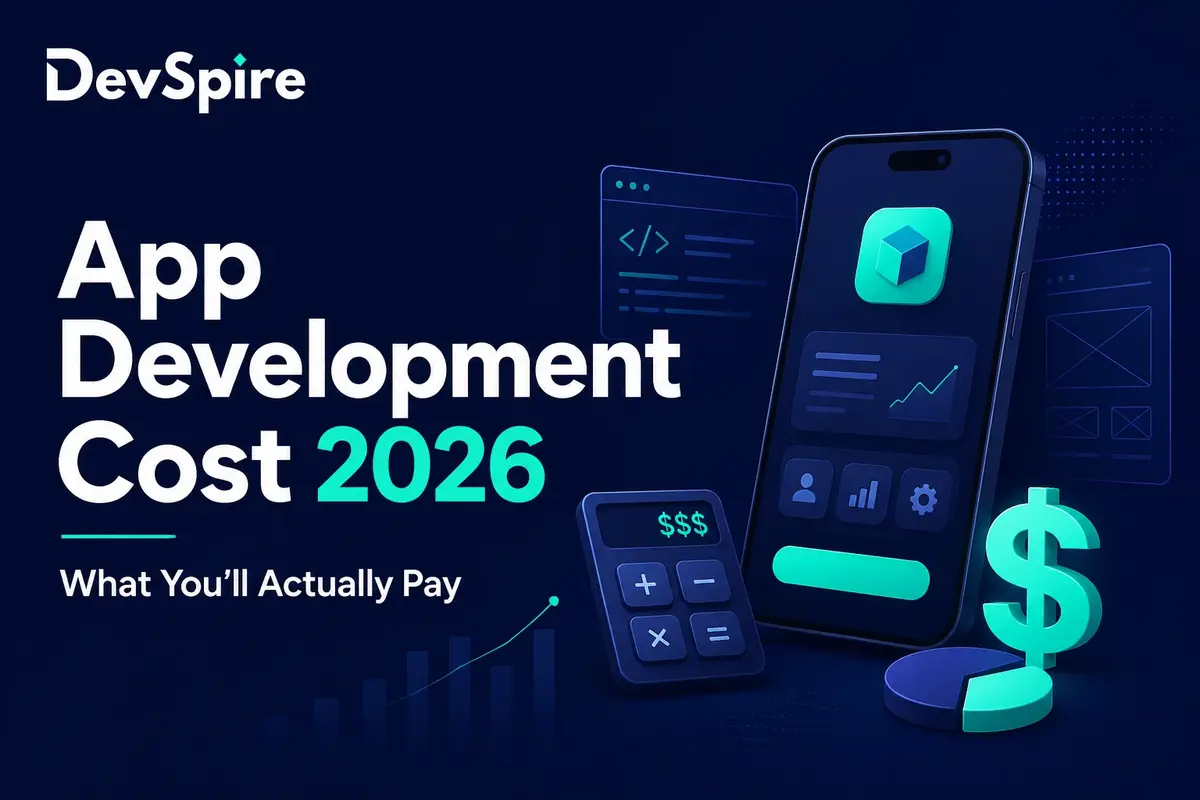

Android apps cost anywhere from $20,000 to $250,000 or more. That’s a huge range, and the reason for it comes down to two things: who builds your app, and how complex it is. This guide breaks both down with real numbers, so you’re not guessing before you talk to a developer.
Android runs on more phones than any other operating system in the world. That’s why most businesses start here, even if they plan to build for iPhone later. At Devspire, Android is one of the platforms we get asked about most, and pricing is almost always the first question on the call.
Here’s what actually moves your Android app development cost, in plain terms.
What Makes Android App Development Cost Different From iOS
Android apps often cost a bit more to test than iOS apps, mainly because of the sheer number of devices they need to run on. That difference alone can change your budget by thousands of dollars.
Apple makes a small number of iPhone models. Android runs on phones from Samsung, Google, Motorola, and dozens of other brands, all with different screen sizes and hardware. That means more testing time to make sure your app works everywhere.
A few other differences worth knowing:
- Getting listed on Google Play is faster and cheaper than getting approved on Apple’s App Store.
- Android’s open design gives developers more freedom, which can mean more design hours if you want a fully custom look.
- Most new Android apps are built in Kotlin now, not Java. Kotlin needs less code to do the same job, which usually means fewer hours billed.
If you’re trying to decide whether to build Android first, both platforms at once, or iOS instead, it helps to see the cost side by side. Our app development cost guide covers the bigger picture across platforms and team types, and we’ll have a full iOS cost breakdown up soon to compare against this one.
Android App Development Cost by App Category
App type changes the price as much as team type does. A note-taking app and a ride-hailing app both count as “an app,” but they cost wildly different amounts to build.
- Simple utility apps (calculators, converters, basic trackers): $10,000 to $30,000
- Content and productivity apps (note apps, to-do lists, reading apps): $25,000 to $60,000
- E-commerce apps (product catalogs, cart, checkout): $50,000 to $150,000
- On-demand and delivery apps (booking, live tracking, payments): $80,000 to $250,000
- Social and community apps (profiles, messaging, feeds): $100,000 to $300,000+
- Health and fitness apps (tracking, wearable integration, sometimes compliance needs): $60,000 to $200,000
- Gaming apps (graphics, physics, multiplayer features): $50,000 to $500,000+
Two apps in the same category can still land at opposite ends of the range. A delivery app with basic order tracking costs far less than one with live GPS, driver matching, and in-app payments. The category tells you the ballpark. The feature list tells you the real number.
Android App Development Cost by Team Type
The single biggest thing that changes your Android app development cost isn’t the app itself. It’s who you hire to build it.
Freelance Android Developers
Cost range: $10,000 to $50,000
A freelancer works well for a small, simple app with a clear list of features. Rates are lower and you talk directly to the person doing the work. The risk is that one person is doing design, coding, and testing alone. If they get busy or move to another project, your timeline slips.
Android Development Agencies
Cost range: $30,000 to $150,000 or more
An agency gives you a full team: developers, designers, project managers, and testers. This costs more, but you get a process built around actually shipping the app, not just writing code. Our mobile app development team works this way, with one project lead managing the whole build so nothing falls through the cracks.
Not every agency runs the same way, though, and the difference matters more than the price tag alone. Some quote low and pad the timeline later with change requests. Others quote fair from the start but expect a clear scope document before work begins.
In-House Android Team
Cost range: $70,000 or more per year, per developer
Hiring your own Android developers makes sense if you’re planning years of ongoing updates, not just a single launch. It’s the most expensive option to start. You’re paying for salary, benefits, equipment, and the weeks it takes to hire the right people.
Some businesses land in between, working with a dedicated team that functions like in-house staff, minus the recruiting and payroll overhead. This can be a good middle ground if you want consistency without the full cost of building an internal department.
Outsourced or Offshore Teams
Cost range: $15,000 to $80,000
Offshore teams, especially in Eastern Europe or South Asia, often charge less per hour than local agencies. The tradeoff is time zone gaps and more work on your end to manage quality. This option works best when you already have some technical knowledge in-house to check the work.
Quick Comparison
| Team Type | Cost Range | Best For | Main Risk |
|---|---|---|---|
| Freelancer | $10K – $50K | Simple, single-feature apps | No backup if they drop off |
| Agency | $30K – $150K+ | Apps that need to launch on time | Higher upfront cost |
| In-house | $70K+/year | Long-term, ongoing product | Slow to hire and staff up |
| Offshore/outsourced | $15K – $80K | Budget-conscious mid-size apps | Communication gaps |
Not sure which fits your project? Our team can walk through your scope and tell you honestly which option makes sense, even if that means pointing you toward a freelancer instead of a full agency build. If you want a deeper look at what separates a good agency from a risky one, our guide on how to choose a mobile app development agency covers the specific questions to ask before you sign a contract.
Android App Development Cost by App Complexity
A simple Android app costs far less than one with live features, payments, or heavy backend work. Here’s roughly where different complexity levels land.
- Simple app (one main feature, little to no backend): $20,000 to $40,000
- Moderate app (user accounts, some backend, API calls): $40,000 to $90,000
- Advanced app (real-time features, payments, heavy backend): $90,000 to $180,000
- Enterprise-grade app (compliance needs, complex integrations, high security): $180,000 to $300,000 or more
Most first-time app owners land in the moderate range. If your idea sits between two tiers, that’s normal. A written scope document is what actually narrows the number down, not a category label.
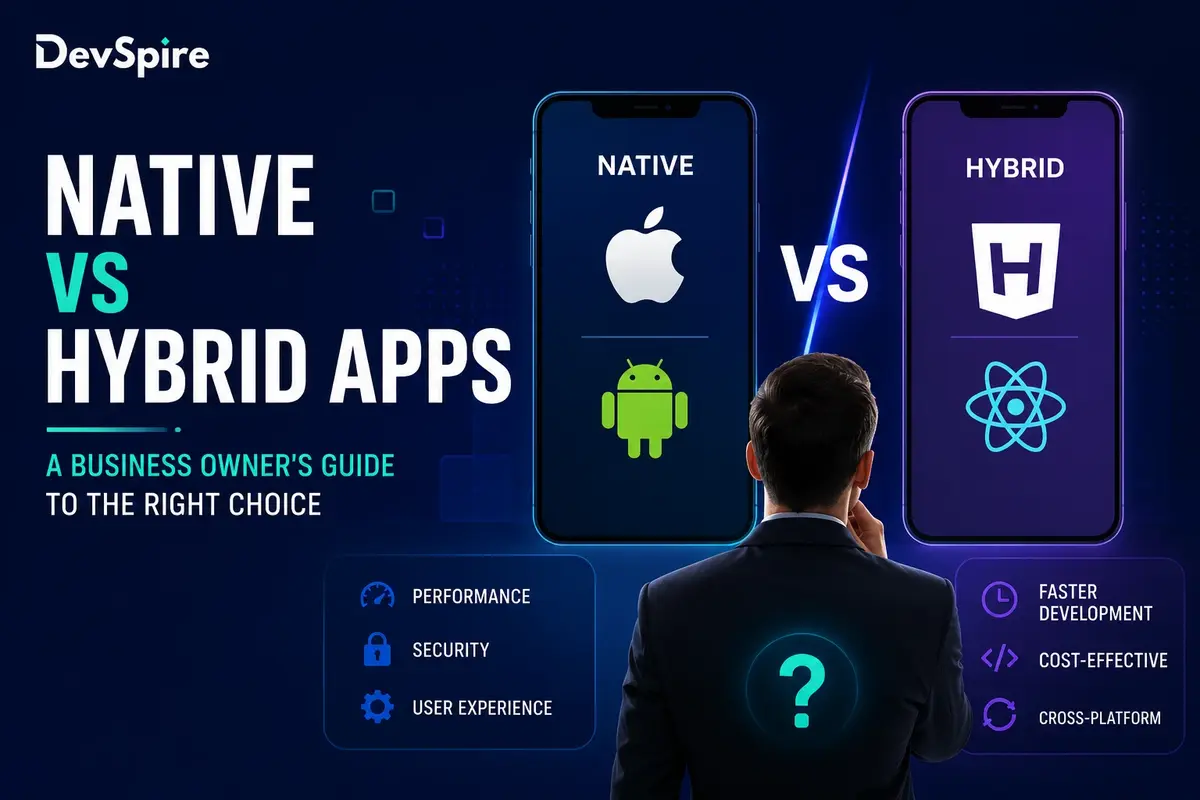
Native vs. Cross-Platform: How Your Tech Choice Changes the Price
Building your Android app in native Kotlin costs more upfront than building it with a cross-platform tool, but it isn’t always the more expensive choice long term.
Native (Kotlin or Java): Best performance, deepest access to Android features, but Android-only. You’d need a separate build for iPhone.
Cross-platform (React Native or Flutter): One codebase runs on both Android and iPhone, which usually costs 20% to 30% less than building two separate native apps. The tradeoff is a small hit to performance on graphics-heavy or hardware-intensive apps.
If you already know you want both platforms, cross-platform is often the smarter budget move. If Android is your only platform, or your app needs top-end performance like a game or a camera-heavy app, native usually wins. Our guide on native vs. hybrid apps goes deeper into which one fits different kinds of businesses.
Cost Breakdown by Development Stage
Every Android build moves through the same basic stages, and each one adds to the total.
| Stage | Cost Range |
|---|---|
| Planning and research | $1,000 – $5,000 |
| UI/UX design | $5,000 – $25,000 |
| Development (front end and back end) | $15,000 – $100,000+ |
| Testing and QA | $5,000 – $15,000 |
| Google Play deployment | $25 one-time fee, plus setup time |
| Maintenance | 15% to 20% of build cost, per year |
Google’s $25 one-time developer fee is one of the smallest line items on this whole list. It’s also the one most people ask about first, so it’s worth mentioning plainly: it covers your Play Store account, not your app’s actual build cost.
Does Where You Hire Change Android App Development Cost?
Yes, and often by a lot. Two Android developers with the same skill level can charge very different rates depending on where they’re based.
- United States and Canada: $100 to $200+ per hour
- Western Europe: $60 to $130 per hour
- Eastern Europe: $30 to $70 per hour
- South Asia: $15 to $40 per hour
A lower hourly rate doesn’t always mean a lower total cost. A developer charging $25 an hour who needs twice the hours to finish a feature isn’t actually saving you money. When you’re comparing quotes across regions, ask for a full project estimate, not just an hourly number.
MVP Android App Development Cost
Many businesses start with a minimum viable product, or MVP, instead of the full app. An MVP has just enough features to test the idea with real users before spending on everything else.
- Research and planning: $1,000 to $5,000
- UI/UX design: $2,000 to $10,000
- Core development: $10,000 to $50,000
- Testing and QA: $5,000 to $10,000
- Launch: $2,000 to $10,000
Typical MVP total: $20,000 to $85,000
This approach works well when you’re not fully sure which features users will actually want. It’s cheaper to learn that early than after building a full app around the wrong assumption.
Hidden Android Development Costs to Plan For
A few costs don’t show up in the first quote, but they show up on the invoice later.
- Device testing. Android has far more screen sizes and OS versions in use than iPhone does. Most teams underestimate how much time this takes, since there’s no single “reference device” the way there is with iPhone.
- Google Play policy updates. Google changes its rules fairly often, and staying compliant sometimes means small app updates you didn’t plan for.
- OS compatibility. Each new Android version can require testing and small fixes to keep your app working smoothly.
- Third-party tools. Payment processors, maps, and other APIs often charge based on how much your app is used, so this cost grows as your app grows.
- App store optimization. Getting found in Google Play search is its own ongoing task, not a one-time setup, and it usually needs periodic attention after launch.
- Customer support tooling. Once real users are on the app, you’ll likely need a way to handle bug reports and feature requests, which is easy to forget when budgeting for the build itself.
In our own project scoping calls, the device testing line is the one that surprises people most. A founder will budget carefully for design and development, then be caught off guard that testing across a dozen device and OS combinations adds real time to the schedule. It’s not a hidden fee anyone is trying to sneak in. It’s just a part of Android development that doesn’t show up until you’re deep into QA.
How to Lower Android App Development Cost Without Cutting Corners
- Build a minimum viable product first. Add features after you get real feedback from users, not before.
- Choose Kotlin over an older Java codebase where you can. It usually means less code and fewer hours billed.
- Go cross-platform if Android and iOS are both on your roadmap within the next year or two.
- Ask for a quote broken down by feature, not one lump number. It’s much easier to see where you can trim.
A written scope also protects your budget if the project changes halfway through, which happens more often than people expect. Without one, small “just one more feature” requests tend to add up fast.
Android App Development Cost vs. Value: What You’re Really Paying For
The cheapest quote isn’t always the cheapest option once you look further out. A poorly built app often needs to be rebuilt within a year or two, which means paying for the same work twice. We’ve seen this happen with businesses that came to us after a low-cost build broke down under real user traffic, well before the app had even grown to a large user base.
That doesn’t mean the priciest option is automatically the right call either. The goal is matching your budget to a team that has actually shipped Android apps like yours before, and can show proof of it, not just a portfolio slide with a few logos on it.
A few signs a quote is priced fairly, not just cheaply or expensively:
- It breaks down cost by feature, not one flat number
- It names the tech stack (Kotlin, Java, or a specific cross-platform framework) instead of staying vague
- It includes testing and QA as its own line item, not folded quietly into development
- It states what happens after launch, including who owns bug fixes in the first 30 to 90 days
Reviewed by: Devspire’s Mobile App Development Team, based on Android projects we’ve scoped and delivered for clients