
Last updated: August 2026 Written by Sarah Chen, Mobile App Development Lead at Devspire
E-commerce app development is the process of designing, building, and launching a mobile application that lets customers browse products, place orders, and pay, without ever opening a browser. It covers everything from the first wireframe to the payment gateway integration and the app store listing. If you sell online and most of your traffic already comes from a phone, this is usually the next step after (or instead of) a mobile-friendly website.
Global mobile commerce revenue hit roughly $2.5 trillion in 2025 and is on track to make up around 63% of all retail e-commerce by 2028, according to Statista. That growth is why so many stores that started with a responsive website are now asking whether mobile ecommerce app development is worth the investment, and if so, what kind of app makes sense for them.
What Is an E-commerce App, and How Is It Different from a Mobile Site?
A mobile website is a version of your online store that adjusts to fit a phone screen. It runs in a browser, so anyone can reach it by typing a URL, and there’s nothing to install.
An e-commerce app is a separate piece of software a customer downloads from the App Store or Google Play. Once it’s installed, it can send push notifications, work partly offline, store payment details locally, and generally feel faster because it isn’t reloading a webpage for every tap. This is exactly the shift Devspire gets asked to help with most, usually from a store that already has a solid website and wants to give repeat customers something faster.
Neither one replaces the other for most businesses. A mobile site covers new visitors who find you through a search or an ad. An app tends to pay off with repeat customers, the ones who already know your brand and shop with you often enough that a dedicated icon on their home screen makes sense.
Types of E-commerce Applications
Not every shopping app is built the same way, and the type you need depends on your business model more than your budget.
Marketplace apps. Multiple sellers list products under one platform, and the app handles search, payments, and often shipping logistics across all of them. Amazon and Etsy are the obvious examples, but plenty of niche marketplaces run smaller versions of the same model.
Single-brand retail apps. One company, one catalog. This is the most common type for a business that already runs its own online store and wants an app version of the same thing, with faster checkout and loyalty features layered on.
On-demand and grocery apps. Built around speed and location. These apps lean heavily on real-time inventory, delivery tracking, and scheduling, since the whole value proposition is “get this to me soon.”
Subscription apps. The purchase happens once, then the app manages recurring deliveries, billing, and the ability to skip or swap a shipment. Meal kits and beauty boxes are the classic use case, but subscription commerce has spread into almost every category.
Social commerce apps. Shopping features built into or alongside a social feed, where discovery happens through content (a video, an influencer post, a livestream) rather than a search bar. The checkout has to be fast because the intent to buy is often impulsive.
Most projects fall closer to the single-brand retail model, especially for businesses coming from a WooCommerce or Shopify store and want an app that mirrors what customers already know. If your current site runs on WooCommerce, it’s worth reading how a WooCommerce store development guide can shape the app build that follows it.
It’s worth picking your type before you talk to a development team, not after. A grocery brand that starts a project assuming it needs a “single-brand retail app” often ends up rebuilding half the inventory logic once it becomes clear real-time stock and delivery windows are the actual core of the business. The type isn’t just a label. It determines which parts of the app need to be built custom and which can lean on off-the-shelf plugins or platforms.
Features of E-commerce Application Development
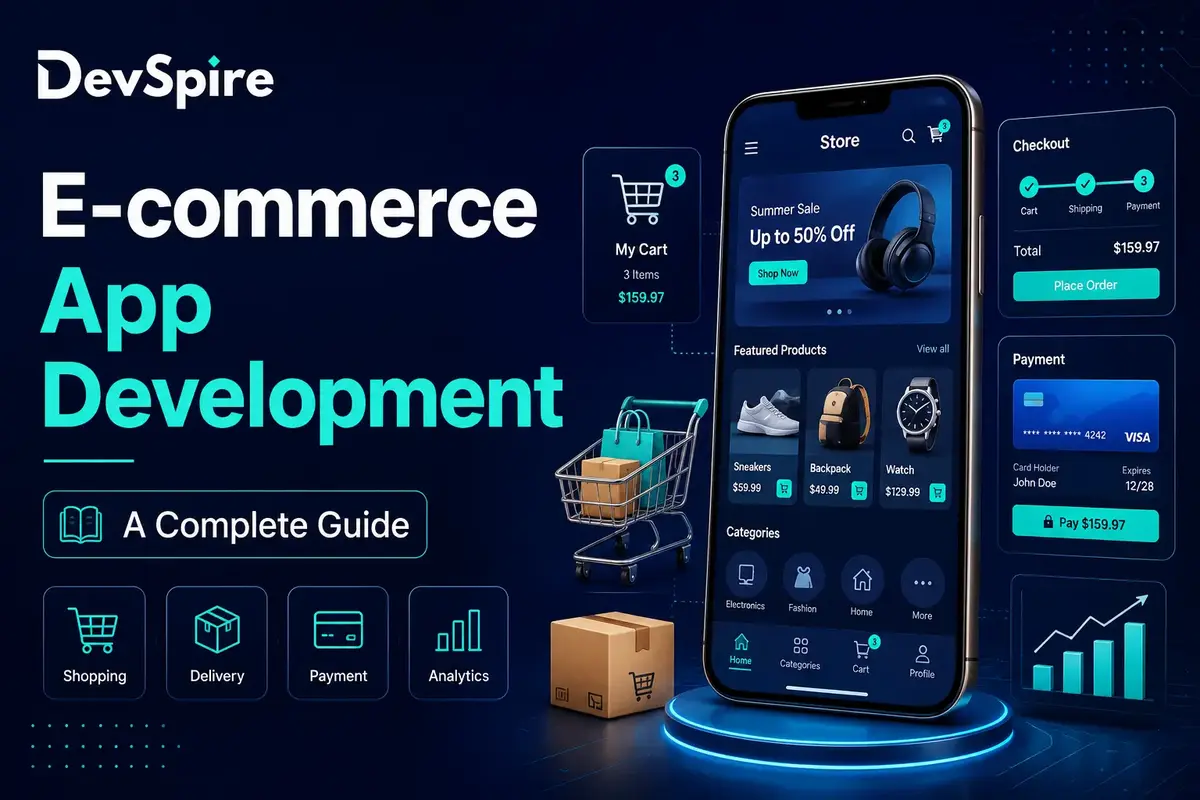
Every e-commerce app needs a baseline set of features to function. Beyond that, the features that actually move the needle on conversion tend to be a smaller list than most people expect. Most e commerce applications development work comes down to getting this list right before touching anything more advanced.
Must-have features:
- Product catalog with search and filtering
- Shopping cart that persists across sessions
- Checkout flow with guest checkout as an option
- Multiple payment methods (cards, digital wallets, buy-now-pay-later where relevant)
- Push notifications for order updates and abandoned cart reminders
- Order tracking and history
- Account management and saved addresses
Advanced features worth considering:
- AR try-on or product visualization, useful for furniture, cosmetics, and apparel
- AI-driven recommendations based on browsing and purchase history
- One-click reorder for repeat purchases
- In-app customer support or chat
- Wishlist and save-for-later
The mistake we see most often is trying to launch with all of the advanced features at once. A cleaner approach is to nail the must-haves, get the app live, then add one advanced feature at a time based on what your actual usage data tells you customers want. If your catalog and cart already run through WordPress or WooCommerce, a lot of this groundwork is handled by WooCommerce development work you may have already done for the website.
The E-commerce App Development Process
Building an app follows a fairly predictable sequence, even though the details change based on the type of app and the platform you choose.
1. Discovery and planning. Define who the app is for, what problem it solves that the website doesn’t, and which features actually matter for launch. This is also where you decide on native, hybrid, or PWA (more on that below).
2. UX and UI design. Wireframes first, then high-fidelity mock-ups. Good mobile commerce design pays close attention to thumb reach, load states, and how few taps it takes to get from product page to purchase.
3. Backend and API development. The app needs somewhere to pull product data, inventory, and pricing from. For stores already running on an existing platform, this often means connecting the app to APIs rather than building a new backend from scratch.
4. Frontend development. Building the actual screens and interactions, whether that’s native code for iOS and Android, a cross-platform framework, or a wrapped version of an existing site.
5. Payment and third-party integrations. Payment gateways, shipping carriers, tax calculation, and any analytics or marketing tools get wired in here. This step tends to take longer than teams expect, mostly because payment providers have their own review and approval process that runs on their timeline, not yours.
6. Testing. Across devices, screen sizes, and operating system versions, plus stress-testing checkout under load if you expect sales spikes.
7. App store submission and launch. Apple and Google both review submissions before they go live, and each has its own guidelines that can delay a launch if the app isn’t compliant going in.
8. Post-launch monitoring and iteration. Crash reports, funnel drop-off, and customer feedback all feed into the next round of updates.
An e commerce app developer typically works through these stages alongside a designer and a backend engineer, though smaller projects sometimes combine those roles. At Devspire, our mobile app development team runs this process end to end, from the first wireframe through app store approval.
Native, Hybrid, or PWA: Choosing the Right Build for E-commerce
Native, hybrid, and PWA are the three ways to build an e-commerce app, and the right one depends on how much you need device-level performance versus how fast and cheap you need to launch.
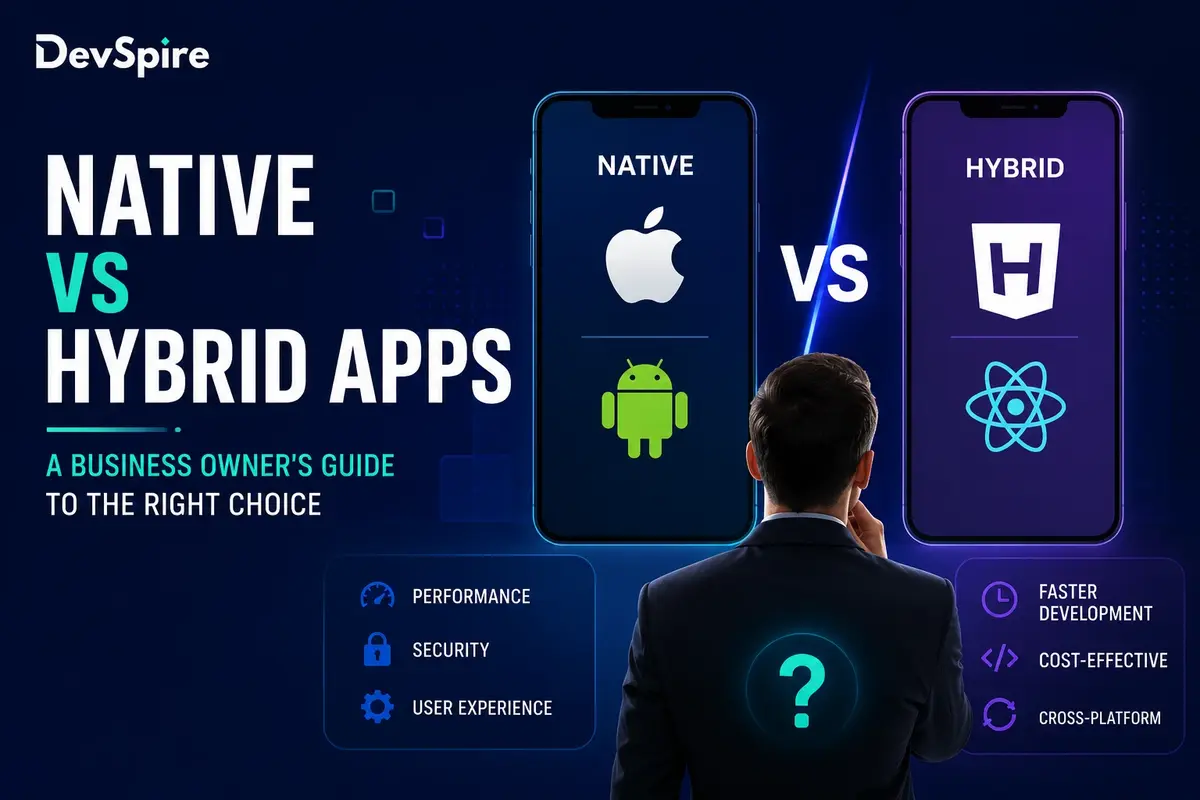
Native apps are built separately for iOS and Android using each platform’s own language and tools. They perform the best and get full access to device features like the camera for AR try-on, but they cost more because you’re essentially building two apps.
Hybrid apps use a single codebase that runs on both platforms, usually with frameworks like React Native or Flutter. They cost less than native and still feel close to a native app for most users, which is why a lot of e commerce applications software development work now defaults to hybrid.
Progressive Web Apps (PWAs) live in the browser but can be installed on a home screen and support some offline functionality and push notifications. They’re the cheapest and fastest to launch, but they can’t do everything a native or hybrid app can, and iOS support for PWA features has historically lagged behind Android.
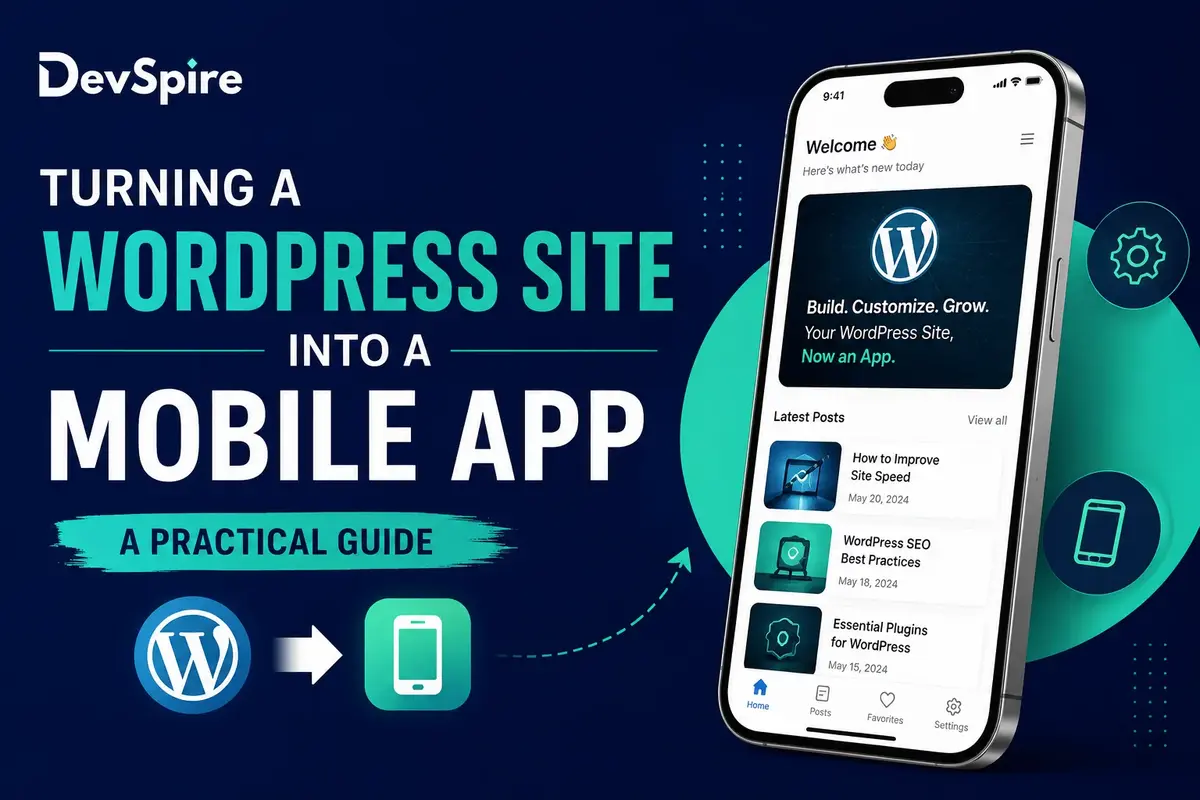
For most retail businesses testing whether an app is worth the investment, a PWA or hybrid build is the lower-risk starting point. If you already have a WordPress site and want to see what a lighter-weight path looks like, we’ve covered turning a WordPress site into a mobile app in more detail.
The trade-offs go beyond a simple cost table, though cost is part of it. Native apps take longer to ship because you’re building and testing two separate codebases, but they’re the only option if AR try-on, deep camera access, or the smoothest possible scroll and animation performance matter to your product. Hybrid closes most of that performance gap for a typical retail catalog and checkout flow, and it’s usually the default choice for mobile app development for e commerce projects that need both platforms without a native-sized budget. A PWA skips the app store entirely, which cuts both the timeline and a recurring source of delay, since there’s no review process to wait on. The trade-off is that push notifications and offline support are weaker on iOS than Android, and a PWA can’t access hardware features like AR the way a native app can.
It’s also easier to walk back from a PWA or hybrid build if the data doesn’t support a bigger investment, versus committing to native from day one and finding out six months in that usage doesn’t justify the cost.
What Does It Cost to Build an E-commerce App?
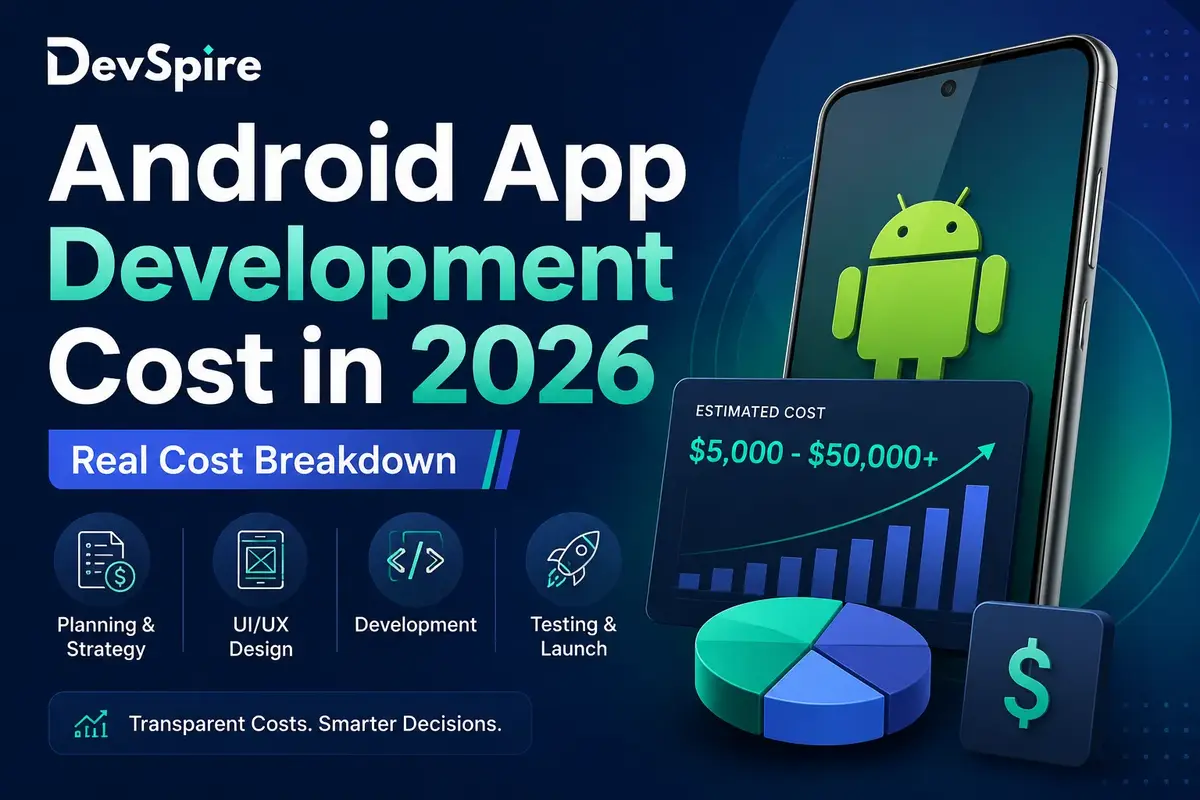
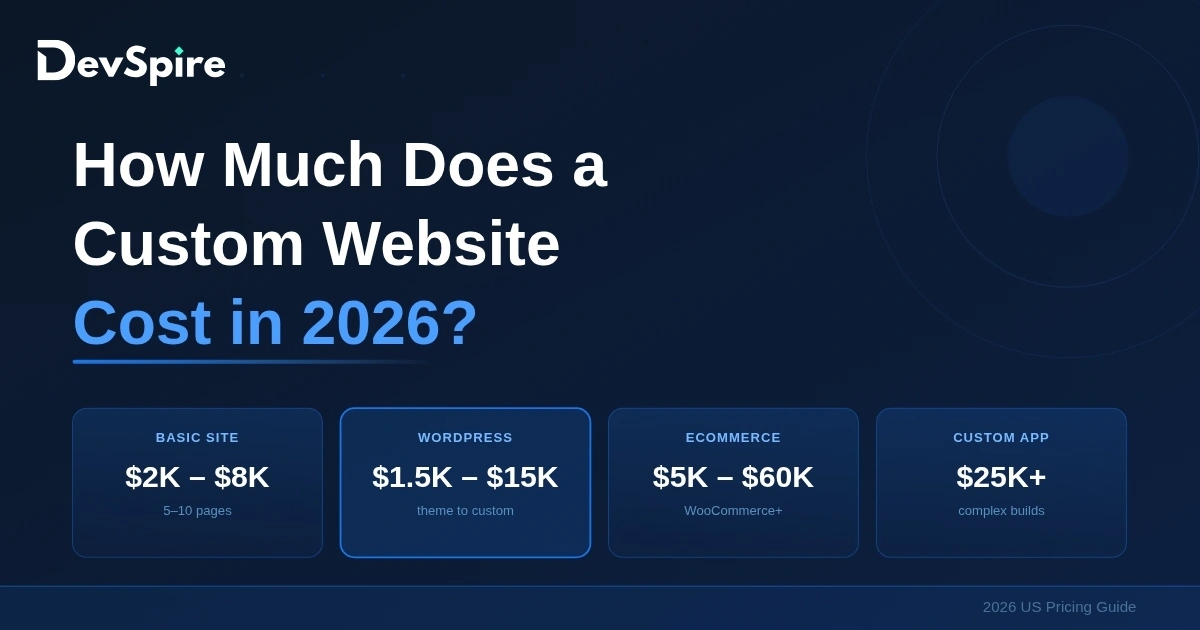
Costs vary widely depending on the type of app, the platform choice, and how many custom features you’re building. A simple PWA or hybrid app with the must-have feature set can run in the low tens of thousands, while a native app with AR, AI recommendations, and custom backend work can run well into six figures.
The biggest cost drivers are usually the number of platforms (one codebase versus native iOS and Android separately), the complexity of the payment and inventory integrations, and how much custom design work goes into the UX. For a full breakdown of pricing ranges and what drives them, see our guide on app development costs.
Common Mistakes in E-commerce App Development
The most common e-commerce app mistakes come from process, not code: launching before the product data is clean, skipping post-launch retention features, and building for too many features at once. We’ve built enough of these to see the same patterns show up project after project.
The most common one is launching before the product catalog is clean. One client came to us with an app ready to ship, except the product data behind it had duplicate SKUs, missing images, and inconsistent categories carried over from years of manual updates to the website. We ended up pausing the build for two weeks just to clean up the catalog, because no amount of good app design fixes a product page with the wrong price on it.
The second is treating push notifications as an afterthought. A retail client of ours launched with a solid app and strong download numbers, but they hadn’t set up any notification strategy beyond order confirmations. Repeat usage dropped off fast, because nothing was bringing customers back to the app between purchases. Abandoned cart reminders and restock alerts alone can be the difference between an app people download once and one they keep.
A third pattern is skipping guest checkout. Forcing account creation before a first purchase is one of the most reliable ways to lose a customer who was already convinced, and it’s a fix that takes a fraction of the effort spent on flashier features.
We also see teams underestimate app store review timelines, sometimes by a week or more if a submission gets flagged for something minor like a missing privacy label. That kind of delay quietly pushes back a launch date that marketing has often already built a campaign around.
And more than once, we’ve had a client come in with a feature Wishlist longer than the launch timeline allows. Building for all of it before anyone has used the app usually means shipping later with features nobody asked for, instead of shipping on time with the ones customers actually needed.
Ready to build your app? Get in touch and we’ll help you figure out the right approach for your store.