
Building an iOS app in 2026 costs anywhere from $10,000 for a simple MVP to $300,000 or more for a complex, enterprise-grade product. That range feels almost useless on its own, so here’s the short version: the number depends on how many screens you need, how much custom backend work goes into it, which team builds it, and whether you’re shipping a native Swift app or something that runs across platforms.
The wide spread isn’t a pricing trick. A single-screen booking app and a full-featured healthcare platform with HealthKit integration are both “iOS apps,” but they share almost nothing in terms of engineering hours. Once you know where your project sits, the number gets a lot less mysterious. That’s what this guide walks through: real ranges, the reasons behind them, and the Apple-specific costs that most breakdowns skip entirely.
Key Numbers at a Glance
- Simple MVP iOS app: $10,000 to $40,000
- Medium complexity app (custom backend, user accounts, payments): $40,000 to $120,000
- Complex or enterprise app (AI features, HealthKit, real-time sync): $120,000 to $300,000+
- Apple Developer Program fee: $99 per year, required before you can submit anything
- Average App Store review turnaround: 24 to 48 hours, longer if rejected
- App Store commission: 15% for small businesses under $1M in annual revenue, 30% above that
- Typical timeline: 3 to 6 months for an MVP, 6 to 12 months for a complex build
- US developer hourly rates: $100 to $200+, compared to $25 to $60 in South Asia and $40 to $80 in Eastern Europe
- Native iOS builds usually run 20 to 30% higher than cross-platform equivalents, but often need less rework later
- Ongoing maintenance: budget 15 to 20% of the original build cost per year
What Does iOS App Development Actually Cost in 2026?
iOS application development cost covers more than writing code. It includes design, development, QA, App Store submission, and the maintenance that keeps the app running after launch. A lot of quotes only reflect the build phase, which is how a $40,000 estimate turns into a $60,000 invoice once someone remembers the app needs testing and post-launch fixes.
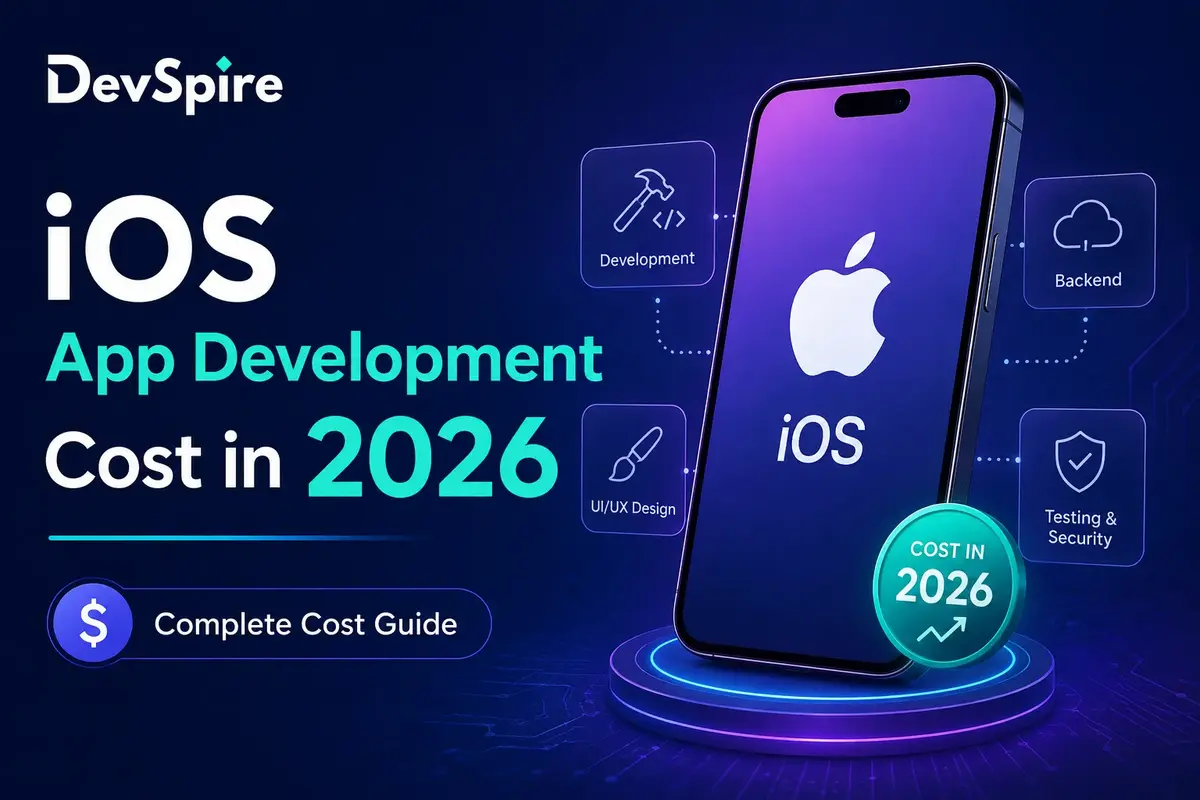
Here’s roughly how the budget splits on a typical project:
- Discovery and UI/UX design: 15 to 20% of total cost
- Core development (frontend, backend, APIs): 50 to 60%
- QA and testing: 10 to 15%
- App Store submission and compliance: small, but non-zero
- Post-launch maintenance: ongoing, usually billed separately
Skipping design to save money almost always costs more later. A rushed UI means more QA cycles, more App Store rejections, and more rebuilding once real users start complaining. Budgeting for design upfront is one of the cheaper decisions you’ll make on the whole project.
iOS App Cost by Complexity Tier
| Tier | Cost Range | Timeline | What’s Included |
|---|---|---|---|
| Simple / MVP | $10,000 – $40,000 | 6-10 weeks | 3-5 screens, basic UI, no custom backend, single core feature |
| Medium | $40,000 – $120,000 | 3-6 months | User accounts, custom backend, payment integration, push notifications, moderate API work |
| Complex / Enterprise | $120,000 – $300,000+ | 6-12+ months | AI/ML features, HealthKit or Face ID integration, real-time data sync, multi-role permissions, heavy third-party integrations |
Simple/MVP Tier
This is the “prove the concept” version. Think a directory app, a simple booking tool, or a basic content viewer. You’re usually working with pre-built components, minimal backend logic, and a handful of screens. It’s the right call if you need something in the App Store fast to test a market before committing real money.
Medium Complexity Tier
Most business apps land here. You’ve got user accounts, some kind of payment flow, a real backend with a database, and probably a handful of third-party API integrations (Stripe, a CRM, a mapping service). This is also where costs start varying a lot based on team location, since the hours involved are substantial enough for rate differences to compound.
Complex/Enterprise Tier
This tier includes apps handling sensitive data, AI-powered features, or deep integration with Apple’s own frameworks. A telehealth app pulling data from HealthKit. A fintech app doing biometric authentication through Face ID. A logistics platform syncing data in real time across thousands of devices. These projects need senior engineers, more QA cycles, and a longer compliance review, and the cost reflects that.
Key Factors That Affect iOS App Development Cost
Design & UI/UX Complexity
A basic form-based interface is cheap to design. A custom animated interface with a distinct visual identity isn’t, and neither is one built for accessibility across a wide range of devices and iOS versions. Design hours run anywhere from $3,000 for a minimal wireframe-based app to $30,000+ for a fully custom design system.
Backend & API Integrations
If your app just displays static content, you barely need a backend. If it needs real-time syncing, user-generated content, or integration with five different third-party services, the backend becomes the majority of your budget. Each additional API integration adds development time, testing time, and a new point of failure you need to monitor after launch.
AI Feature Integration
More apps in 2026 are shipping with some kind of AI feature: recommendation engines, chat interfaces, image recognition. These add real cost, partly for the integration work itself and partly because AI features need more testing to catch edge cases before they reach real users. Budget an extra $15,000 to $50,000+ depending on how central the AI feature is to the app’s core function.
Developer Location & Team
| Region | Average Hourly Rate | Notes |
|---|---|---|
| United States | $100 – $200+ | Highest cost, strongest for complex or regulated projects |
| Western Europe | $70 – $150 | Similar quality to US, slightly lower rates |
| Eastern Europe | $40 – $80 | Strong technical talent, common choice for mid-budget projects |
| South Asia | $25 – $60 | Lowest cost, quality varies more by vendor |
Location isn’t the only variable. A freelancer, a small agency, and a large development firm will all quote differently for the same scope, and the cheapest hourly rate doesn’t always mean the cheapest total project, especially if it takes three extra months to ship.
Native iOS vs Cross-Platform
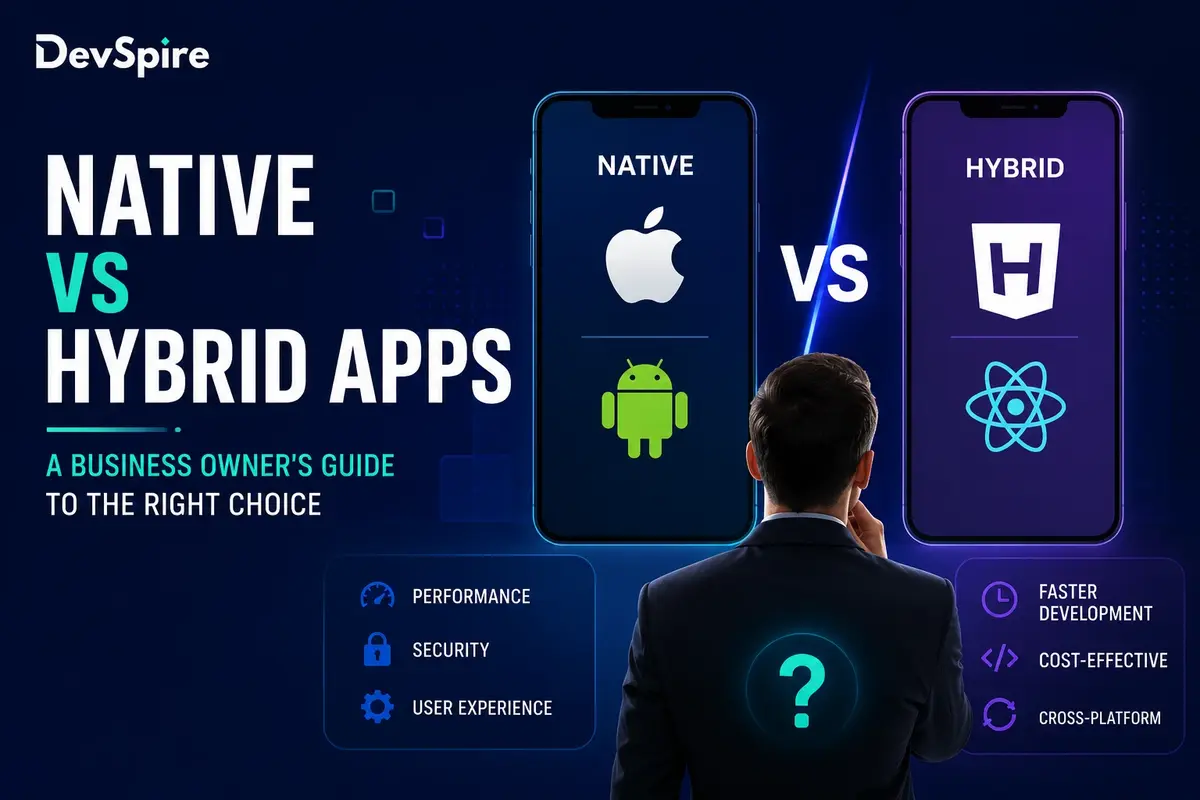
Native development means building specifically for iOS using Apple’s own tools. Cross-platform frameworks like React Native or Flutter let you share code between iOS and Android. Cross-platform is usually cheaper upfront, sometimes by 20 to 30%, but native apps tend to perform better and need less rework when Apple updates iOS. If you’re only building for iOS right now, native is often worth the extra cost. If you need both platforms and a limited budget, cross-platform makes more sense. We cover this trade-off in more detail in our guide to native vs hybrid mobile apps.
Swift/SwiftUI vs UIKit / Technical Architecture
Most new iOS apps in 2026 are built with SwiftUI rather than the older UIKit framework. SwiftUI development is generally faster for standard interfaces, which can lower cost. But if your app needs highly custom UI elements or has to support older iOS versions, UIKit sometimes remains the better technical choice, even at a slightly higher build cost. This is a decision worth making with your development team, not on your own.
Apple-Specific Costs Most Guides Miss
This is the part that generic cost guides tend to gloss over, and it genuinely changes your budget and timeline.
Apple Developer Program fee. You need to pay $99 per year just to submit apps to the App Store. It’s small compared to everything else, but it’s a real line item, and businesses submitting under an organization name go through an additional verification step that can add a few days to your timeline.
App Store review process and rejection delays. Apple reviews every app before it goes live, and that review typically takes 24 to 48 hours. The real cost shows up when an app gets rejected. Common rejection reasons include incomplete metadata, privacy policy issues, and features that don’t meet Apple’s guidelines around in-app purchases. Each rejection means another review cycle, and if your team has to rebuild a feature to comply, you’re looking at real development hours, not just a delay.
App Store commission. Apple takes 15% of revenue for businesses earning under $1 million a year through the App Store, and 30% above that threshold. If your app has an in-app purchase or subscription model, this commission needs to be part of your financial planning from day one, not something you discover after launch.
Apple compliance requirements. Apps that use HealthKit, Face ID, or other sensitive frameworks need to meet specific Apple guidelines around data handling and user permissions. Getting this wrong is one of the most common reasons apps get rejected on first submission, and building compliance in from the start is cheaper than retrofitting it after a rejection.
Hidden/Ongoing Costs
The invoice for the build isn’t the last one you’ll see.
- Maintenance. Apple releases a major iOS update roughly once a year, and smaller updates come more often. Your app needs testing against each new version, and bugs will surface over time no matter how careful the original build was. Budget 15 to 20% of your initial development cost annually.
- Hosting and scaling. If your app has a backend, hosting costs grow with your user base. A small app might run $50 to $200 a month. A larger app with heavy data usage can run into the thousands.
- Marketing and ASO. Building the app is half the work. App Store Optimization, paid user acquisition, and ongoing marketing are separate budgets entirely, and they’re often larger than people expect going in.
iOS vs Android Development Cost: Which Is Cheaper?
Android app development is often slightly cheaper to build for a comparable feature set, mainly because Android testing across device fragmentation has gotten more efficient with modern tooling. iOS development benefits from a much smaller range of device types to test against, which can offset some of that gap. In practice, the two end up closer in total cost than people assume, and the bigger factor is usually which platform your actual users are on. If you’re weighing both, our Android app development cost guide breaks down the same factors from the Android side.
How to Reduce iOS App Development Cost Without Cutting Quality
- Start with an MVP. Build the core feature that proves your concept, launch it, and use real user feedback to guide what gets built next instead of guessing at a full feature list upfront.
- Consider cross-platform for early stages. If Android is on your roadmap too, building cross-platform from the start can save you from paying for two separate codebases.
- Use pre-built components where it makes sense. Authentication, payments, and analytics all have solid third-party solutions. Custom building these from scratch rarely pays off unless your use case is genuinely unusual.
- Work in milestones, not one big contract. An agile, milestone-based approach lets you catch scope creep early and adjust before it turns into a budget problem three months in.
How to Choose the Right Team for Your iOS Project
Cost per hour is the easiest number to compare and the least useful one on its own. A team quoting $40 an hour that takes twice as long to ship isn’t actually cheaper than a team at $80 an hour that ships on schedule. Ask for a portfolio of iOS-specific work, not just general mobile experience, since Apple’s ecosystem has its own quirks around review, compliance, and design conventions that a team without direct experience will learn on your dime. We go through this decision in more depth in how to choose a mobile app development agency.
Getting an accurate number for your specific project means walking through your actual feature list, not applying an average range to it. Our mobile app development services team can put together a real estimate based on what you’re building. Reach out and we’ll walk you through it.