
Most business owners who search for this topic aren’t asking whether it’s possible. It almost always is. What they really want to know is whether it’s worth doing for their business, and how much it actually costs to find out.
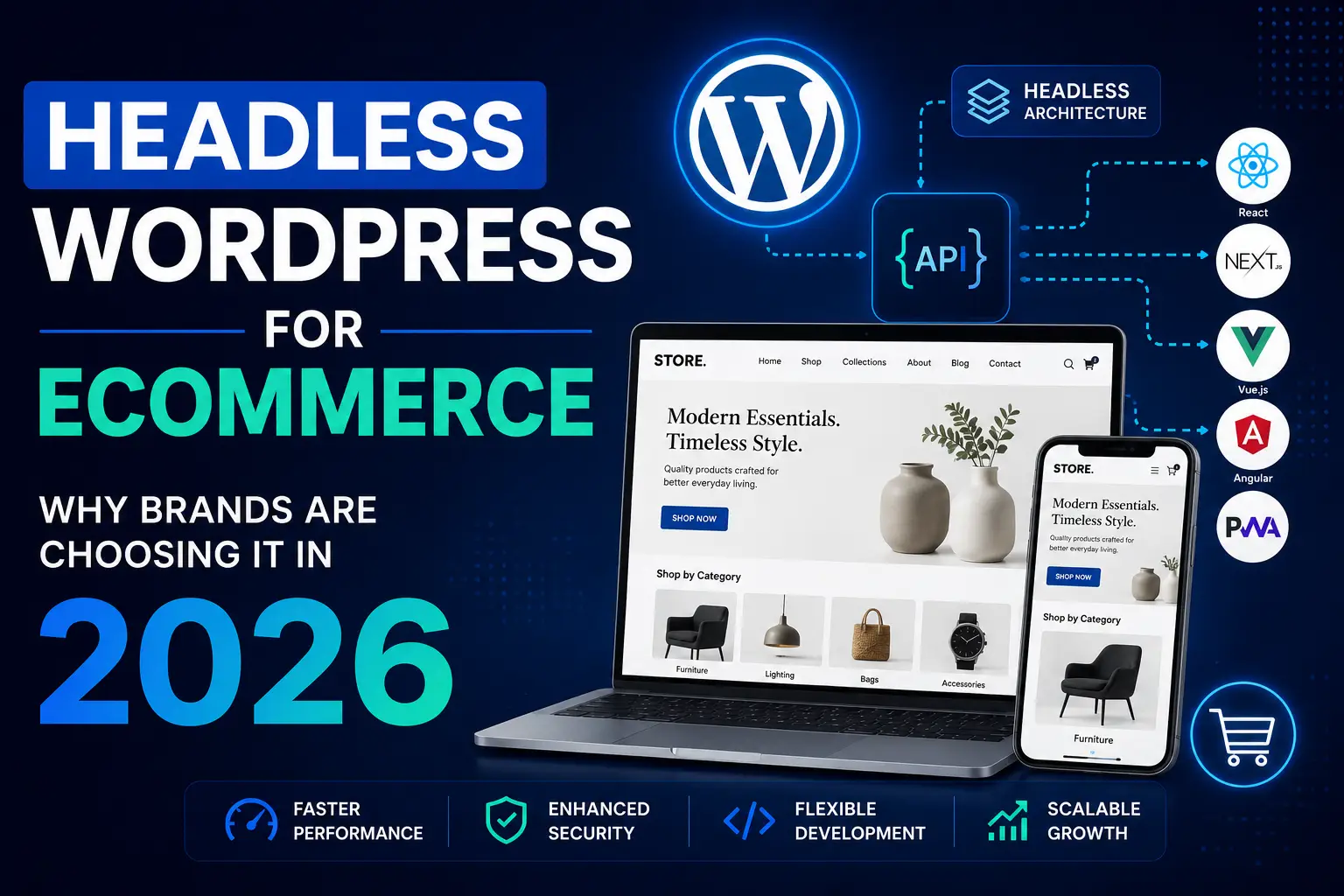
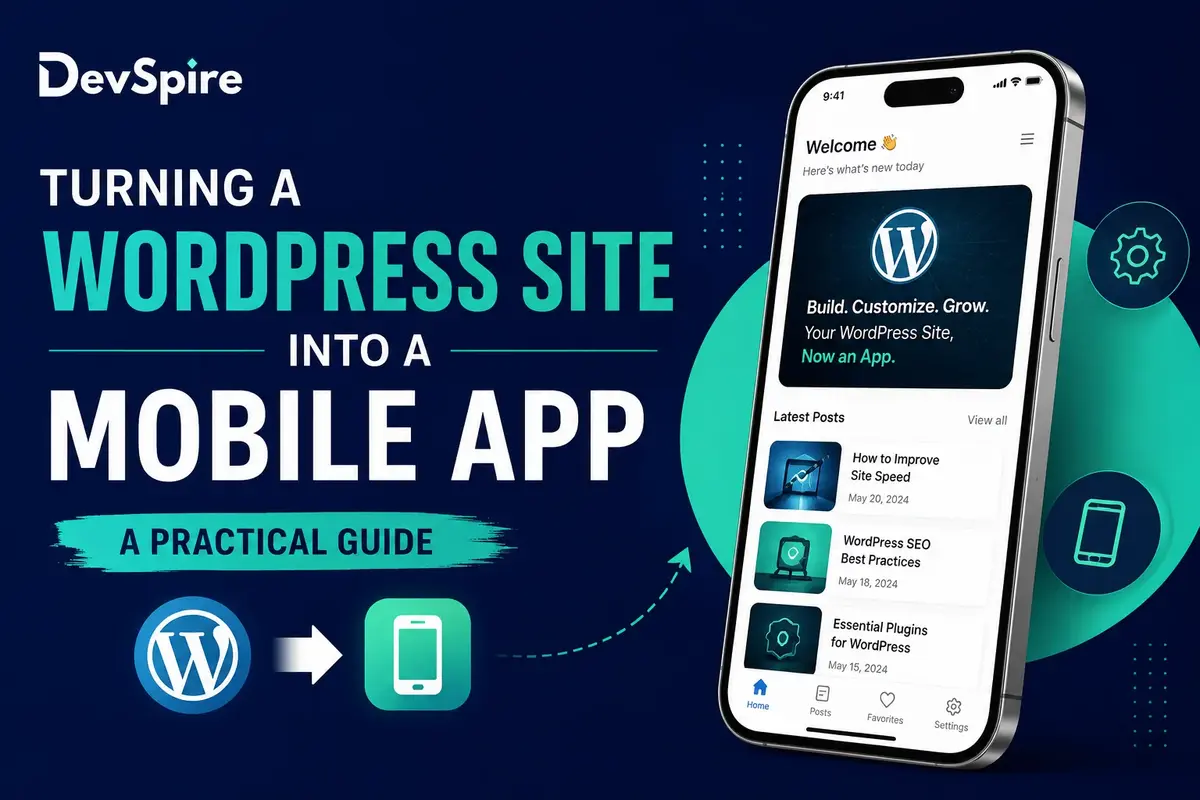
Turning a WordPress site into a mobile app means connecting your existing WordPress content and data to a mobile experience, ranging from a simple app shell to a fully built native app. You don’t have to rebuild your site from zero to do it. A lot of businesses working with a WordPress development company already have the foundation they need, they just haven’t connected the pieces yet.
This guide covers why business owners consider this move, the three real paths to get there, what each one costs, and how to know which one actually fits your business.
Why Business Owners Think About This
- People spend more time inside apps than in a mobile browser
- Apps can send push notifications, a website can’t do that
- Apps load faster for repeat visitors once installed
- An app gives a brand a more polished, always-in-your-pocket presence
None of these are automatic wins. They only matter if your customers already visit often enough for the difference to show up. A brand-new site with light traffic usually won’t see much return from an app right away, while a business with a loyal, repeat mobile audience often will.
Three Ways to Turn a WordPress Site Into an App
- App wrapper tools, using a plugin or PWA converter
- A Progressive Web App (PWA)
- A fully custom app built on your WordPress backend through the REST API
Each one comes with a different price, timeline, and set of features. Here’s how they compare.
Option 1: App Wrapper Plugins
Typical cost: $200 to $1,000
What you get: A basic app shell that displays your existing site, listed on app stores under your business name.
The catch: Features are limited, the experience often feels clunky compared to a real app, and there’s little room to customize how it looks or works.
Best for: Small budgets, simple content sites, and businesses testing the idea before spending more.
Option 2: Progressive Web App (PWA)
Typical cost: $1,000 to $5,000
What you get: An app-like experience straight from the browser. Users can add it to their home screen, some content works offline, and there’s no app store approval process to wait on. Google’s own guidance on Progressive Web Apps covers how this technology works in more detail.
The catch: A PWA won’t show up in the App Store or Google Play by default, and some phone features stay out of reach.
Best for: Businesses that want speed and better engagement without the app store process.
Option 3: A Fully Custom App
Typical cost: $8,000 to $30,000 or more. The exact number depends on how many features you need, how much of your WordPress content connects to the app, and whether you’re launching on one platform first or both at once.
What you get: A true app connected to your WordPress content, with full access to phone features like the camera, push notifications, and fingerprint login. It’s listed on both app stores.
The catch: This is the highest cost and the longest timeline, and it comes with ongoing upkeep across two platforms, iOS and Android. If you’re weighing this investment against a full site rebuild instead, it helps to first understand how much a custom website actually costs before comparing the two paths side by side.
Best for: Businesses where mobile is a core part of how customers use them, not just a nice extra.
Quick Comparison
| App Wrapper | PWA | Custom App | |
|---|---|---|---|
| Cost | $200 to $1,000 | $1,000 to $5,000 | $8,000 to $30,000+ |
| Time | 1 to 2 weeks | 2 to 6 weeks | 8 to 16+ weeks |
| Listed in app stores | Yes, basic | No (added from browser) | Yes, full listing |
| Phone features | Very limited | Some | Full access |
| Best for | Testing an idea | Lower-cost app feel | Mobile-first businesses |
Questions to Ask Before You Choose
- Do customers need to find this in the App Store, or just get quick access from their phone?
- Do I need push notifications and phone features, or just faster repeat visits?
- What’s my real budget, for building it and for keeping it running afterward?
- Is my WordPress site already set up in a way that supports this kind of project?
Answering these honestly usually narrows the decision down fast.
Signs Your Business Is Ready for a Full App
- Customers already come back to your site often on mobile
- You rely on reminders or notifications to bring people back
- You need people to use content or tools offline
- Your WordPress site already gets strong traffic and has a clear reason for an app
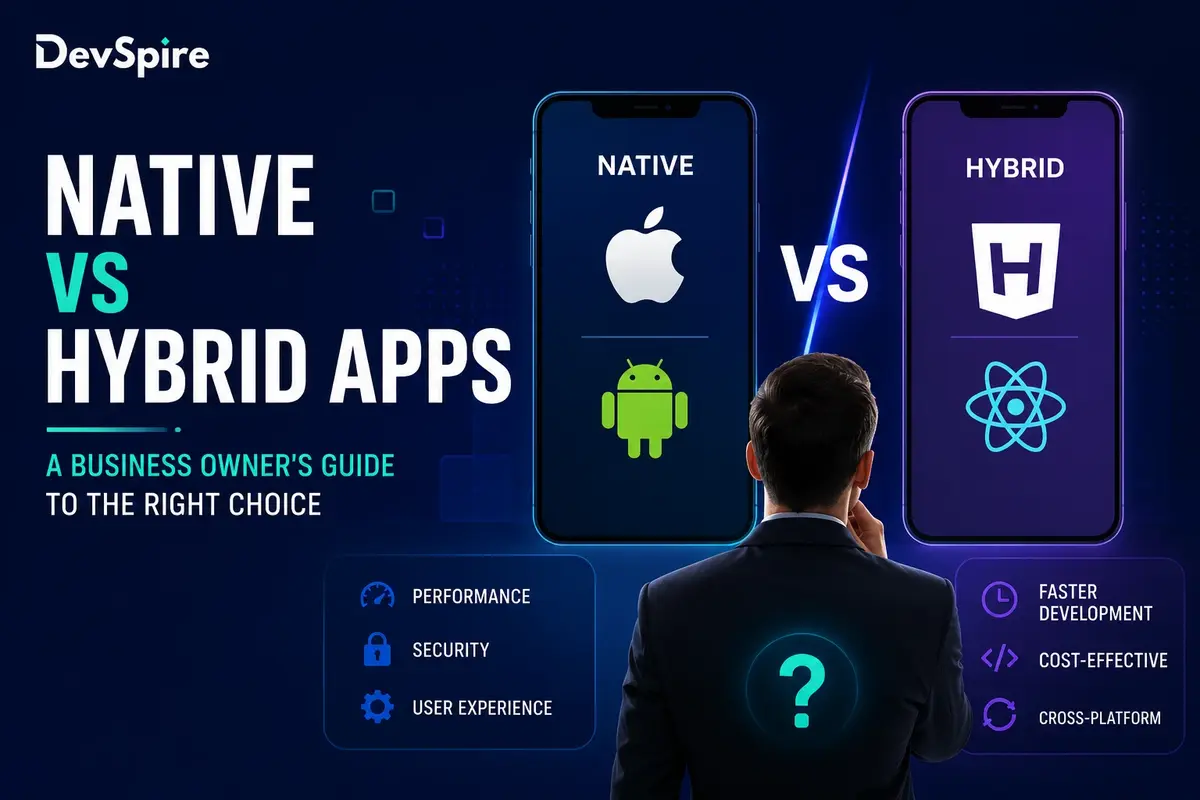
If most of these don’t apply yet, a PWA or wrapper option is usually the smarter starting point. If they do, it’s worth talking through what a full build looks like, and reading up on how to choose a mobile app development agency before committing to one.
Which Option Is Right for Your Business
If you’re testing whether an app is worth it at all, start with an app wrapper or PWA. Both let you gauge real interest without a big upfront commitment. If mobile is already central to how customers use your business, a fully custom app is usually the better long-term investment, since it won’t need replacing once you outgrow the simpler options.
Every project is different, and the right starting point depends on your traffic, your budget, and how your customers already use your site. If you’re weighing this decision for your own business, our mobile app development team can walk through your WordPress setup and scope out what a realistic build would actually look like, before you commit to a direction.