
Quick answer: Cheap hosting plus a free security plugin is not enough for most business sites in 2026. Two things actually matter: the type of hosting you pick and the security layer you build on top of it. Get either one wrong, and you end up paying more later, in downtime, lost rankings, or a full site cleanup.
The mistake most owners make without knowing it
Here’s how it usually goes. A business owner picks the cheapest hosting plan they can find, installs a free security plugin, and calls it done. It feels responsible. It isn’t.
Cheap hosting and a free plugin can still leave real gaps: slow servers, no real firewall, and updates nobody checks on. Then one day the site goes down, or worse, it gets hacked, and the “savings” from that cheap plan turn into a cleanup bill that costs more than a year of better hosting would have.
This is the kind of thing we run into a lot at devspire llc, so we wanted to lay out how hosting types and security tools actually compare, and where owners tend to get tripped up.
Why hosting and security get treated as two separate choices
Most people pick hosting first, based on price, and think about security later. That order causes problems.
Here’s the part that’s easy to miss: your hosting plan sets the ceiling for what any security plugin can actually do. A firewall plugin on a cheap shared server is working with less protection to begin with. A managed host with built-in security tools gives that same plugin a much stronger base to work from. Hosting and security aren’t two separate purchases. They work together, or they don’t work well at all.
Comparing WordPress hosting types
There are four main types of WordPress hosting, and each one fits a different kind of business.
Shared hosting is the cheapest option. Your site sits on a server with dozens, sometimes hundreds, of other sites. If one of those sites gets hacked or overloaded, it can affect your site too. Fine for a small blog. Risky for anything handling customer data.
Managed WordPress hosting costs more, but the host handles updates, backups, and caching for you. Many managed plans include basic malware scanning at the server level, which is a real advantage over shared hosting.
VPS hosting gives you a private slice of a server, with more control and better performance. The catch is that VPS usually needs someone who knows how to configure and maintain a server, or you’re paying a developer to do it.
Cloud hosting scales automatically when traffic spikes, and you pay based on usage. It’s a strong fit for stores or sites expecting unpredictable traffic, but setup takes more technical know-how than the other options.
| Hosting type | Typical cost | Who controls the server | Built-in security | Best for |
|---|---|---|---|---|
| Shared | Low | Host | Minimal | Small blogs, brochure sites |
| Managed | Mid to high | Host (mostly) | Moderate to strong | Small to mid-size businesses |
| VPS | Mid | You (or your dev) | Depends on setup | Businesses with in-house tech help |
| Cloud | Usage-based | You (or your dev) | Depends on setup | Sites with variable or high traffic |
If your business doesn’t have someone technical on staff, this is often the point where owners benefit from bringing in outside help rather than guessing. Some businesses find it’s easier to outsource wordpress theme customization and hosting setup together, so the two are configured to actually work with each other from day one, instead of bolted together after something breaks.
Comparing security tools
Once hosting is sorted, the next decision is which security layer to add. Here’s what each option actually covers, and what it doesn’t.
Free plugins, like the free tiers of Wordfence or Sucuri, will scan your site and flag known issues. Their firewall protection is limited, and they typically don’t stop attacks before they hit your server.
Paid plugin plans add a real-time firewall, automated malware removal, and login protection like rate limiting or two-factor authentication. This is a meaningful step up from the free tier.
Host-level security, built into many managed hosting plans, blocks threats at the server itself, before they ever reach your WordPress install. This includes protection against flood attacks (DDoS) and isolation from other sites on the server.
SSL and CDN layers are often bundled with hosting now, though some hosts still charge extra. SSL encrypts data between your site and visitors. A CDN speeds up load times and can absorb some attack traffic.
| Security layer | Blocks brute force | Blocks malware | Blocks DDoS | Protects stored data |
|---|---|---|---|---|
| Free plugin | Partial | Scan only | No | No |
| Paid plugin | Yes | Yes | Partial | Partial |
| Host-level security | Yes | Yes | Yes | Partial |
| SSL/CDN | No | No | Partial | Yes (in transit) |
The biggest mix-up we see: a plugin adds a layer of protection, it doesn’t replace protection at the server level. You need both, not one instead of the other.
Security also isn’t just about plugins and firewalls. A site built on outdated code or a bloated theme is easier to break into and harder to patch cleanly. That’s part of why a wordpress seo service and a security review often go hand in hand. Slow, poorly coded sites tend to have both SEO problems and security gaps at the same time, because both come from the same root cause: nobody’s kept the foundation in good shape.
Where most owners go wrong in 2026
A few patterns keep showing up:
- Picking a host by the first-year price. Renewal rates often jump 2 to 3 times higher after the intro period ends, and by then, migrating feels like too much hassle.
- Installing a plugin but skipping the basics. Weak admin usernames, outdated PHP versions, and no two-factor login make a paid plugin work a lot harder than it needs to.
- Assuming backups are automatic. Many hosts treat backups as a paid add-on, not a default. Check your plan, don’t assume.
- Setting up SSL once and forgetting it. Certificates need renewal, and misconfigured SSL can quietly break parts of your site.
- Never testing site speed or uptime after switching hosts. A new host should be measured, not assumed to be an upgrade just because it costs more.
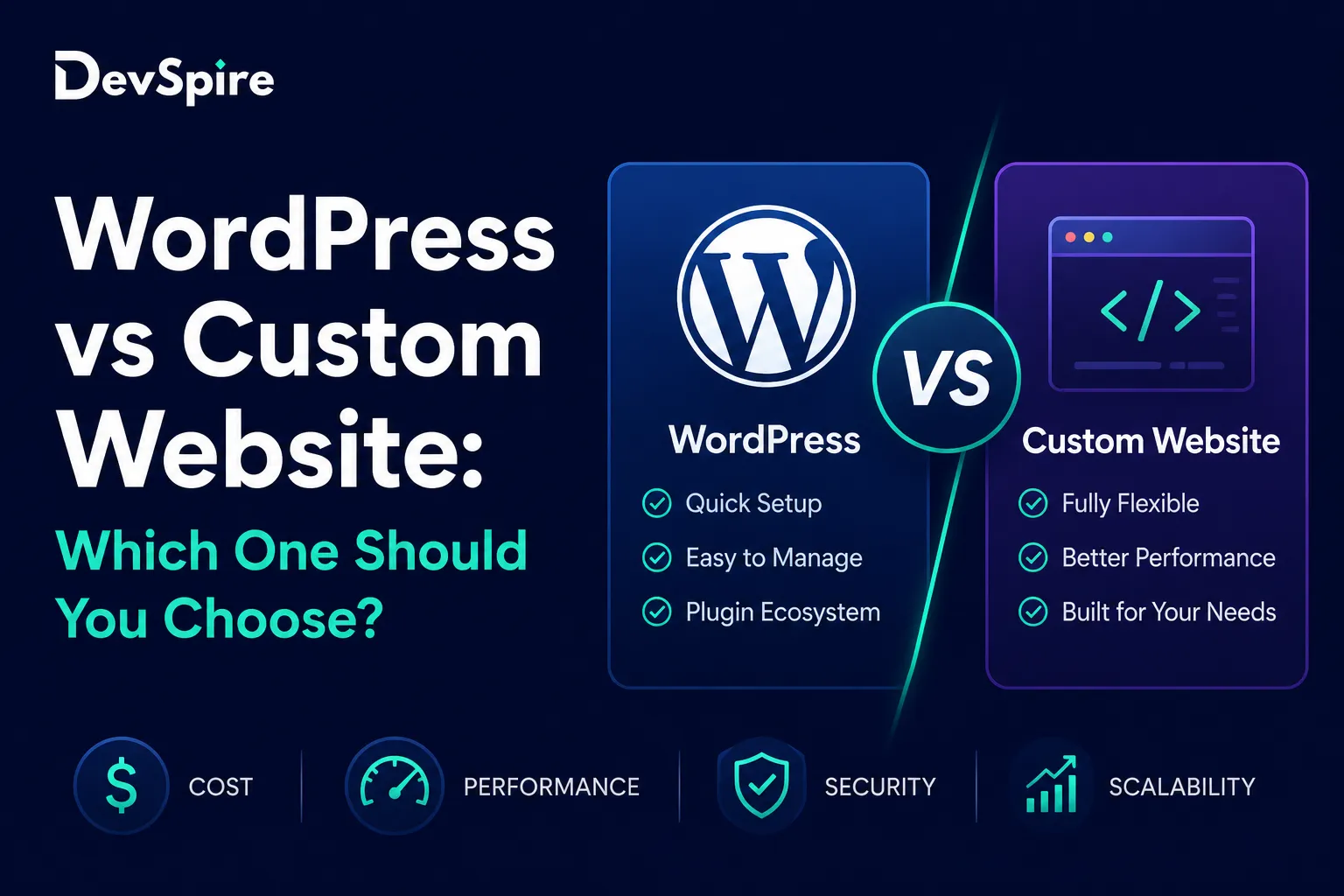
There’s also a bigger decision some owners face before any of this: whether WordPress is even the right platform for what they’re building, versus a custom-built site. We’ve laid out how WordPress and custom development compare if that’s still an open question for you.
A simple way to choose
Before picking hosting or security tools, ask three questions:
- How much traffic do you expect, and how much does it swing?
- Do you have technical help in-house, or will you rely on your host and outside developers for everything?
- Does your site handle payments, client forms, or other sensitive data?
A small brochure site with light traffic can usually get by on mid-tier managed hosting plus a paid security plugin. A store, or any site collecting customer data, needs host-level security plus a real firewall, not just a plugin doing its best on a shared server.
The bottom line
Hosting and security aren’t two separate line items on a budget. They’re one decision, split into two parts. Pick hosting based on what your site actually needs, then match the security layer to what that hosting doesn’t already cover.
Before your next renewal, pull up your current hosting plan and your security tools side by side. If you can’t tell what’s actually protecting your site, that’s the sign it’s time for an audit.