
By the DevSpire Development Team | Updated August 2026
DevSpire builds and maintains web projects across WordPress, custom software, and mobile app platforms for US businesses. This guide reflects patterns we see across those projects, not a generic overview pulled from a textbook.
There are 10 main types of web development: front-end, back-end, full-stack, CMS-based, e-commerce, web application, mobile web, API and headless, static site, and progressive web app (PWA) development. Each one solves a different problem, and most real projects combine two or three of them rather than fitting neatly into one box.
If you’re planning a website or app and keep hearing these terms without a clear explanation, this guide breaks down what each type actually involves, which technologies power it, and how to figure out which one fits your project. Our web development services team works across most of these categories on a weekly basis, so the examples here come from real project patterns, not theory.
What Is Web Development?
Web development is the work of building, testing, and maintaining websites and web applications. It splits into three broad layers: what users see and click on, what runs behind the scenes to process data, and everything in between that connects the two.
The tools involved include HTML and CSS for structure and styling, JavaScript for interactivity, and a wide range of server-side languages and databases depending on what the site needs to do. A simple portfolio site and a booking platform with live availability both count as web development, but they need very different skill sets to build.
The 10 Main Types of Web Development
Below are the categories that cover almost every web project you’ll come across, along with what each one is actually good for.
1. Front-End Development
Front-end development is the part of a website users directly interact with: layout, buttons, forms, animations, and everything visible in the browser.
Front-end developers work primarily in HTML, CSS, and JavaScript, often through frameworks like React, Vue, or Angular. The goal is a page that loads fast, looks right on every screen size, and responds correctly to clicks, taps, and scrolls. A site can have excellent back-end logic and still fail if the front end is slow or confusing to use.
2. Back-End Development
Back-end development handles everything the user doesn’t see: databases, servers, authentication, and the logic that decides what data gets shown and when.
Common back-end languages include PHP, Python, Node.js, Ruby, Java, and C#, paired with databases like MySQL, PostgreSQL, or MongoDB. If a front end is the storefront, the back end is the warehouse, inventory system, and cash register working together behind it.
3. Full-Stack Development
Full-stack development means working across both the front end and back end on the same project, rather than specializing in just one side.
A full-stack developer can build a working feature end to end: the interface, the logic that processes it, and the database that stores the result. This approach works well for smaller teams and projects where one person or a small group needs to move quickly across the entire stack without constant handoffs.
4. CMS-Based Development
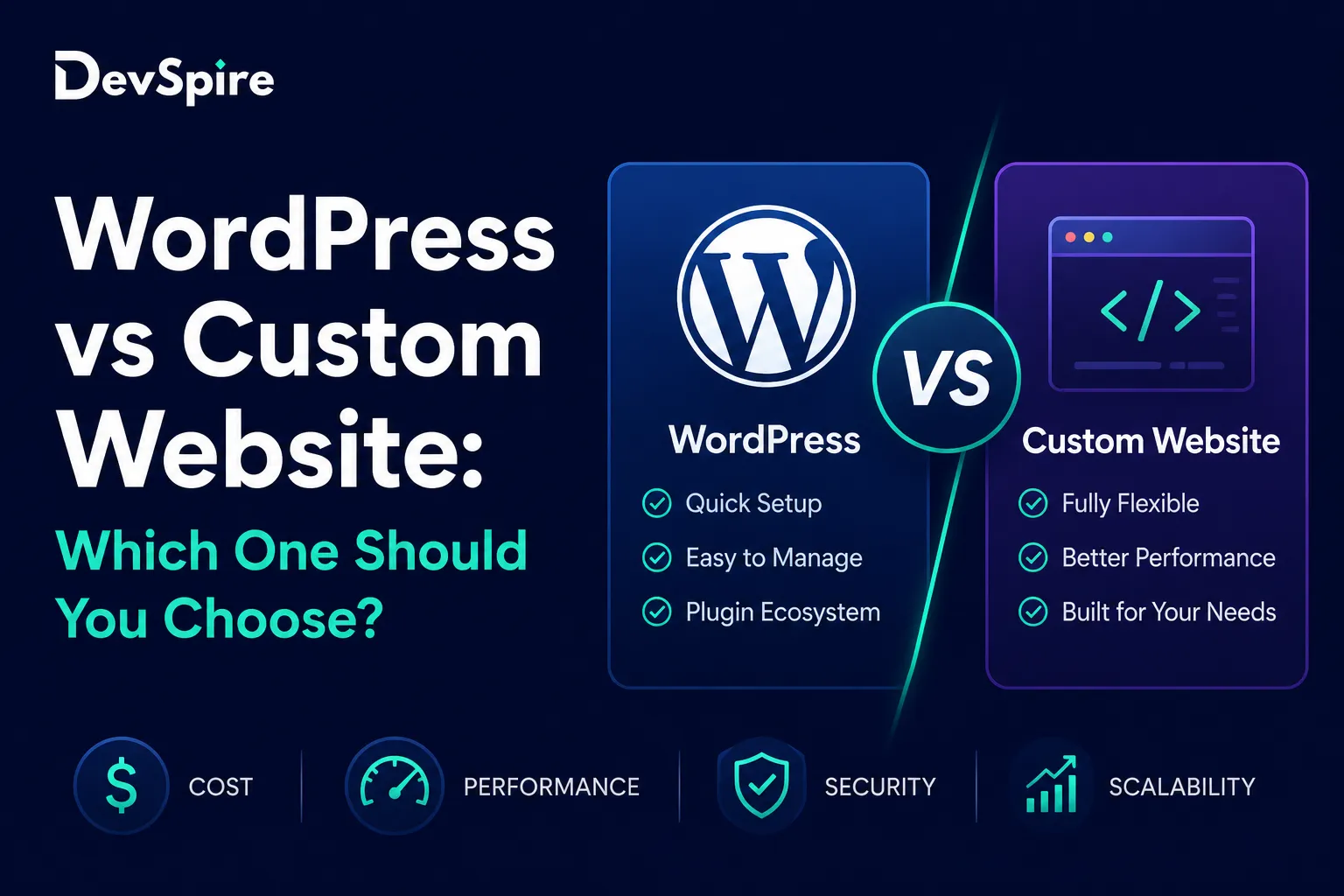
CMS-based development means building a site on a content management system like WordPress, so the client can update pages, posts, and products without touching code.
WordPress alone powers a large share of the web, and for good reason: it separates content management from custom development, so a business owner can publish a blog post while a developer handles the underlying theme and functionality. Most small and mid-sized US businesses land here because it balances flexibility with a manageable cost. Our WordPress development services cover everything from custom themes to plugin work within this category.
We’ve seen clients start with a fairly simple WordPress build and grow into custom plugins and integrations over two or three years, which is one of the real advantages of this approach: it scales with the business instead of requiring a rebuild.
5. E-Commerce Development
E-commerce development covers the specific technical work behind online stores: product catalogs, cart and checkout flows, payment processing, and inventory sync.
This overlaps with CMS-based development often, since platforms like WooCommerce run on top of WordPress, but it also includes dedicated platforms like Shopify or fully custom-built stores for businesses with unusual catalog or fulfilment needs. Checkout speed and mobile performance matter more here than almost any other category, since cart abandonment climbs fast when a payment page lags.
6. Web Application Development
Web applications are interactive tools that do something beyond displaying content: think project management dashboards, booking systems, or internal business software.
These typically need a real back end, user accounts, and often real-time data updates. The line between a “website” and a “web app” usually comes down to interactivity. A blog is a website. A tool where users log in, upload files, and see personalized data is a web application. Our custom software development team handles most projects in this category.
7. Mobile Web and Responsive Development
Mobile web development focuses on making a site work properly on phones and tablets, which now account for the majority of traffic on most US business websites.
Responsive design uses flexible layouts and breakpoints so a single site adapts to any screen size, rather than maintaining separate mobile and desktop versions. Google also uses mobile-first indexing, meaning it primarily evaluates the mobile version of a page for ranking purposes. A site that looks great on desktop but breaks on mobile is losing both users and search visibility at the same time. For businesses that need a dedicated app rather than just a responsive site, our mobile app development services cover native iOS and Android builds separately.
8. API and Headless Development
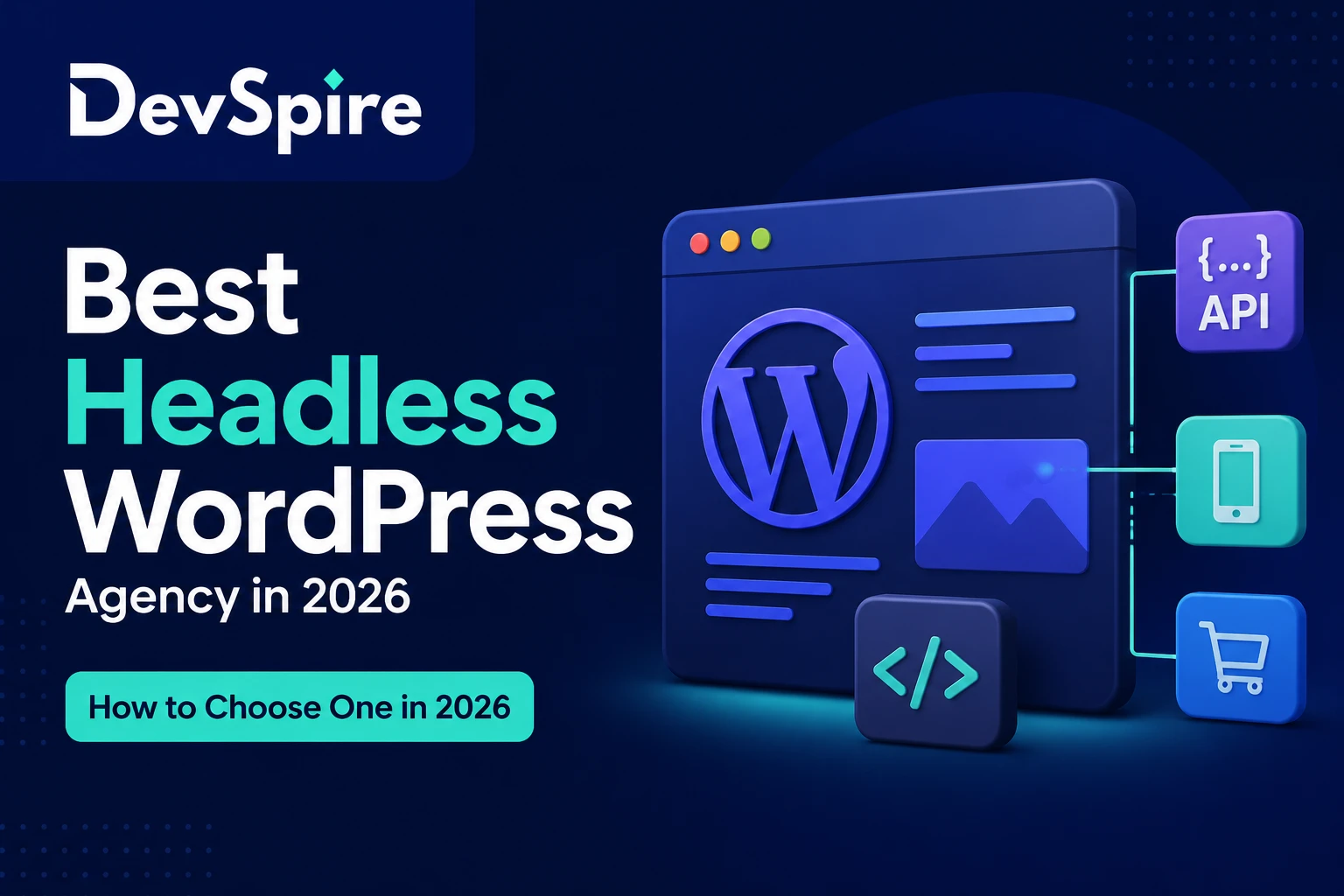
API and headless development separates the content or data layer from the presentation layer, so a single back end can power a website, a mobile app, and other platforms at once.
Instead of a traditional CMS controlling both the content and how it displays, a headless setup exposes content through an API (usually REST or GraphQL) and lets a separate front end, often built in Next.js or React, handle the display. This adds real complexity, particularly around SEO configuration, which is easy to get wrong without direct experience. We cover this trade-off in detail in our headless WordPress development service page, including when it’s worth the added cost and when it isn’t.
9. Static Site Development
Static sites serve pre-built HTML files directly, without querying a database or running server-side code on each page load.
This makes them extremely fast and easy to secure, since there’s no database to attack and no server-side processing to slow things down. Tools like Jekyll, Hugo, and Next.js’s static export mode generate these sites ahead of time, then serve them from a content delivery network. Static development works well for documentation sites, marketing pages, and blogs that don’t need real-time data, but it’s a poor fit for anything requiring user accounts or frequent content changes by non-technical staff.
10. Progressive Web App (PWA) Development
A progressive web app is a website built to behave like a native app: it can work offline, send push notifications, and get added to a phone’s home screen without going through an app store.
PWAs rely on service workers, background scripts that cache content and handle offline functionality, along with a web app manifest file that defines how the app appears when installed. They’re a middle ground between a responsive website and a full native app, useful when you want app-like behaviour without the cost and App Store approval process of building separately for iOS and Android.
Web Development Technologies by Type
Each type of web development leans on a different set of tools. Here’s a quick reference for the technologies most commonly paired with each category.
| Development Type | Common Technologies |
|---|---|
| Front-end | HTML, CSS, JavaScript, React, Vue, Angular |
| Back-end | PHP, Python, Node.js, Java, MySQL, PostgreSQL |
| Full-stack | Combination of the above, often MERN or MEAN stack |
| CMS-based | WordPress, PHP, MySQL, Elementor, ACF |
| E-commerce | WooCommerce, Shopify, Stripe, PayPal APIs |
| Web application | React or Vue front end, Node.js or Python back end, REST APIs |
| Mobile web | Responsive CSS frameworks, media queries, mobile-first design |
| API and headless | REST API, GraphQL, WPGraphQL, Next.js |
| Static site | Jekyll, Hugo, Next.js static export, CDN hosting |
| PWA | Service workers, web app manifest, HTTPS, caching APIs |
These web development technologies aren’t locked to a single category. A modern e-commerce build, for example, might use a headless front end, a CMS-based product catalog, and PWA features for offline browsing, all in the same project.
How Long Each Type Typically Takes to Build
Timelines vary by project, but here’s a rough reference based on what we typically see for a standard-scope build in each category.
| Development Type | Typical Timeline |
|---|---|
| CMS-based (WordPress) | 4 to 8 weeks |
| Static site | 2 to 4 weeks |
| E-commerce | 6 to 12 weeks |
| Web application | 3 to 6 months |
| Mobile web / responsive | Add-on to existing timeline, not usually standalone |
| API and headless | 8 to 16 weeks, longer with complex integrations |
| PWA | 4 to 10 weeks, depending on offline feature complexity |
These ranges assume a defined scope going in. Projects that start without a clear feature list tend to run long regardless of which type of web development is involved, since scope creep affects every category equally.
How to Choose the Right Type of Web Development for Your Business
The right type of web development depends on three things: who needs to update the site, how much custom functionality it needs, and how fast it needs to load under real traffic.
If your team needs to publish content regularly without a developer, CMS-based development is usually the right starting point. If you’re building an internal tool or a product with real user accounts and logic, you’re likely looking at web application development instead. If speed and simplicity matter more than frequent content updates, a static site might outperform a full CMS build on both cost and performance.
Budget and timeline matter too. A CMS-based site can often launch in weeks. A custom web application with authentication, a database, and complex business logic usually takes months. Getting this wrong in either direction, over-engineering a simple brochure site or under-building a product that needs real infrastructure, tends to cost more to fix later than it would have cost to plan correctly from the start.
Common Mistakes Businesses Make When Choosing a Web Development Approach
Picking headless before there’s a reason to. Headless architecture solves real problems for multi-platform content delivery, but it adds SEO and maintenance complexity that most single-website businesses don’t need yet.
Underestimating e-commerce checkout requirements. Payment compliance, tax calculation, and shipping integrations are more involved than they look from the outside, and rushing this part causes problems after launch, not during development.
Treating mobile as an afterthought. With most traffic on US business sites now coming from phones, building desktop-first and adapting later usually means redoing significant chunks of front-end work.
Choosing a static site for something that needs to change often. Static sites are fast, but every content update requires a rebuild and redeploy, which becomes a real bottleneck for teams that publish frequently.
Not sure which type of web development fits what you’re building? Reach out and our team can walk through your project and recommend an approach based on what you actually need, not the most expensive option on the list.