
By the DevSpire Development Team | Updated September 2026
DevSpire builds and maintains WordPress, headless, and custom web projects for US businesses. This comparison reflects what we’ve seen across those builds, not a generic rundown of platform marketing pages.
The honest answer is that your CMS does not decide your rankings. Your content, links, and technical setup do that. But your CMS decides how easy or hard it is to get those three things right, and that difference adds up fast once a site has more than a handful of pages.
A recent analysis of 631 top-ranking domains across 102 commercial keywords found that WordPress remains the most common real CMS among top performers, at roughly 20% share, while custom and headless stacks are climbing fast among sites with no off-the-shelf CMS at all. The takeaway from that data matters more than the headline number: the platform sets the ceiling on what’s possible, and the SEO work is what actually gets a site there.
This guide compares the CMS platforms businesses actually choose between, what each one gets right and wrong for SEO, and how to pick based on what your site actually needs rather than what’s trending. If your team needs a WordPress build done properly from the start, our WordPress development services cover everything from architecture to migration.
Key Takeaways
- WordPress is the most SEO-flexible option for most businesses, with the widest plugin ecosystem for technical control.
- Webflow gives strong default technical SEO with less flexibility for complex content structures.
- Shopify is built for product SEO but limits blog and content architecture.
- Wix and Squarespace have improved technical SEO significantly but still trail on advanced control.
- Headless setups (Next.js and similar) offer the best raw performance but need deliberate SEO configuration that a lot of teams skip.
- Your CMS choice matters less than how well it’s configured. A mediocre platform set up correctly will usually outperform a strong platform set up carelessly.
What Makes a CMS Good for SEO?
A CMS is good for SEO when it gives you direct control over five things: URL structure, metadata, site speed, structured data, and crawlability. If a platform makes any of these hard to touch without a developer, it’s going to slow down every SEO decision you make.
URL structure and permalinks. You should be able to set clean, descriptive URLs without the platform forcing IDs, dates, or category strings into every path. Some page builders and older CMS platforms still don’t give you this control by default.
Metadata control. Title tags, meta descriptions, and Open Graph data need to be editable per page, not locked to a template. This sounds basic, but a surprising number of CMS platforms still make bulk metadata edits painful.
Site speed and Core Web Vitals. The platform’s underlying code, image handling, and caching behavior all affect load times. A CMS that ships bloated by default puts you behind before you’ve written a single blog post.
Schema markup support. Structured data for articles, products, FAQs, and breadcrumbs helps search engines and AI systems understand your content. Native support, or at least clean plugin support, saves real development time.
Crawlability. XML sitemaps, robots.txt control, and canonical tag management need to work without fighting the platform. This matters more as a site grows past a few dozen pages.
Internal linking tools. CMS internal linking, meaning how easily you can link related pages, posts, and products to each other, affects how search engines understand your site’s structure. Platforms that auto-suggest related content or make manual linking fast save real time on larger sites.
Best CMS Platforms for SEO, Compared
Here’s how the platforms businesses actually compare stack up on the factors above.
| Platform | Best For | SEO Strengths | Limitations |
|---|---|---|---|
| WordPress | Content-heavy sites, blogs, custom builds | Full metadata control, mature SEO plugins, huge schema support | Requires more setup and maintenance than hosted platforms |
| Webflow | Design-forward marketing sites | Strong technical SEO defaults, clean code output | Limited for large content libraries or complex taxonomies |
| Shopify | Ecommerce stores | Solid product page SEO, fast checkout flows | Blog and content SEO tools are secondary to commerce features |
| Wix | Small business sites, simple builds | Improved technical SEO in recent years, easy for beginners | Less granular control for advanced technical SEO |
| Squarespace | Portfolios, small service businesses | Clean design, decent default speed | Limited plugin ecosystem for advanced SEO needs |
| Drupal | Enterprise and government sites | Deep customization, strong for complex content models | Steep learning curve, needs dedicated developer support |
| Headless (Next.js, etc.) | High-performance apps, multi-platform content | Fastest raw performance, full control over rendering | SEO configuration must be built manually, easy to get wrong |
A Closer Look at Each Platform
WordPress
WordPress powers a large share of the web, and for SEO specifically, the reason is control. Plugins like Yoast and RankMath give you title tags, meta descriptions, schema, sitemaps, and redirect management without touching code, and the platform’s block editor now handles most metadata needs natively. It’s also the default answer whenever the question is really about the best CMS for blogging at scale, since categories, tags, and author archives are built in rather than bolted on.
The tradeoff is that WordPress is only as SEO-friendly as the theme and plugins running on it. A bloated theme or a stack of conflicting plugins can undo every advantage the platform gives you. On a WordPress migration we handled for a services client earlier this year, switching from a heavy page-builder theme to a lightweight block-based theme cut the homepage’s page weight by roughly 40%, with no content changes at all. That’s the kind of gain that comes from the platform, not the content.
For businesses that want that level of control without managing the technical side themselves, our WordPress SEO optimization service handles the setup, from schema to Core Web Vitals, as part of the build.
Webflow
Webflow generates clean, semantic HTML by default, which gives it a real technical SEO advantage over most page builders. Metadata, alt text, and basic schema are editable through the visual interface without needing a developer for every change.
Where Webflow struggles is content scale. It works well for a marketing site with a few dozen pages, but managing a large blog or a complex taxonomy of content types gets clunky fast. It’s a strong choice for design-led brochure sites, less so for content-heavy publishers.
Shopify
Shopify’s SEO strengths are built around commerce. Product pages, collection pages, and checkout flows are fast and well-structured out of the box, and the platform handles a lot of ecommerce-specific technical SEO automatically, canonical tags on filtered collection pages, for example.
The blog and content side is where Shopify shows its limits. Content SEO features exist, but they’re clearly secondary to the commerce functionality, and businesses that want to publish serious volumes of content often end up running a separate CMS alongside Shopify just for the blog.
Wix and Squarespace
Both platforms have made real technical SEO improvements over the past few years. Wix in particular rebuilt its SEO tooling to compete more directly with WordPress on basics like clean URLs, sitemap control, and page speed. Squarespace’s advantage is design quality paired with reasonable default performance.
Neither gives you the depth of control that WordPress or a custom build offers. For a small service business or a solo professional who needs a clean site without managing a CMS long-term, either platform is a reasonable choice. For a business planning to scale content or add complex functionality, both become limiting faster than expected.
Drupal
Drupal is built for complexity. Large organizations with intricate content models, multiple content types, and strict governance requirements often land here because Drupal handles that structure better than most alternatives. For teams specifically searching for enterprise CMS SEO options, Drupal usually sits on the shortlist alongside Adobe Experience Manager and Optimizely.
The cost is a steep technical learning curve. Drupal isn’t something a marketing team manages without developer support, and that support needs to be ongoing, not a one-time setup. It’s the right tool for a narrow set of large, complex projects, not for most small or mid-sized businesses.
Headless CMS and Next.js
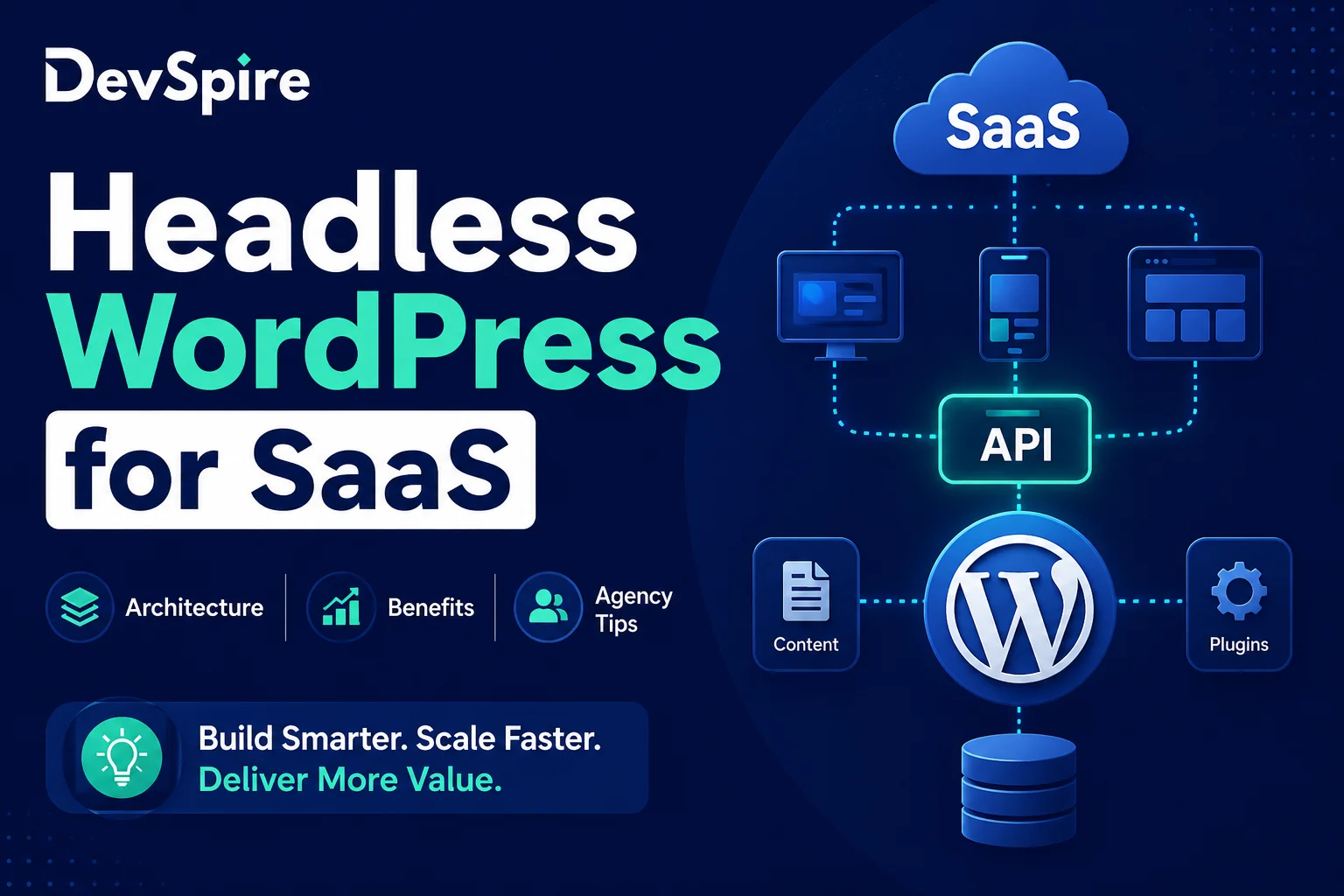
A headless setup separates the content backend from the frontend that renders it, which gives you the fastest possible load times and full control over how pages are built. For businesses that need one content source powering a website, an app, and other platforms at once, this architecture makes real sense.
The catch is SEO configuration. In a traditional CMS, plugins handle metadata and schema automatically. In a headless setup, someone has to query that data explicitly and inject it into every page at build or request time. Skip that step, and you end up with a fast site that’s nearly invisible to search engines. We cover this tradeoff in detail in our headless WordPress development service, including when the added complexity is worth it and when it isn’t.
Does Your CMS Choice Actually Affect Rankings?
Not directly, no. Google doesn’t rank sites higher because of which CMS they run. What the CMS affects is how much friction stands between you and doing SEO correctly.
The 631-domain analysis mentioned earlier makes this point clearly: using a given CMS is not itself a ranking advantage, it’s the driver, not the car. WordPress shows up often among top-ranking sites because it removes friction, not because Google favors it. The same logic applies in reverse. A site on a technically weaker platform can still outrank WordPress competitors if the content, links, and on-page work are genuinely stronger.
This is worth internalizing before switching platforms for SEO reasons alone. A CMS migration is expensive and risky, and it rarely fixes a ranking problem that’s actually caused by thin content or a weak backlink profile.
How to Choose the Right CMS for Your Business
The right choice depends on three things: how much content you plan to publish, how much technical control you actually need, and who’s going to maintain the site day to day.
If you’re publishing regularly and need full control over metadata, schema, and site structure, WordPress is still the strongest general-purpose choice. If you’re running an online store first and a blog second, Shopify’s commerce strengths outweigh its content limitations for most businesses. If you need one content source across multiple platforms and have the technical resources to configure it properly, a headless setup is worth the added complexity.
This decision connects to a broader question worth answering first: what kind of web development does your project actually need. We break down the different types of web development in a separate guide, including where CMS-based builds fit against custom applications and static sites, which is useful context before locking in a platform.
Budget and timeline matter here too. A CMS-based WordPress site can typically launch in weeks. A headless build with proper SEO configuration usually takes longer and costs more upfront, and that cost only pays off if the multi-platform flexibility is something you’ll actually use.
Common CMS SEO Mistakes
Choosing a platform based on design, not structure. A beautiful template with no control over metadata or schema will cost you more in lost visibility than it gains in visual polish.
Migrating platforms without a redirect plan. Every URL change without a proper 301 redirect strategy loses ranking signal. This is one of the most common and most avoidable mistakes in a CMS switch.
Assuming headless means automatically fast and SEO-ready. Speed, yes. SEO-ready, only if someone builds the metadata and schema layer deliberately. Skipping this step is the single biggest headless SEO failure we see.
Letting plugins or apps pile up unchecked. On WordPress and Shopify alike, every added plugin or app is a potential speed and security tradeoff. Audit what’s actually in use every few months.
Never revisiting the decision. A CMS that fit a five-page site three years ago might be actively limiting a business that’s now publishing weekly and running a real content strategy. It’s worth reassessing every year or two, not just at launch.
CMS SEO Requirements Checklist
If you’re evaluating a platform, whether it’s your current one or a new one, these are the baseline CMS SEO requirements worth checking before you commit.
- Editable title tags and meta descriptions on every page and post, not just top-level pages
- Custom, human-readable URL slugs without forced IDs or date strings
- Native or plugin-based support for Article, FAQ, Breadcrumb, and Organization schema
- XML sitemap generation that updates automatically as content changes
- Robots.txt access without needing a developer for routine changes
- 301 redirect management built into the platform or available through a stable plugin
- Reasonable default page speed before any optimization work
- Mobile-responsive output, since Google evaluates the mobile version of a page first
A platform that checks most of these boxes will save your team real time over the life of the site, regardless of which one you end up choosing.
Not sure whether your current CMS is helping or holding back your SEO? Reach out and we’ll walk through what’s actually limiting your site, platform included.