
WooCommerce still powers a huge share of the stores we get asked to fix, rebuild, or scale. The plugin is free, the ecosystem is massive, and that combination pulls in everyone from first-time founders to brands doing seven figures a year. The problem is that “easy to start” and “easy to scale” are two different things, and most of the WooCommerce stores we inherit were built for the first goal, not the second.
This guide walks through what proper WooCommerce store development actually involves once you move past a default theme and a handful of plugins. At DevSpire, we work as a custom WordPress development service for ecommerce brands that have outgrown a do-it-yourself setup, and this is the process we follow on real projects, not a generic checklist.
What WooCommerce Store Development Actually Covers
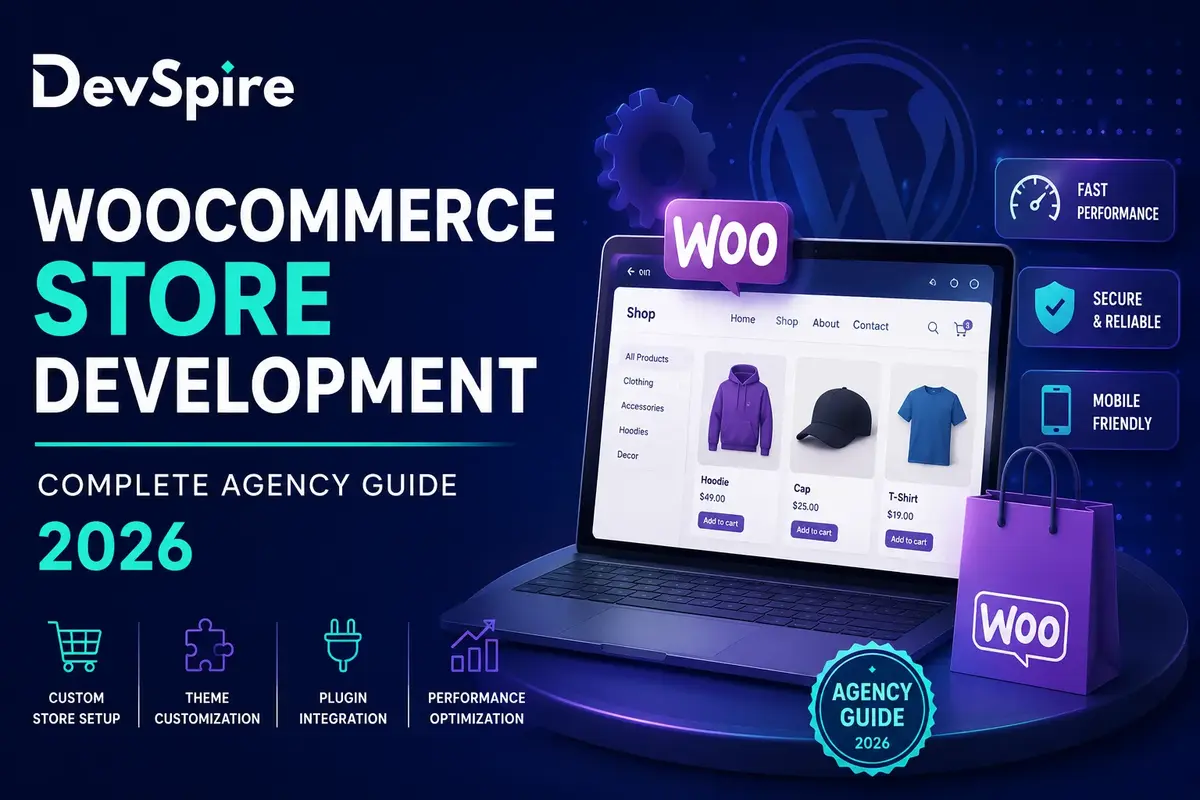
WooCommerce store development is not just installing the plugin and picking a theme. It is the full process of turning WordPress and WooCommerce into a stable storefront that can take orders, manage inventory, process payments, and hold up under real traffic.
In practice, that means custom theme work instead of a stock template, plugin selection that does not bloat the database, checkout flows tuned for the products being sold, payment and shipping integrations that match the business model, and hosting configured for WooCommerce’s specific load patterns. Most store owners learn this the hard way: a site that loaded fine with twenty products starts timing out at two thousand, or a free plugin combination that worked for testing starts conflicting in production.
A store also needs to handle the operational side. Order management, returns, tax rules across regions, and inventory syncing with a warehouse or POS system all sit on top of the storefront itself. Skipping this layer is one of the most common reasons WooCommerce projects stall after launch. An agency that does this kind of build regularly has already hit most of these problems on someone else’s site, which is the real value of paying for development instead of piecing it together.
This is also where a dedicated woocommerce store development services provider earns its fee. The build itself is rarely the hard part. The hard part is anticipating which combination of theme, plugins, and hosting will still work once the catalog grows, the traffic spikes, or a new payment method gets added six months in.
Why Most Stores Need a Theme Rebuild, Not a Theme Swap
Theme problems are usually the first thing we notice on an audit call. A store running a heavily modified free theme, or a premium theme stacked with a page builder and a dozen unrelated plugins, tends to run slow and break in unpredictable ways every time WordPress or WooCommerce pushes an update.
The symptoms are easy to spot once you know what to look for. Product pages that render fine on a laptop but fall apart on mobile. A checkout button that shifts position depending on which browser extension a customer happens to have installed. Page builder shortcodes left over from a redesign two years ago, still loading in the background even though nobody can see them anymore. Each of these on its own is a minor annoyance. Stacked together across a few hundred product pages, they add up to a store that feels unreliable, and customers notice that even if they cannot name the cause.
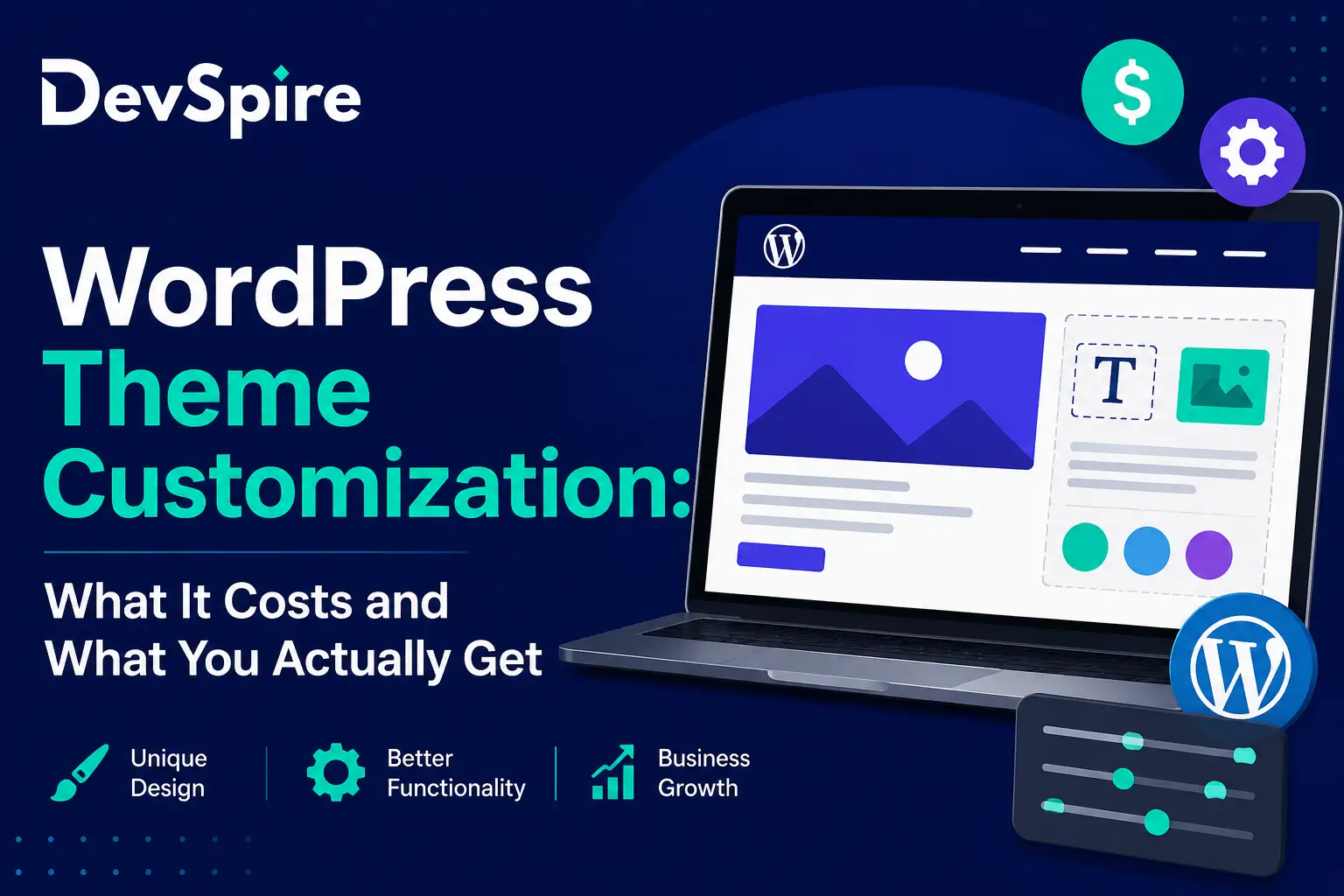
The fix is rarely “pick a different theme.” It is closer to rebuilding the front end around exactly what the store sells, with a wordpress theme customization service approach rather than a fresh template install. A custom build strips out the code the store does not use, structures product and category templates around the actual catalog, and keeps the design flexible enough that adding a new product line does not mean hiring a developer every time.
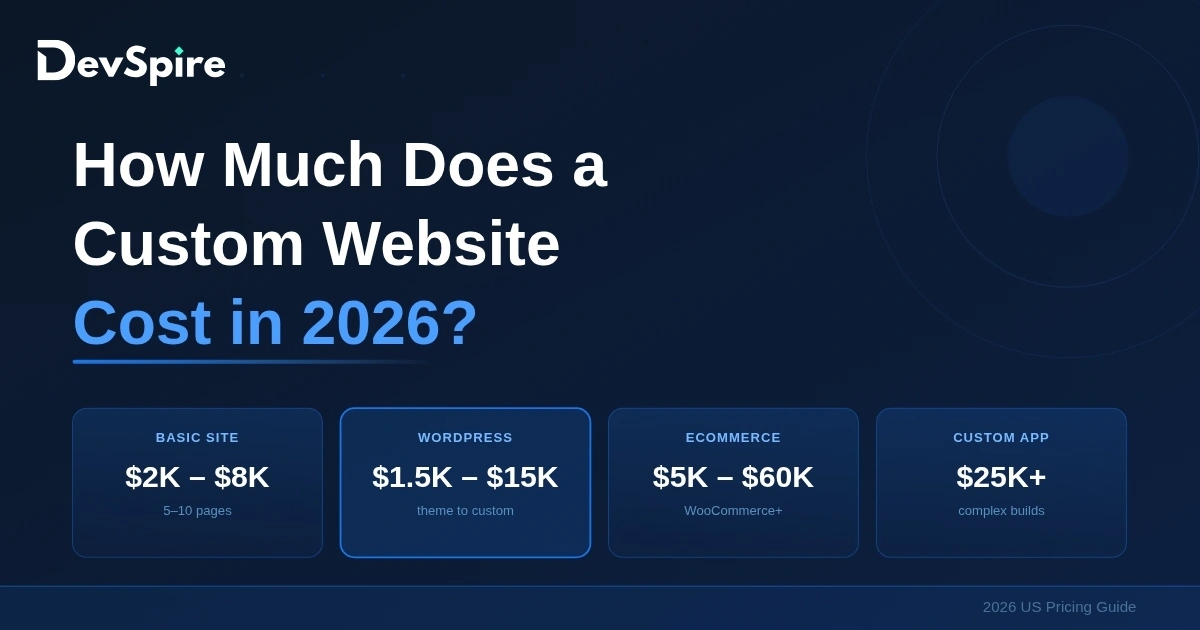
There is a cost trade-off here that is worth saying plainly. A custom theme costs more upfront than a $60 marketplace theme. It also tends to need far less ongoing maintenance, loads faster because it is not carrying code for features the store never uses, and gives the design team room to actually differentiate the brand instead of looking like every other store running the same template. For a store doing meaningful revenue, that trade usually pays for itself within the first few months through lower bounce rates and fewer support tickets about broken layouts.
WordPress vs. a Fully Custom Platform for Ecommerce
Founders sometimes ask whether WooCommerce is even the right call, or whether they should go custom-built or move to a hosted platform instead. It is a fair question, and the honest answer depends on the catalog size, the team’s technical comfort, and how much control over checkout and data the business actually needs.
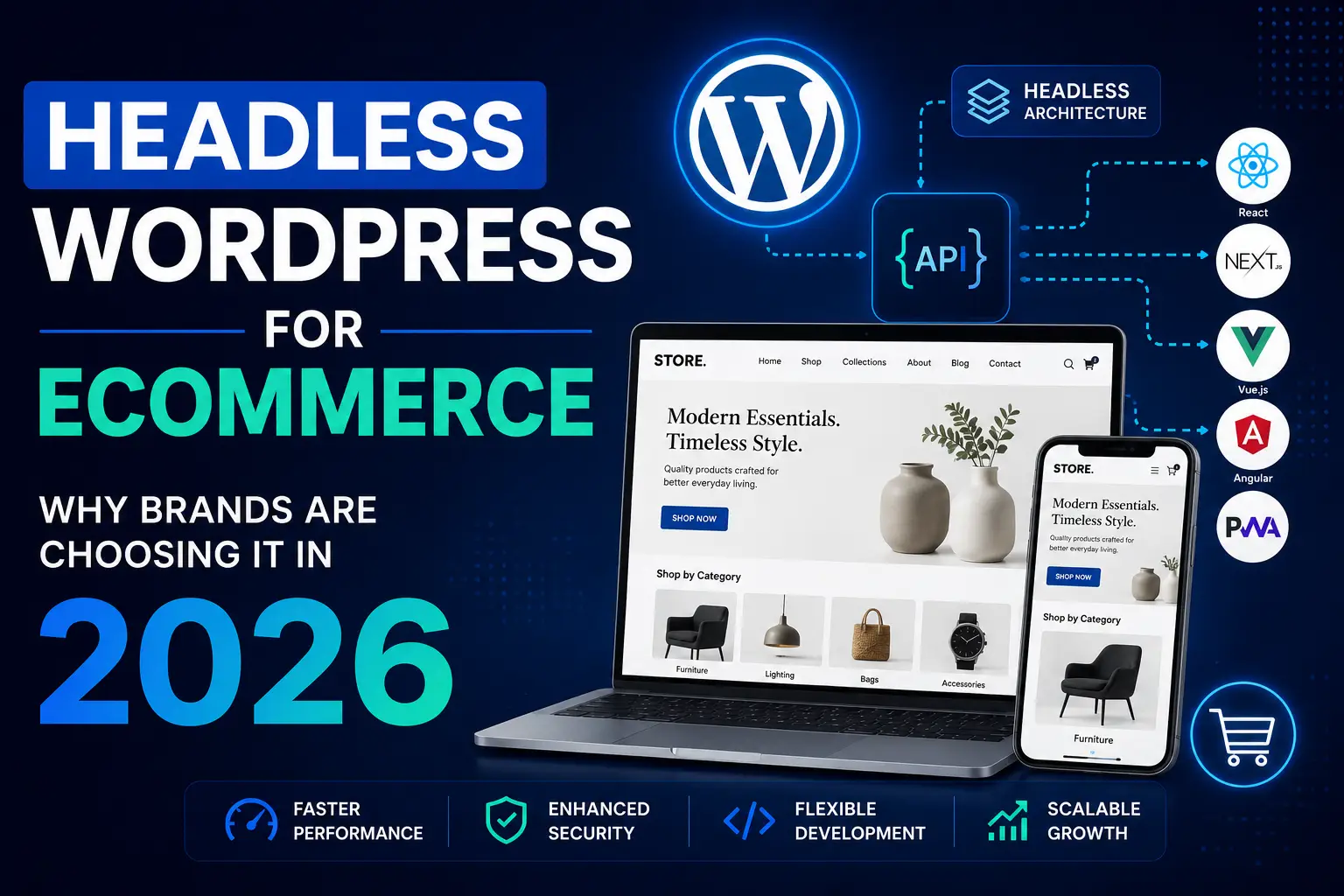
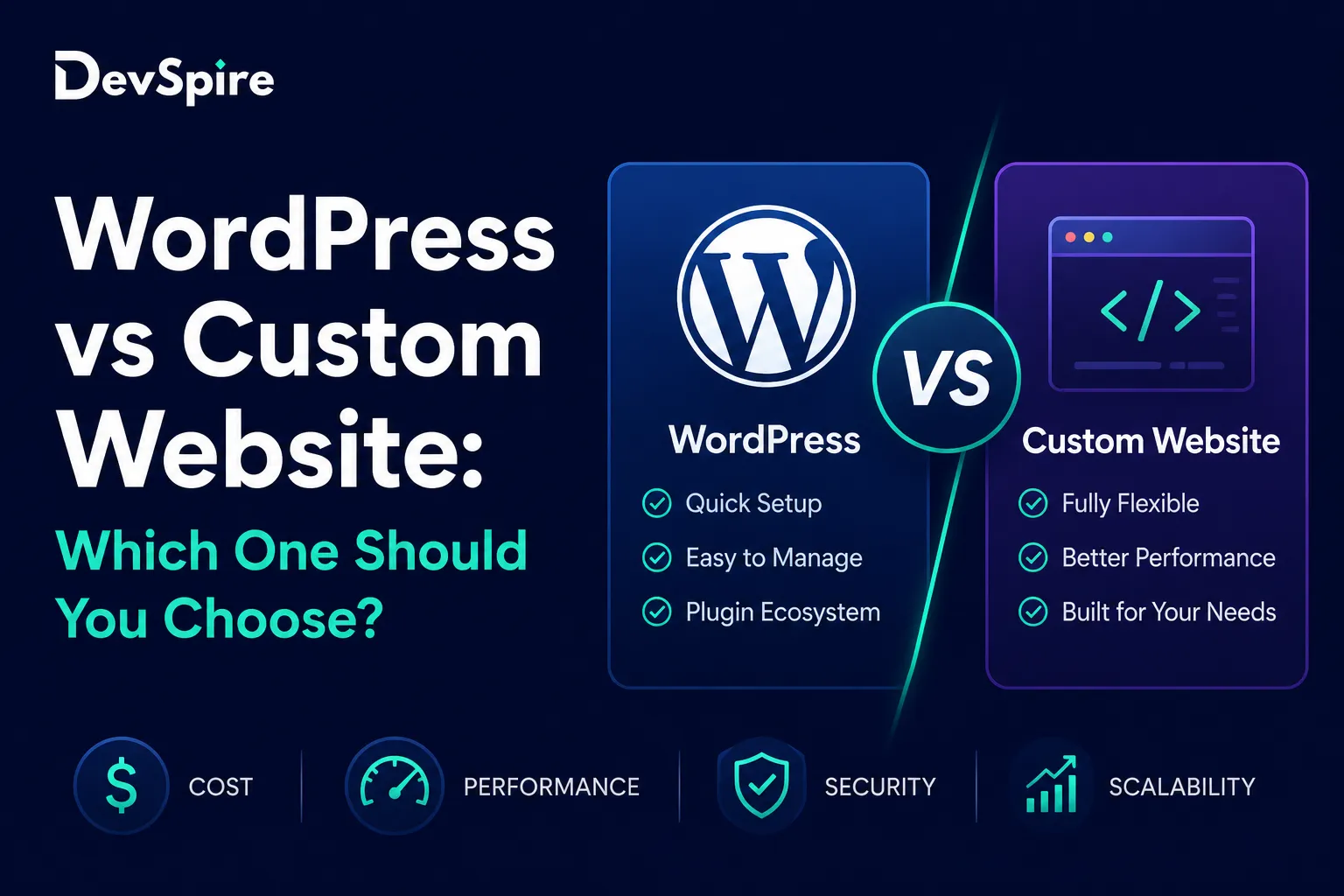
WooCommerce wins on flexibility and cost. Hosting is cheaper, the plugin ecosystem covers nearly every feature a store could want, and the business owns its data outright instead of renting it from a platform. It loses ground on raw performance at very high scale, where a fully custom build or a headless setup can outperform a traditional WordPress stack. We have written up the wordpress vs custom website trade-offs in more detail for brands trying to make that call before committing to a build.
For most stores under the seven-figure mark, the math favors WooCommerce done properly over a custom build done on a tight budget. The mistake we see most often is brands jumping to “we need something custom” when the real issue was a WooCommerce setup that was never built correctly in the first place. Fixing the foundation is usually cheaper and faster than starting over on a different stack.
Performance, Speed, and the Hosting Question
Speed is the one issue that shows up on almost every WooCommerce audit we run. Product pages with dozens of high-resolution images, plugin stacks that were never trimmed down, and shared hosting that was never built for database-heavy ecommerce traffic all combine to slow a store down right when it starts getting real visitors.
WooCommerce is database-intensive by nature. Every product variation, every cart session, every order record adds to a database that generic hosting plans were not designed to handle. A store that feels fine with low traffic can fall apart during a sale or a traffic spike from a successful ad campaign, and that is usually the moment a brand finally calls an agency instead of trying to fix it themselves. We cover the most common causes in our breakdown of why a wordpress site slow issue tends to start, most of which apply directly to WooCommerce stores.
The fix usually involves a few specific moves: hosting built for WooCommerce rather than generic shared hosting, image optimization and lazy loading on product and category pages, caching configured to work with dynamic cart and checkout content instead of breaking it, and a plugin audit to remove anything duplicating functionality. None of this is exotic. It is mostly a matter of someone actually doing it instead of leaving it for “later.”
What a WooCommerce Development Engagement Looks Like
A real engagement starts with an audit, not a build. Before writing any code, we look at the current theme and plugin stack, hosting setup, page speed scores, and how the store currently handles checkout, taxes, and shipping. This step alone surfaces most of the problems that will need fixing regardless of what the new build looks like.
From there, the build phase covers custom theme development matched to the catalog, plugin consolidation so the store is not running five tools that overlap, payment gateway and shipping integration specific to the regions the business sells in, and a staging environment so nothing goes live untested. Migration of existing products, orders, and customer data happens in parallel, with testing done before the old site is taken down rather than after.
Launch is not the end of the engagement. WooCommerce and its plugins update often enough that a store left alone for six months will eventually run into a conflict or a security issue. Ongoing support, whether that is a retainer or a defined maintenance package, is what keeps a store running the way it did on launch day instead of slowly degrading as plugins drift out of sync with each other.
Getting the Build Right the First Time
Most of the WooCommerce projects we take on are not first builds. They are rebuilds of a store that grew faster than its original setup could handle. That pattern is common enough that it is worth planning for scale from day one rather than treating the rebuild as inevitable.
If a store is already showing the symptoms covered here, slow load times, plugin conflicts, a theme that fights every new feature request, it is usually cheaper to fix the foundation now than to keep patching around it. A proper audit takes a few days and tells you exactly where the current setup will break next.