
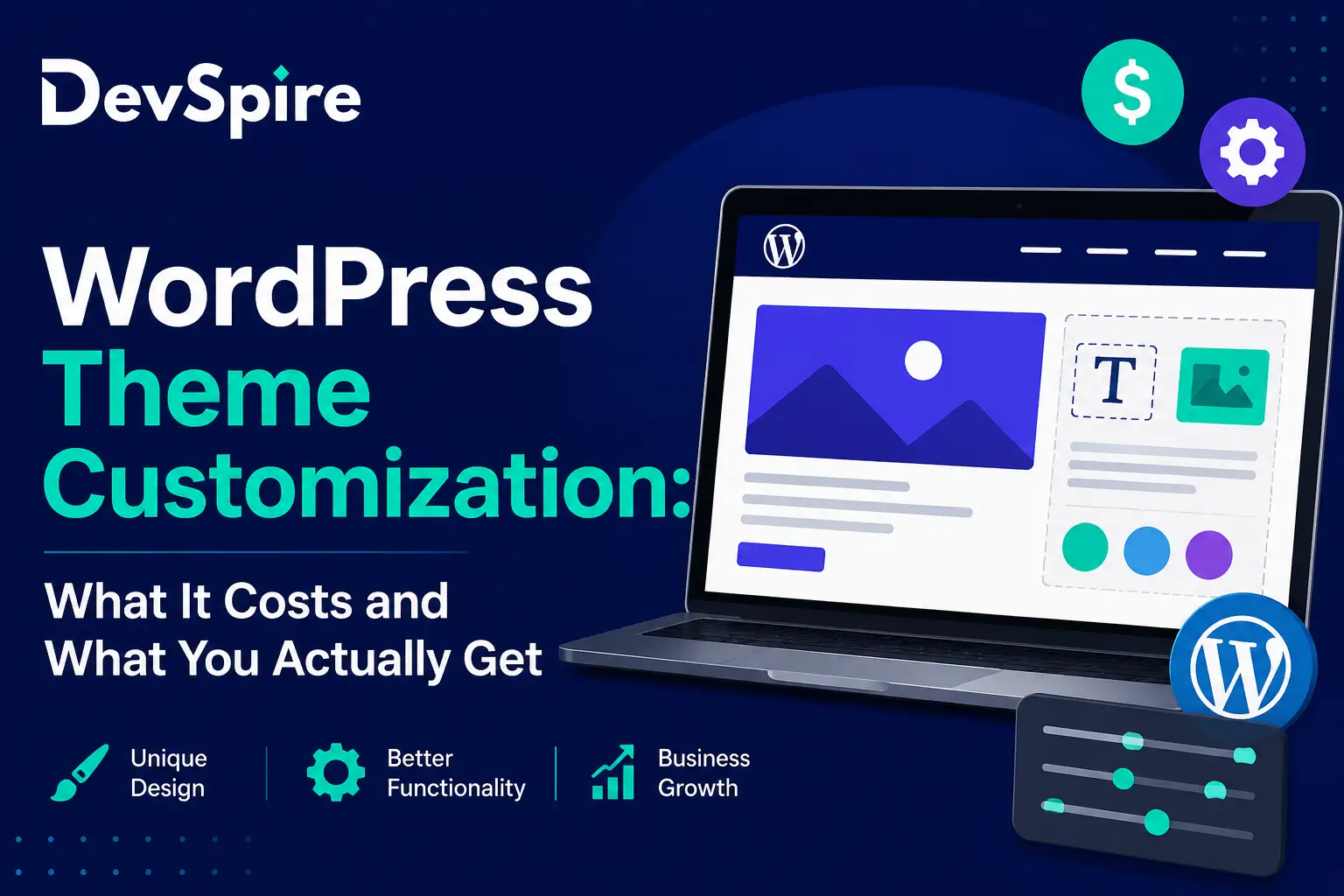
Customizing a WordPress theme can mean two very different things. For one person, it means spending $50 on a page builder plugin and a weekend of trial and error. For another, it means paying a developer $10,000 to build something from scratch. Both are technically “theme customization,” but they get you very different results.
If you’re planning to update your site and searching for what this actually costs, you’re probably stuck somewhere in between. You don’t want to overpay for something simple, but you also don’t want a cheap fix that falls apart in six months. Many small businesses end up working with a full-service WordPress agency once they realize how many moving parts are involved.
This post breaks down the three main ways people customize a WordPress theme, what each one really costs, and what you get for your money.
Three Ways to Customize a WordPress Theme
Most theme customization projects fall into one of three buckets:
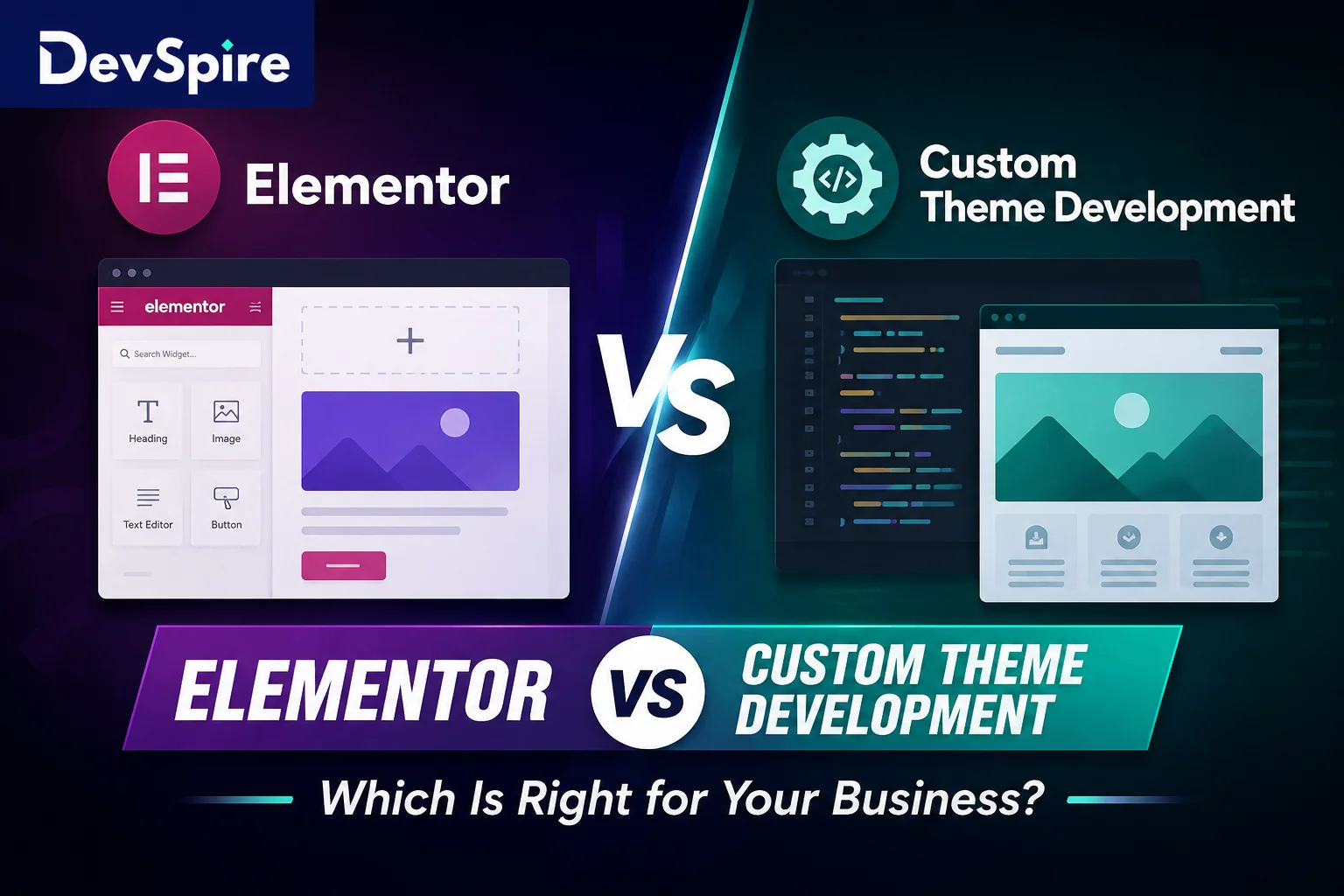
- DIY page builder tools, like Elementor, Divi, or the built-in WordPress block editor
- A premium theme with some tweaks made by a freelancer or small agency
- A fully custom theme, built from the ground up around your business
Each one comes with a different price tag, a different timeline, and a different ceiling on what your site can actually do. Here’s how they stack up.
Option 1: DIY Page Builder Tools
Typical cost: $0 to $300
This usually covers a page builder license or a theme purchase, plus whatever time you put in yourself. If you already own a WordPress site, you might not spend anything beyond your own hours.
What you get: Drag-and-drop editing, a library of ready-made templates, and no coding required. For someone comfortable spending a few evenings in an editor, this is the fastest way to get a site live.
The catch: Page builders tend to load a lot of extra code in the background, even for simple pages. That extra code slows your site down. You’ll also notice that a lot of DIY sites end up looking similar, since everyone is pulling from the same template libraries. Complex layouts, like a custom booking flow or a multi-step product page, are harder to pull off without running into the tool’s limits.
Best for: Tight budgets, simple sites, and owners who don’t mind doing the work themselves.
Option 2: A Premium Theme With Small Tweaks
Typical cost: $600 to $2,500
This range usually covers the cost of the theme itself plus a freelancer or small agency to handle setup, color and font adjustments, and small layout changes.
What you get: A theme that already looks polished, set up faster than a full custom build, and someone else handling the technical side. This is where a lot of small businesses land, since it balances cost against a reasonably professional result. Many agencies offer a scoped WordPress theme customization package built specifically around this middle ground, giving you a clear price before any work starts.
The catch: You’re still working inside the theme’s original structure. When the theme author pushes an update, your custom tweaks can break, sometimes without warning. And since other businesses may be using the exact same theme, standing out visually takes extra design effort.
Best for: Businesses that want a clean, professional site without paying for a full build from zero.
Option 3: A Fully Custom Theme
Typical cost: $3,000 to $15,000 or more, depending on scope
The price climbs here because the theme is built around your specific brand, content, and functionality, not adapted from something that already exists.
What you get: A site with no extra bloat from unused features, full ownership of the code, and design that isn’t shared with thousands of other websites. For businesses where the site is the main sales channel, this control is often worth the extra cost.
The catch: It’s a bigger upfront investment and a longer timeline, often four to ten weeks or more. You’ll also want an ongoing relationship with a developer, since future changes usually require someone who understands the custom code.
Best for: Growing businesses, sites with unusual functionality needs, or brands that depend heavily on their website to bring in revenue.
Quick Comparison
| DIY Tools | Premium Theme + Tweaks | Fully Custom | |
|---|---|---|---|
| Cost | $0 to $300 | $600 to $2,500 | $3,000 to $15,000+ |
| Time | A few days | 1 to 3 weeks | 4 to 10+ weeks |
| Unique design | Low | Medium | High |
| Site speed | Often slower | Middle of the road | Fastest |
| Flexibility later | High, self-managed | Medium | High, with a developer |
| Best for | Tight budgets | Most small businesses | Growing brands |
What Makes the Price Go Up or Down
A few things tend to push a quote higher or lower, no matter which option you pick:
- How many custom page layouts the site needs
- Whether you’re adding an online store or a booking system
- Custom animations or interactive features
- Moving existing content over from an old site
- Whether you hire an agency, a freelancer, or bring the work in-house
If your project only involves swapping colors and fonts, expect the lower end of any range. If it involves new functionality the theme wasn’t built for, expect the higher end.
Signs a Premium Theme Isn’t Enough Anymore
Some businesses start with a premium theme and outgrow it. A few signs that’s happening:
- Your site feels slow no matter what you optimize
- You keep asking a developer to make it look less like the theme’s demo site
- You need a feature the theme was never built to support
- Plugin conflicts keep breaking your layout after updates
None of these are dealbreakers on their own, but if you’re checking off more than one, it might be time to look at a custom build instead of another round of patches.
Questions to Ask Before You Pay for Anything
Before signing off on a quote, it’s worth asking:
- Does the price include future updates, or is that billed separately?
- Who owns the final files, you or the developer?
- What happens if the base theme stops being supported?
- Is this a flat rate, or hourly billing that could run over?
Getting clear answers upfront saves a lot of frustration later, especially if you end up needing changes six months down the line.
Final Thoughts
There’s no single “right” answer here. The best option depends on your budget, your timeline, and how much you actually need your website to do. A simple business page might do just fine with a page builder. A growing company that relies on its site for sales usually gets more value out of a custom build.
If you’re not sure which category your project falls into, it’s worth getting a second opinion before committing to a full rebuild.