
Updated [Month] 2026
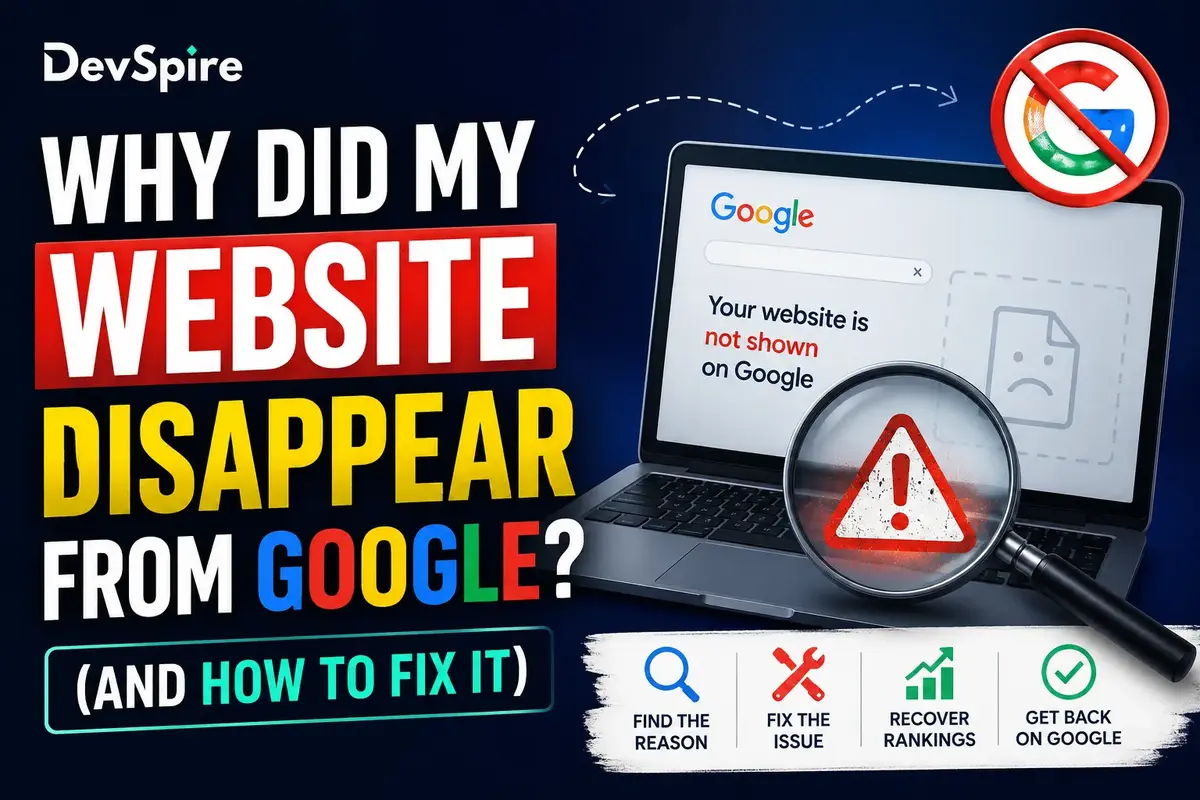
A site disappears from Google for one of four reasons: an indexing problem, a crawling block, a penalty, or a technical issue left over from something like a migration. The fastest way to know which one is yours is to run one search. Type it in, read the result, and skip straight to the section that applies. No need to read all seven causes below if only one or two could actually be true for you.
If you’d rather have someone else run this whole diagnosis for you, that’s what our SEO services are for.
Run This Quick Check First
Search site:yourdomain.com in Google, typed directly into the search bar with no spaces. What comes back tells you which half of this article matters to you.
If pages show up but they’re ranking poorly, or a page you used to see on page one has dropped, that’s a ranking problem. Skip down to the backlink and content quality sections, or read our full guide on getting a website onto Google’s first page.
If nothing shows up at all, that’s an indexing problem. The site isn’t in Google’s index, and you’ll want to check the indexing, crawling, penalty, and hacked-site causes first.
[Screenshot placeholder: site: search on a real domain, showing what “indexed” and “not indexed” results actually look like] Alt text: site: search operator results showing indexed pages for a domain
That one result decides which causes below apply to you. Reading through all seven when only one is relevant is a waste of your afternoon.
The Causes
Site not indexed yet
New sites, and sometimes new pages on existing sites, just haven’t been crawled yet. This is the least alarming cause on this list; it’s often just a matter of time.
Check Search Console’s Coverage report, which is free. There’s no paid tool that speeds this up. Request indexing directly through Search Console if you don’t want to wait it out. If it’s a service page specifically that won’t index, we’ve written more on why service pages don’t get indexed.
Googlebot blocked by robots.txt
A misconfigured robots.txt file, or a noindex tag left behind from a staging environment, can block Google from crawling the site at all. This one is more common after a site relaunch than people expect, someone forgets to flip a setting before pushing to production.
Check Google’s robots.txt Tester inside Search Console, free. Once you find it, it’s usually fixable the same day.
Manual penalty or spam action
Google’s own review team flagged the site for violating its guidelines: thin content, paid links, cloaking, that sort of thing. This is the cause people worry about most, and also one of the rarer ones.
Check Search Console’s Manual Actions tab, free. Ahrefs and SEMrush both send an alert the moment rankings drop, so you find out the same day instead of weeks later when someone finally logs in and checks.
Site hacked or flagged for malware
Injected spam content or malware gets a site pulled from results fast, sometimes within a day. If your site suddenly disappeared with no warning and no recent changes on your end, this is worth checking early.
Check Search Console’s Security Issues tab, free. Paid monitoring tools tend to catch this faster simply because they check more often than most people remember to.
Recent migration or redesign
A domain change, a URL restructure, or a platform migration without proper redirects can tank rankings or wipe pages from the index entirely. This is one of the more painful causes because it’s usually self-inflicted, and it’s also one of the easiest to confirm.
Compare the old sitemap against the new one. Then check Search Console’s Coverage report for a spike in 404s or redirect errors that lines up with the migration date. A broken internal linking structure left over from the old site is often part of the problem too.
Backlink problems
A sudden wave of spammy inbound links, or the quiet loss of a few links that were actually doing work, can drag rankings down over weeks rather than overnight.
Check Search Console’s Links report, free, or use Ahrefs or SEMrush’s backlink alerts if you want to know in real time rather than after the fact.
Content quality or duplicate content
Thin content, duplicated pages, or AI-generated copy that never got a real edit can get quietly filtered out of rankings without any formal penalty attached. No warning in Search Console, it just fades.
No single free tool flags this directly. A content audit, either done by hand or run through SEMrush’s Site Audit tool, is the practical way to catch it. This is especially common with thin service pages, which can look fine to a visitor but read as low-value to Google.
Quick Reference
| Cause | Free way to check | Paid way to catch it faster | Typical time to fix |
|---|---|---|---|
| Not indexed | Search Console Coverage report | N/A | Days to weeks |
| Googlebot blocked | robots.txt Tester | N/A | Same day |
| Manual penalty | Search Console Manual Actions | Ahrefs/SEMrush alerts | Weeks |
| Hacked site | Search Console Security Issues | Paid monitoring, faster detection | Varies |
| Migration/redesign | Search Console Coverage report | N/A | Days to weeks |
| Backlink issues | Search Console Links report | Ahrefs backlink alerts | Weeks |
| Content quality | Manual audit | SEMrush Site Audit | Weeks to months |
*Confirm current tool names and report locations before publishing. Search Console’s interface changes periodically.
DIY vs. Bringing in a Service
Checking it yourself works fine if you have time to open Search Console once a week. A service starts to make more sense once a traffic drop has an actual dollar cost attached to it, or once you’ve checked Search Console and still can’t tell what’s wrong.
If you’re doing it yourself: free tools, a weekly habit, and this is enough for a small site or a low-stakes blog. If you’re weighing whether to hire someone, ask what they specifically check and how often, not just “we monitor your SEO.” That answer tells you a lot about whether they’ll actually catch something before it costs you traffic. Our digital marketing and SEO team runs this kind of monitoring as a standing part of the work, not a one-off audit.
Bottom Line
One search decides which of these causes applies to you. Most fixes are a matter of finding the right tab in Search Console, not guessing your way through all seven possibilities. Start with site:yourdomain.com, follow the result to the matching section above, and go from there.